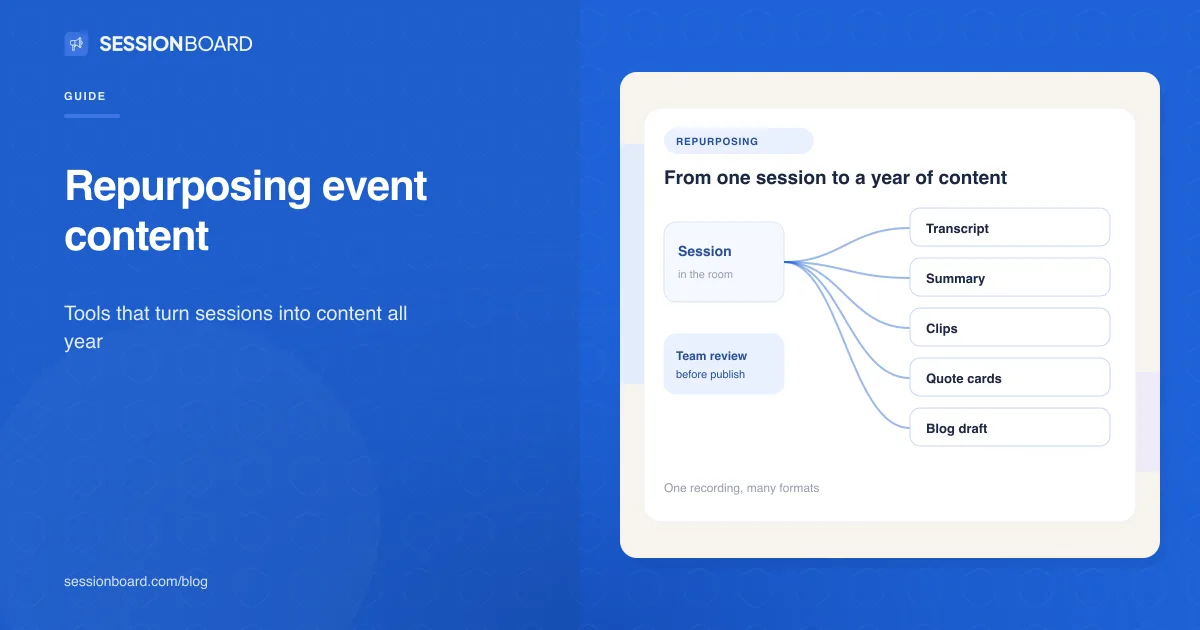
Event content repurposing tools turn what happens on stage into content people can use after the event: transcripts, summaries, recaps, short clips and blog drafts. For associations, that content becomes member value and on demand education. For corporate events, it fills the marketing calendar for months.
Most teams already have the raw material. Sessions are recorded, but the recordings sit in a folder until someone has time to edit them, and by then the moment has passed. The right tools shorten that gap from weeks to hours. This guide covers what to look for and compares four options, including our own. We make Sessionboard, so weigh that entry accordingly.
What should you look for in an event content repurposing tool?
Capture at the source. The fastest path starts with transcripts produced during the session, not after someone uploads a file.
Content tied to the speaker and session. Clips and quotes are more useful when they stay linked to the speaker's record, the session and the event, so they can be found and reused later.
Formats you'll actually use. Short video for social, written summaries and recaps, quote cards and blog drafts all serve different channels.
Review before publishing. AI can draft. Your team, and often your speakers, should approve.
Specialist vocabulary. Medical, scientific and technical sessions need transcription that handles their terms.
What are the best tools for repurposing event content?
1. Sessionboard
Best for: turning every session into transcripts, recaps and clips tied to your program
Sessionboard Capture transcribes sessions live from the room's audio, with speaker-tagged transcripts, support for 30+ languages and custom terms for medical and scientific vocabulary. When a session ends, it generates an AI summary and key takeaways, recaps as a PDF or share card, clips with their transcript and source, quote cards and blog drafts. Everything is attached to the speaker's profile, indexed across events in a searchable library, and can be published to a branded attendee hub. Separately, Studio Remix cleans up session titles, descriptions and speaker bios in bulk, with your team approving each change.
Consider: Sessionboard works from the program and the room. For heavy video editing, teams often pair it with a dedicated video editor.
2. Descript
Best for: editing recorded sessions into polished videos
Descript lets you edit video by editing its transcript, remove filler words, add captions and turn one long video into shorter clips for social platforms. Its Business plan adds translation and dubbing in 30+ languages.
Consider: it starts from a recording you upload, so it works best after the event, one session at a time.
3. OpusClip
Best for: fast short-form clips for social media
OpusClip picks moments from a long video and cuts them into short clips, with animated captions, automatic reframing for each platform, brand templates and a social scheduler.
Consider: it's built for social clips, not for written recaps or a searchable session library.
4. Riverside
Best for: teams that record interviews, podcasts or remote sessions in Riverside
Riverside's Magic Clips finds key moments in a recording and turns them into standalone clips, with captions from its built-in transcription and layouts sized for each platform.
Consider: it fits best when Riverside is also where the content is recorded.
How do you turn one event into a year of content?
Plan it before the event, not after. Decide which sessions matter most, get speakers' permission to record and reuse, and set up transcription so content exists the moment each session ends. Then release it in waves: recaps and clips in the first week, deeper articles and themed collections over the following months, and an on demand library members can return to. Our guide to repurposing conference sessions into content walks through the plan in detail.
Best tools for repurposing event content, answered
What is event content repurposing?
Event content repurposing means turning sessions, talks and posters into other formats, such as transcripts, summaries, clips, articles and on demand recordings, so the content keeps working after the event.
What tools do I need to repurpose conference sessions?
At minimum, a way to capture transcripts, a way to cut short clips and a place to publish. Some platforms handle capture through publishing in one place. Others specialize in one step, such as video editing or social clips.
Can AI repurpose event content automatically?
AI can draft summaries, recaps, clips and blog posts from session transcripts in minutes. Your team should still review and approve before anything is published, especially for medical or scientific content.
How soon after an event should content be published?
Recaps and clips work best within the first week, while attendees are still talking about the event. Longer articles and collections can follow over the next few months.
How do associations use repurposed event content?
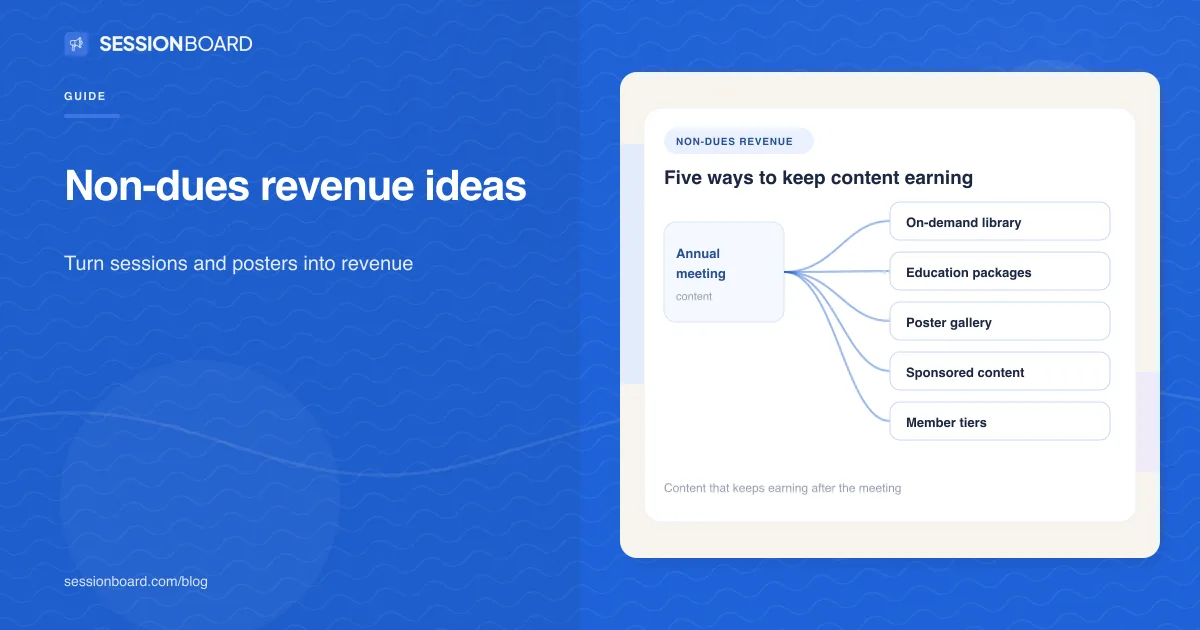
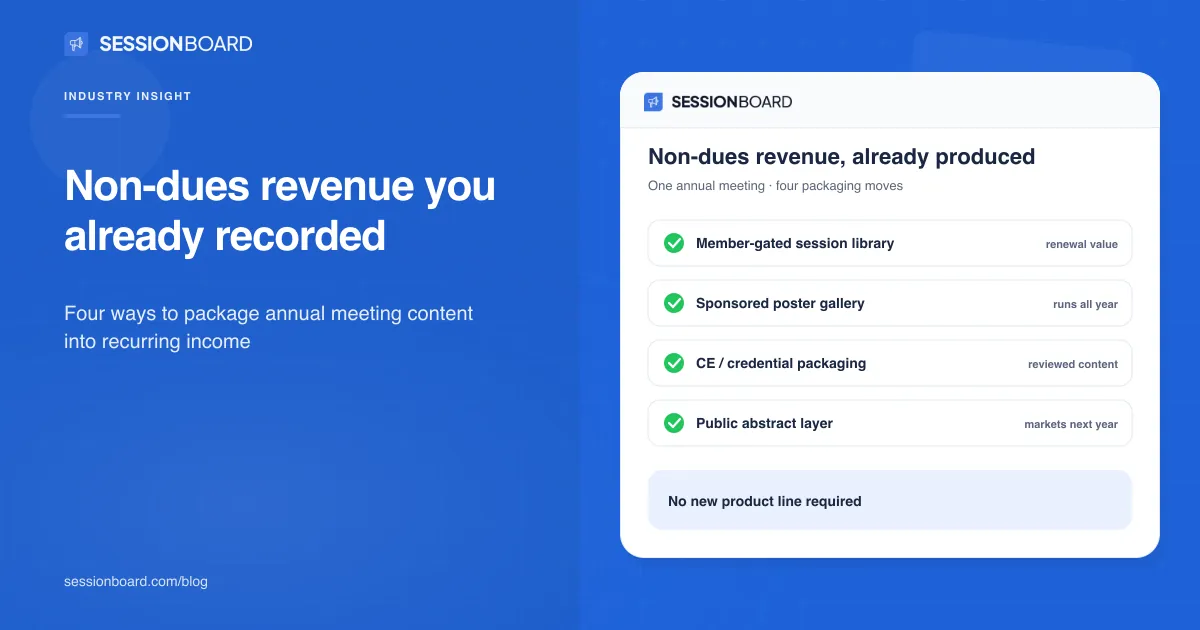
As member value and education: on demand session libraries, recaps for members who couldn't attend, and themed collections that support year-round learning and, in some cases, new revenue.
Do I need speakers' permission to repurpose their sessions?
Yes. Include recording and reuse permissions in your speaker agreement so your team can publish without chasing each speaker after the event.
Recording sessions that never get used? See how Sessionboard turns every session into transcripts, recaps and clips tied to your program. Request a demo →