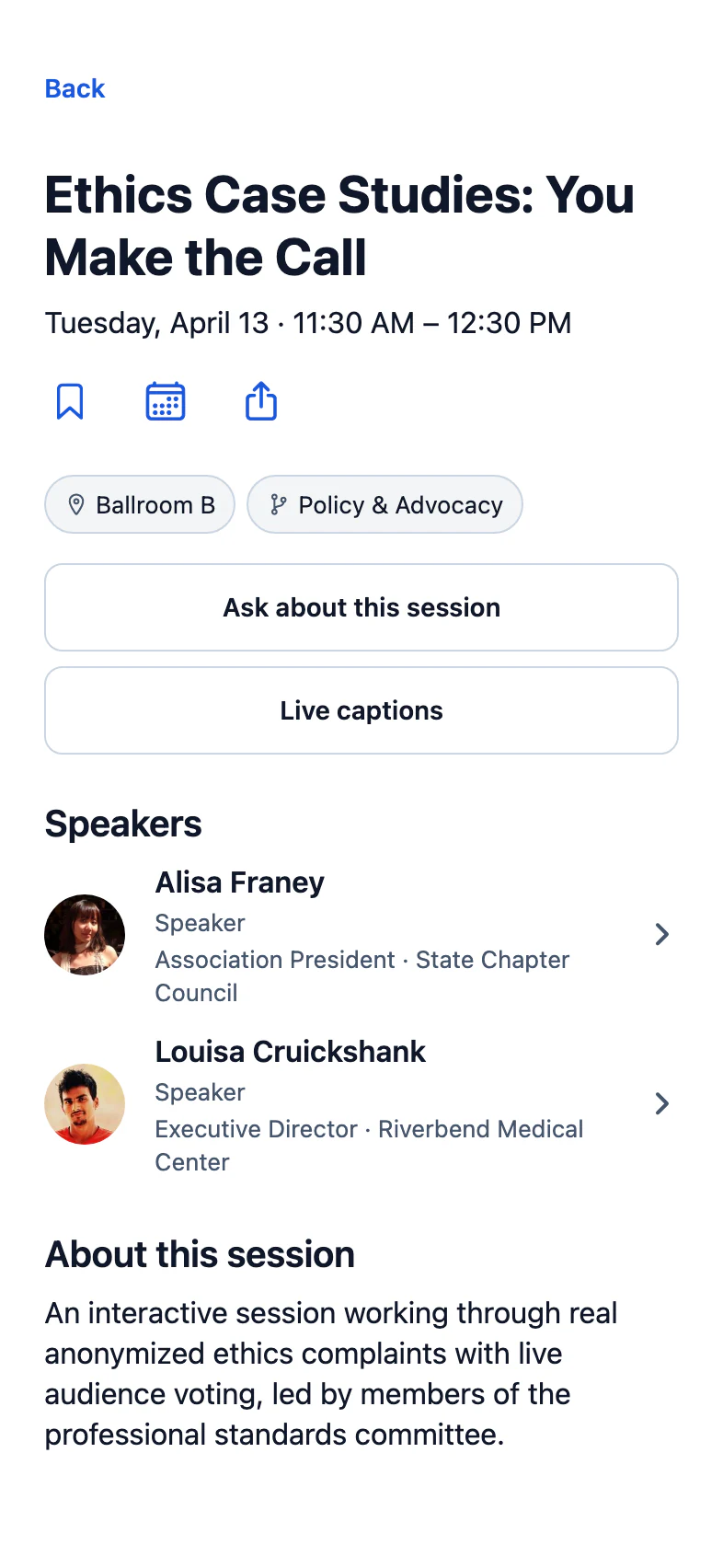
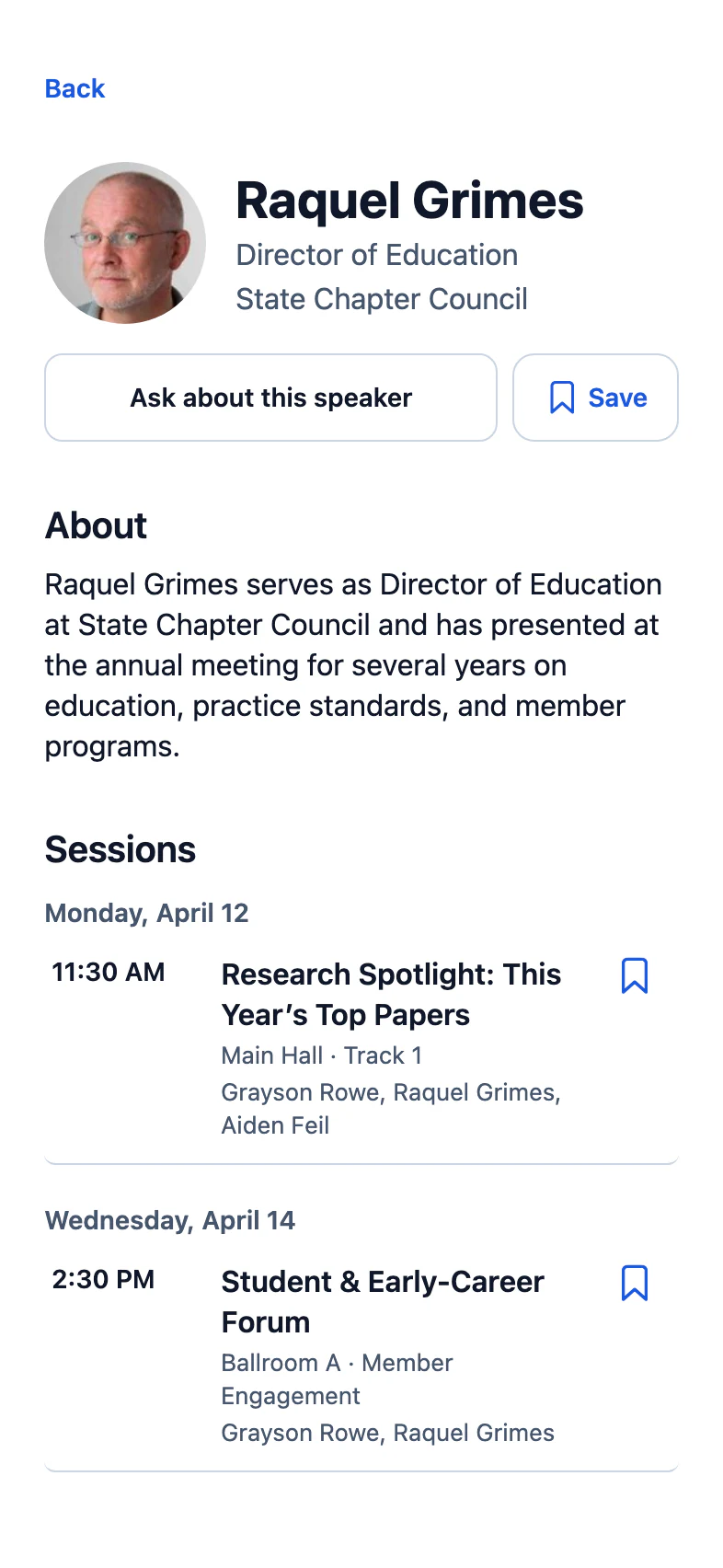
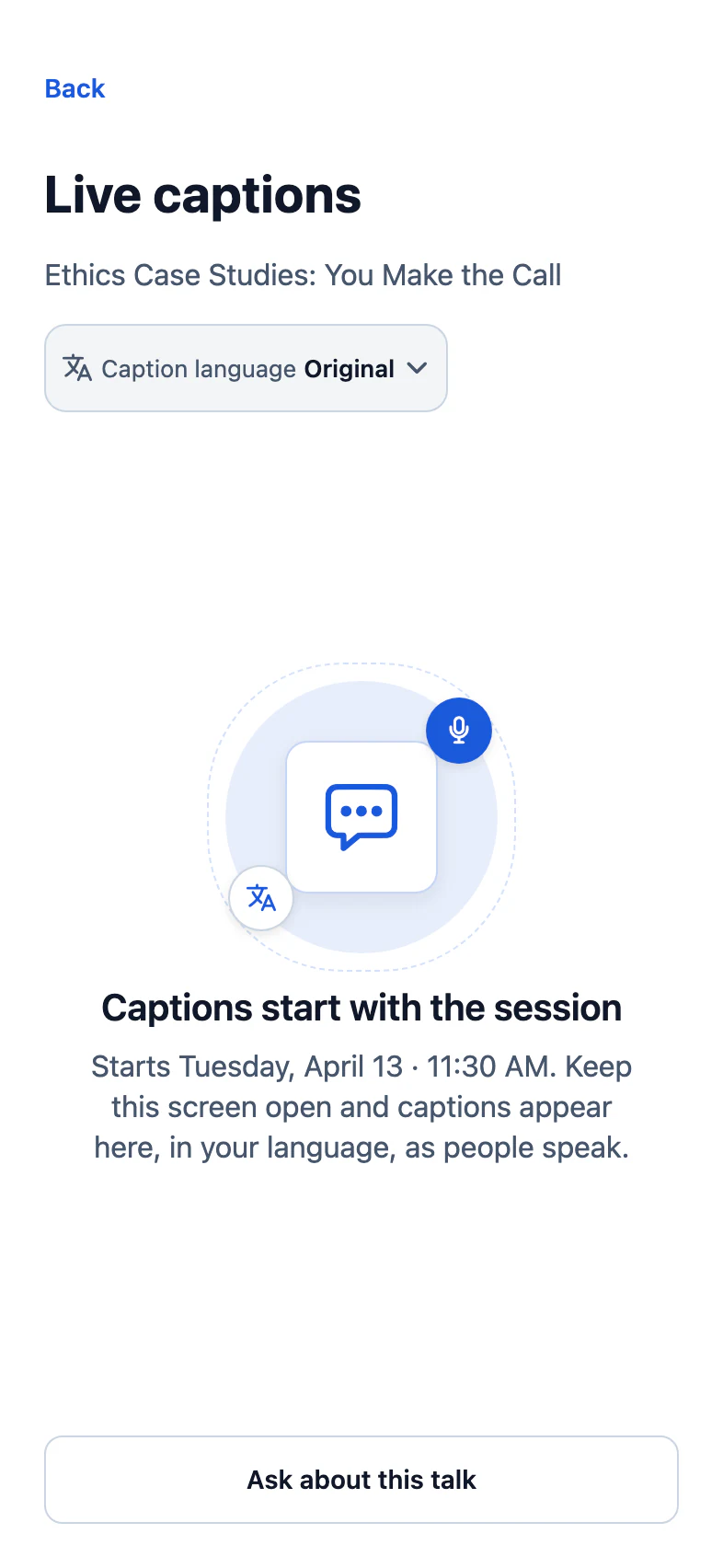
SCHOLAR · MEDICAL & SCIENTIFIC
Every tile a dense program needs
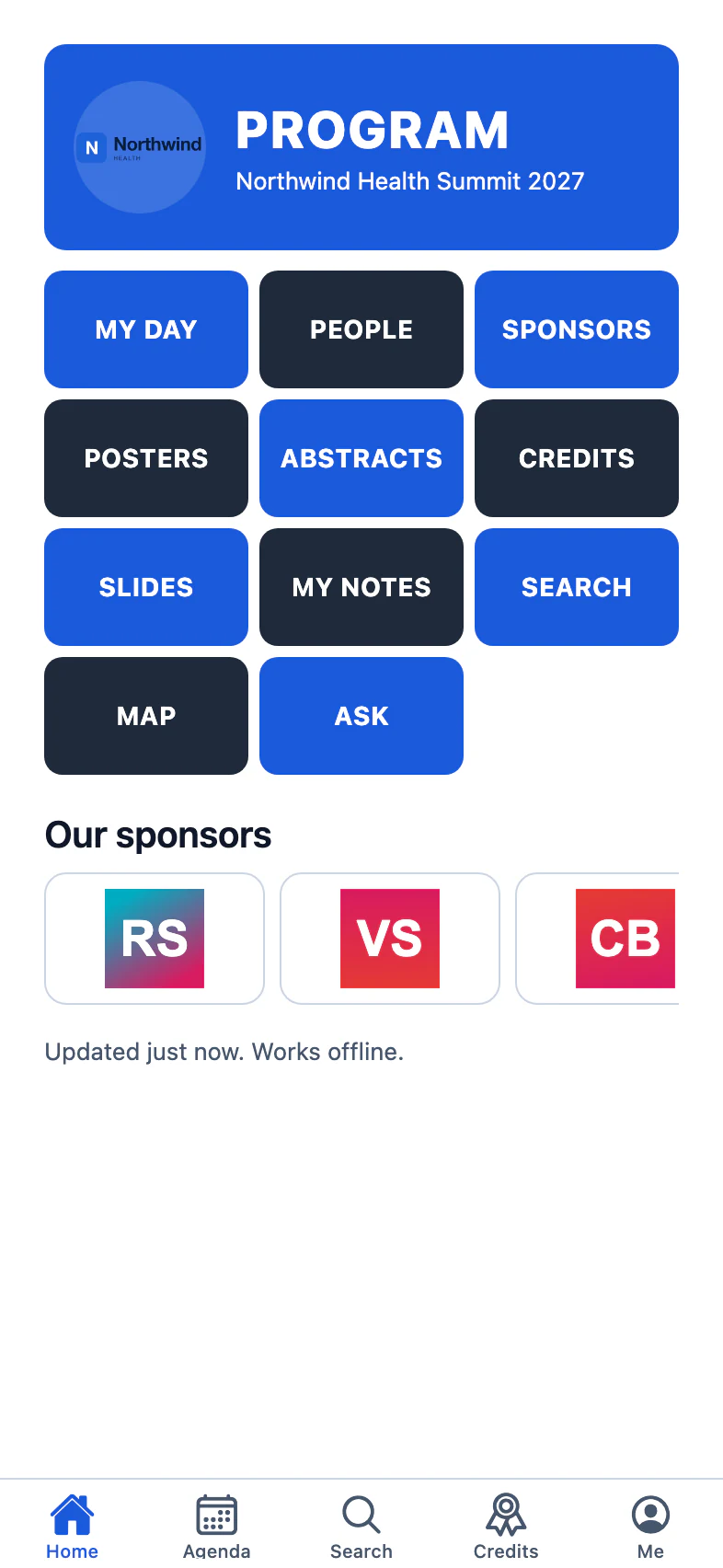

Agenda, saves, maps, meetups, Q&A and surveys in your branded conference mobile app. Saves, check-ins and ratings land on the attendee's profile the same day, where Pathways can use them.
Attendees shouldn't need a PDF to find their room.
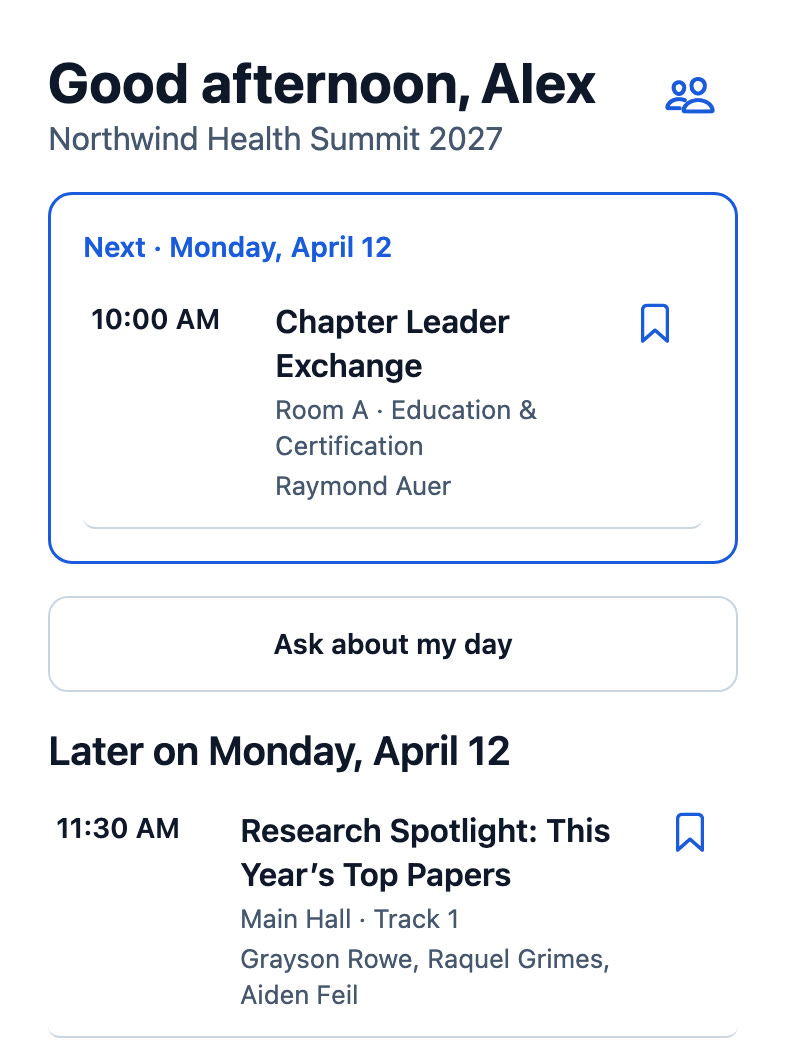
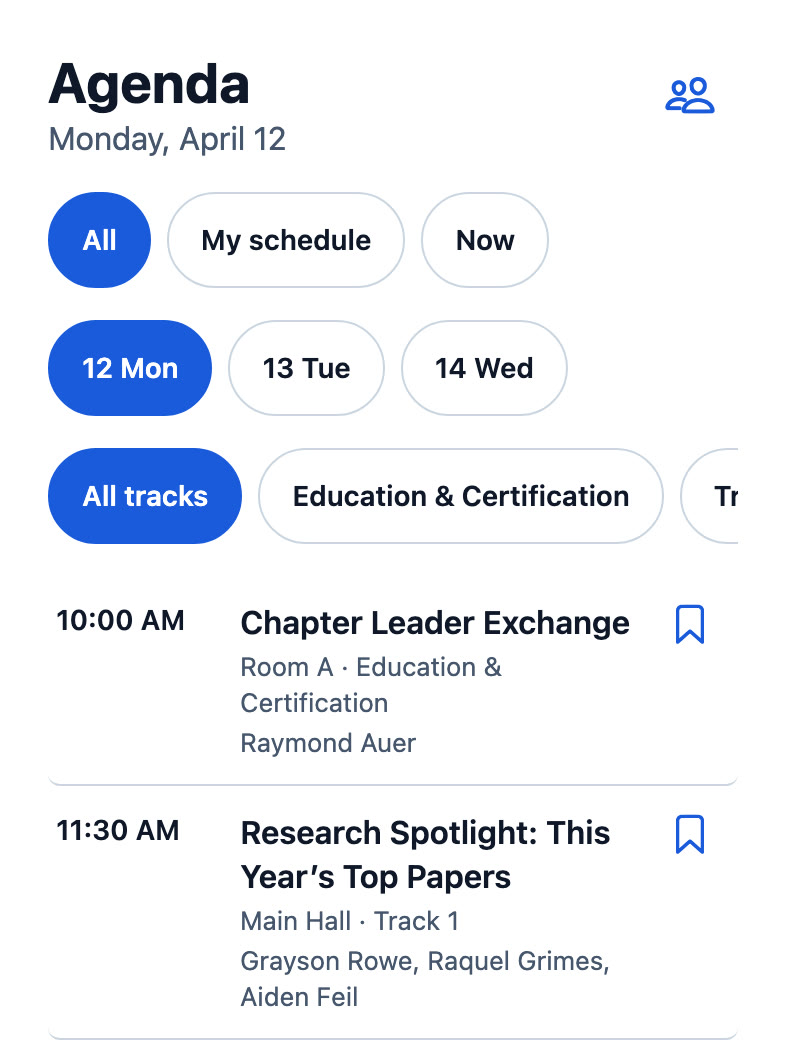
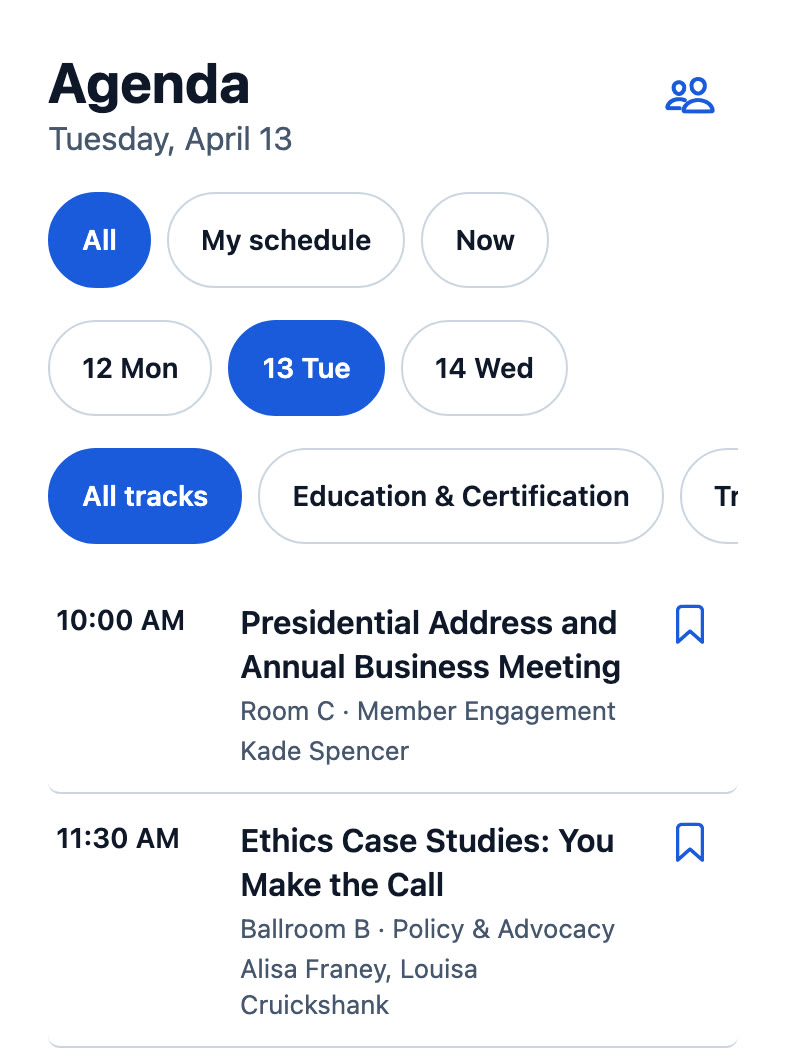
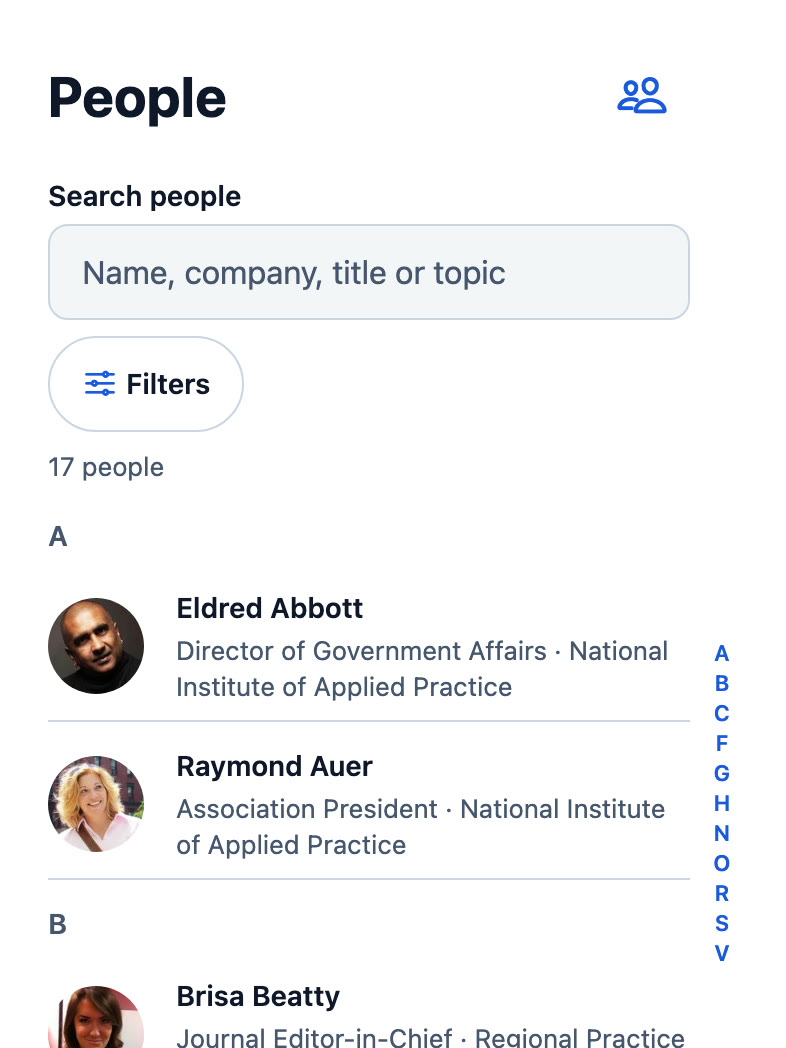
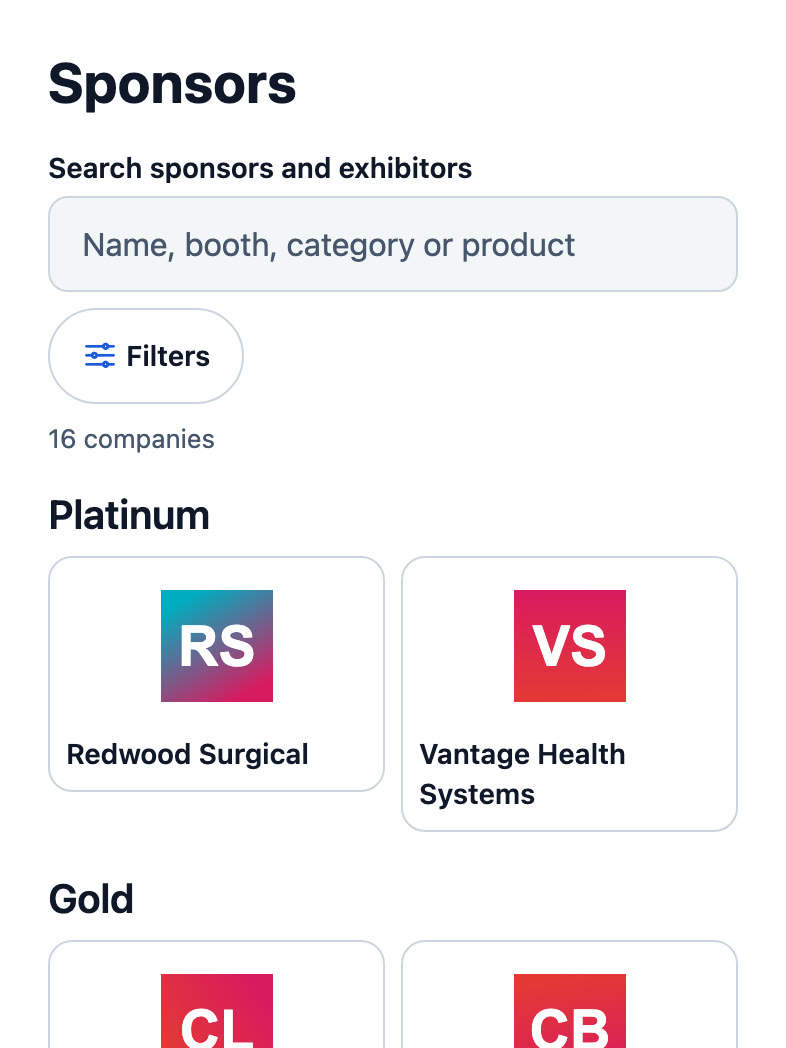
Your program, in every attendee's pocket.
QUICK ANSWER
A mobile event app puts a conference or trade show in the attendee's pocket: the agenda and their own schedule, speakers, exhibitors, venue maps, push notifications, networking and live captions, working offline on the show floor. Attend is Sessionboard's event app, built from the program record itself, so a room change reaches every phone on the next sync and everything attendees do comes back to you as analytics and sponsor reports.
FOR ATTENDEES
What is on now, where it is, who is speaking and the sessions they saved, all in one place and offline. Attendees build My schedule, follow live captions in the room, find a booth on the venue map, show My badge, swap contact details with people they meet, and ask Ask, the app's AI assistant, a question in their own words. Ask answers only from what the app already shows, cites the session, speaker or booth it used, and can add a session to their schedule.
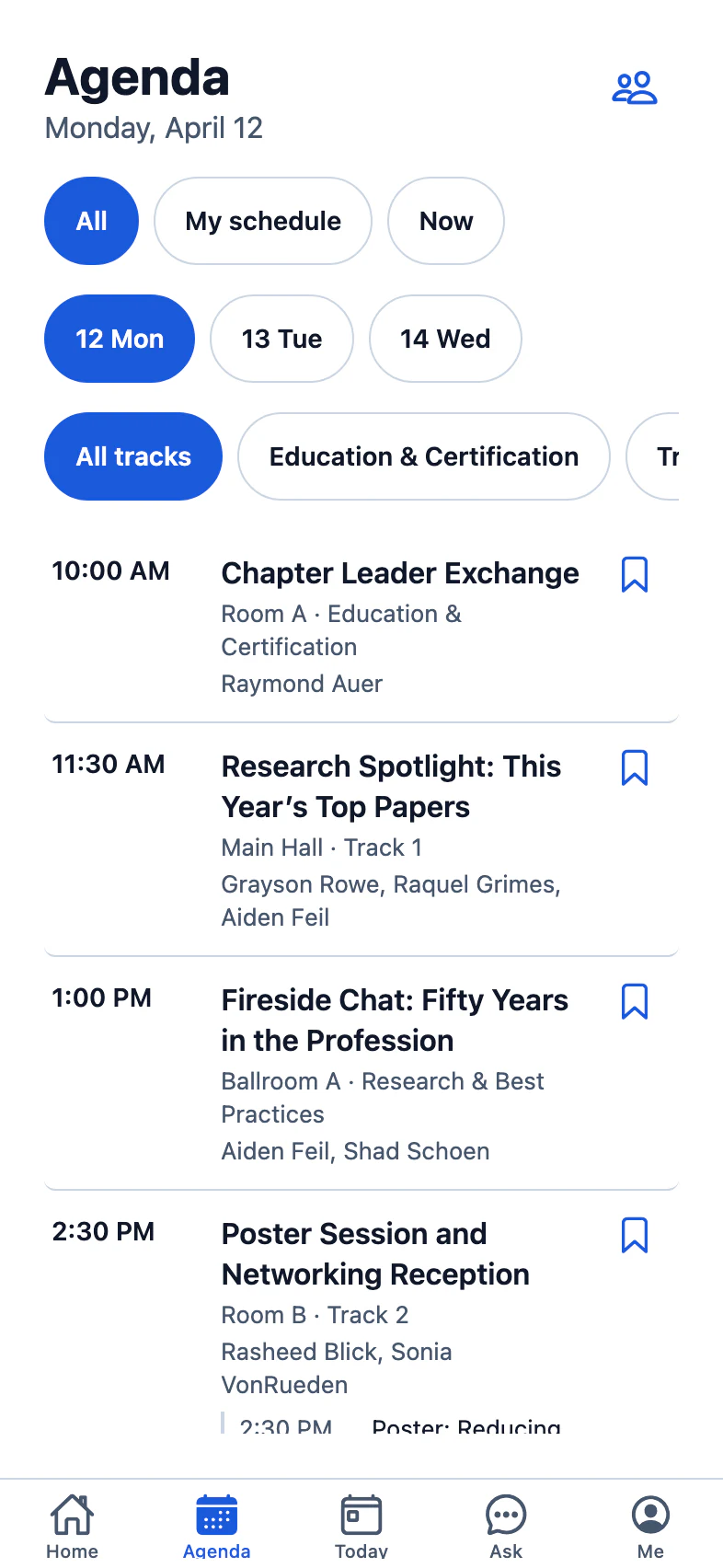
DESIGN IT, PUBLISH IT
Pick a template pack: Atlas for most events, Scholar for medical and scientific meetings with codes, credits and disclosures, Expo for exhibitor-first trade shows with showrooms and a route across the floor, Mosaic, Keynote, Pulse or Concierge. Lay out the home screen from blocks, Happening now, My next session, Recommended for you, a sponsor carousel, Ask anything; set the brand color, corners, spacing and light or dark; choose up to five tabs. The phone in the editor shows every change; publish when it is right and attendees get it on their next sync.

UP TO FIVE TABS · SCHOLAR PACK
ENGAGE
Push notifications in each of your languages, to the people they concern, now or scheduled, with opens tracked. Q&A with upvotes and moderation, single, multiple choice and word-cloud polls, and the session survey filled in near the end of each session, which counts as the survey for CE credit. Networking turns on messages, meeting requests in the slots and places you set, People to meet suggested from shared sessions and topics, and contact exchange, with block, report and a one-click pause for you.
CHECK-IN FOR CE
Accredited meetings have to show who was in the room. Attendees tap Check in, scan the QR poster at the door, or a room monitor scans their badge; require check-out to add up minutes in the room; cap seats with reservations and a waitlist; add a quiz in the app that unlocks the credit claim before they leave. A verified scan is distinguishable from a self-reported tap when you review claims, attendance exports per session, and it all lands where Lessons & Credits reads it.
SPONSORS & EXHIBITORS
The app is the screen attendees look at most during the event. Sponsor placements put a partner on the sign-in screen, the home banners, the agenda and the exhibitor pages, sold by slot, scheduled by day, rotated fairly and counted. Showrooms give each exhibitor a storefront with products, show deals and contacts that attendees search, save and route between. Each sponsor gets a report of impressions, taps and showroom visits.
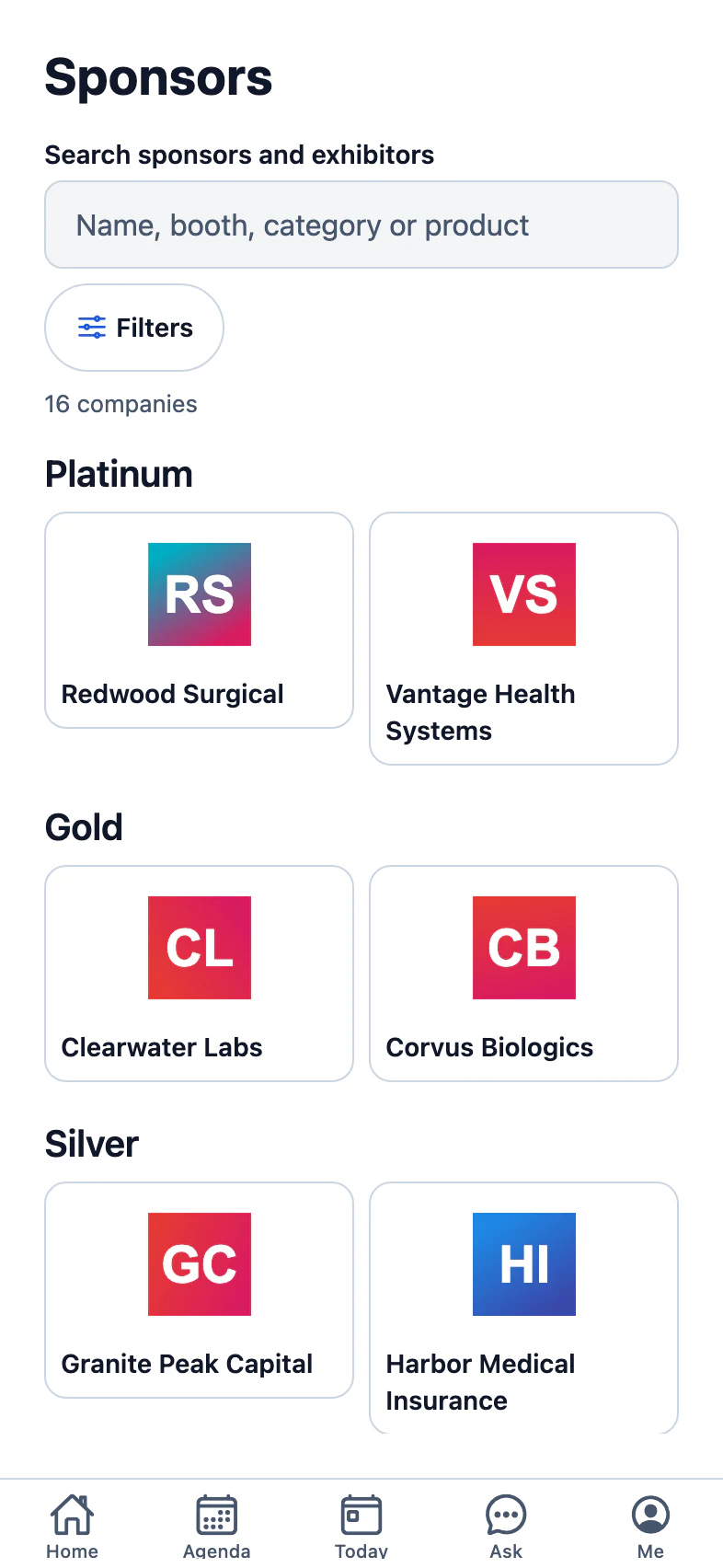
CONFERENCE APP FOR EVERY KIND OF PROGRAM
The template packs and the modules fit the program, not the other way round.
SCHOLAR · MEDICAL & SCIENTIFIC
ATLAS · MOST EVENTS
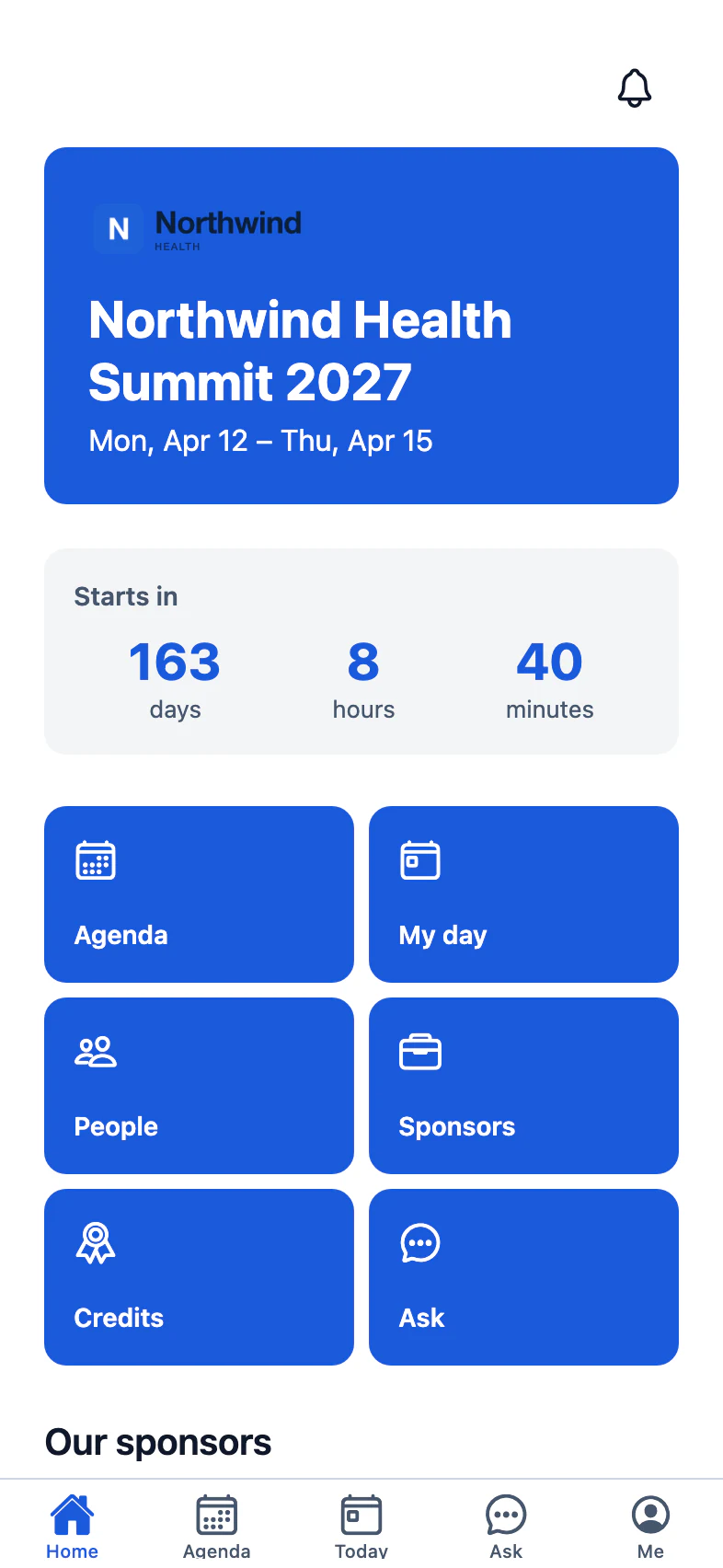
KEYNOTE · FLAGSHIP EVENTS
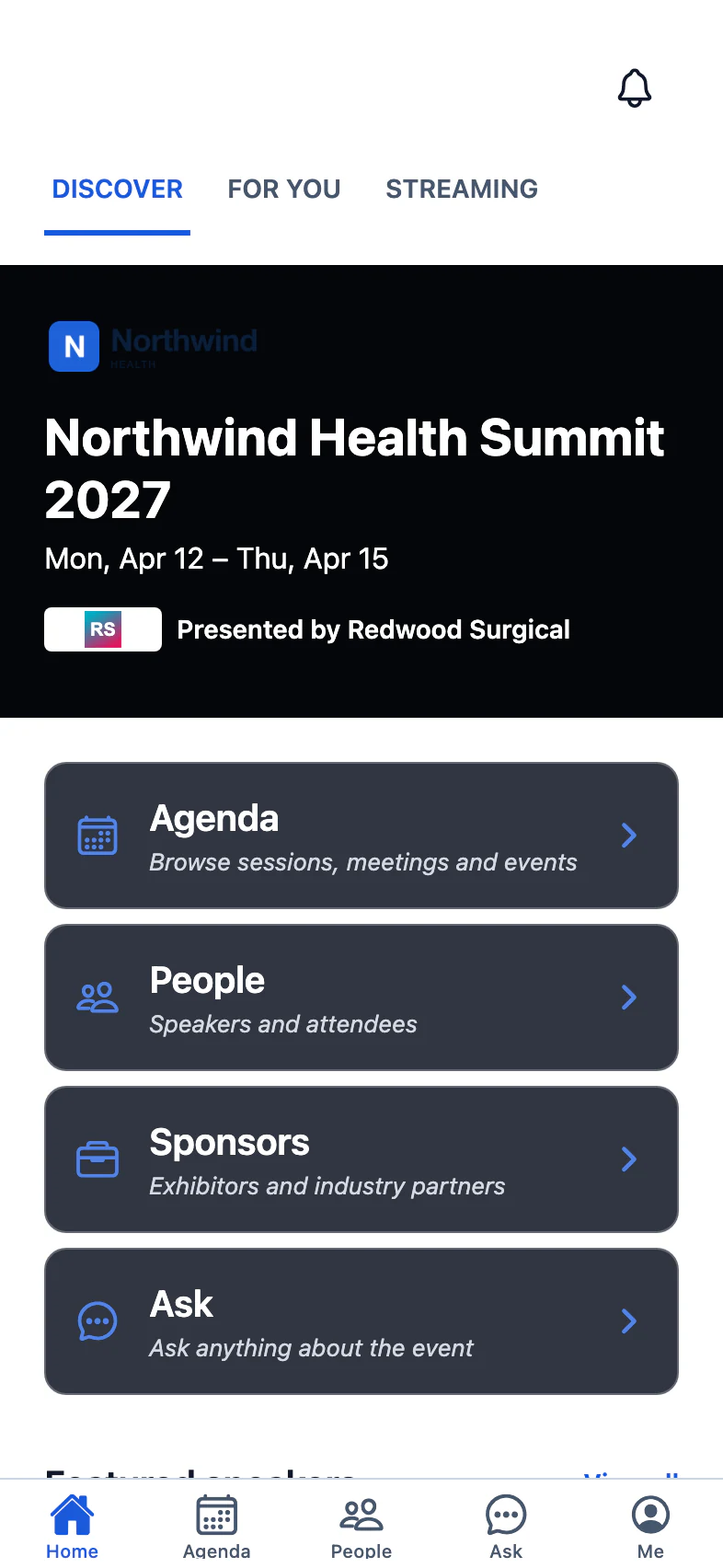
Scholar: a dense program home, browse by facets, codes, credits and disclosures, ePosters and abstracts from the Poster Gallery, check-in for CE.
Expo: exhibitor-first, with showrooms, My route across the floor map and sponsor placements.
SSO through your identity provider, the attendee directory with opt-outs, networking and surveys that feed CE.
Keynote or Concierge: full key art, curated picks and text bands for hosted-buyer and executive events.
WHAT COMES BACK
Did people use the app, and what did sponsors get for their money: both answered from the app itself.
Installs, sign-ins, daily active, screens, sessions, saves, push opens and sponsor impressions, with top sessions and speakers for the program committee.
Saves, check-ins and ratings land on the person's profile the same day, where the next step is decided.
We weren't just managing sessions — we were managing a living ecosystem of speakers, abstracts, reviewers, committees, and content.
An event app is the mobile app attendees use at a conference or trade show: the agenda, their own schedule, speakers, exhibitors, venue maps, notifications and networking on their phone. Attend, the Sessionboard event app, is built from the program you already keep, so it is never a second copy to maintain, and everything attendees do in it comes back as analytics and sponsor reports.
No. Registrants install one app, find your event by name, event code, QR code or the link in their confirmation email, and sign in with the registration they already have. An organization can also publish one app for its whole portfolio that lists every event, featured first.
With the email on their registration: a sign-in link and a 6-digit code, no password. Or through SSO with your organization's OIDC or SAML identity provider, where some associations offer SSO alone. Only registrants whose registration is confirmed or checked in can sign in, and cancelling a registration ends the session.
Yes. The program, maps and the attendee's saved sessions work offline, and check-ins made without signal are kept on the phone and sent when it reconnects, with the time they actually happened.
One click on a template pack gives you a complete app for your kind of event, from a dense medical program home to an exhibitor-first trade show layout. Adjust the pages, home screen blocks, theme and tabs in the Mobile App editor, preview it on a phone in light and dark, and publish. Attendees get the new design on their next sync, without an app vendor or a resubmission to the app stores.
A showroom page with products, show deals and the people at the booth; placements on the sign-in screen, home banners, the agenda and the exhibitor pages, each counted; and a per-sponsor report of impressions, taps and showroom visits to hand over at renewal.
Yes. Attendees check in with a button, by scanning the room's QR poster, or by a room monitor scanning their badge; require check-out to count minutes in the room; cap seats with reservations and a waitlist; and add a session quiz that unlocks the credit claim. Attendance lands where Lessons & Credits reads it.
YOUR NEXT CALL FOR PAPERS IS THE PLACE TO START