Every quote, searchable
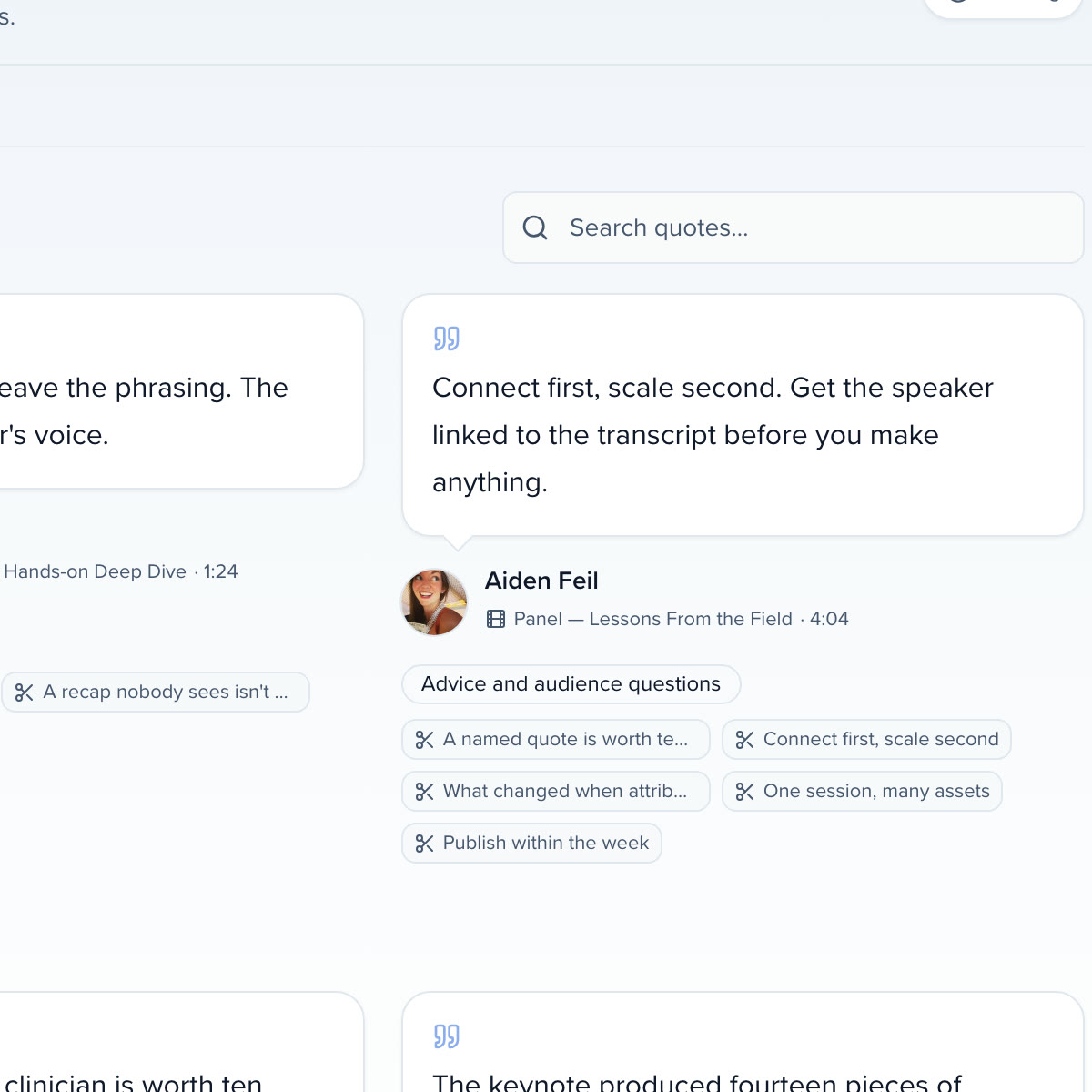
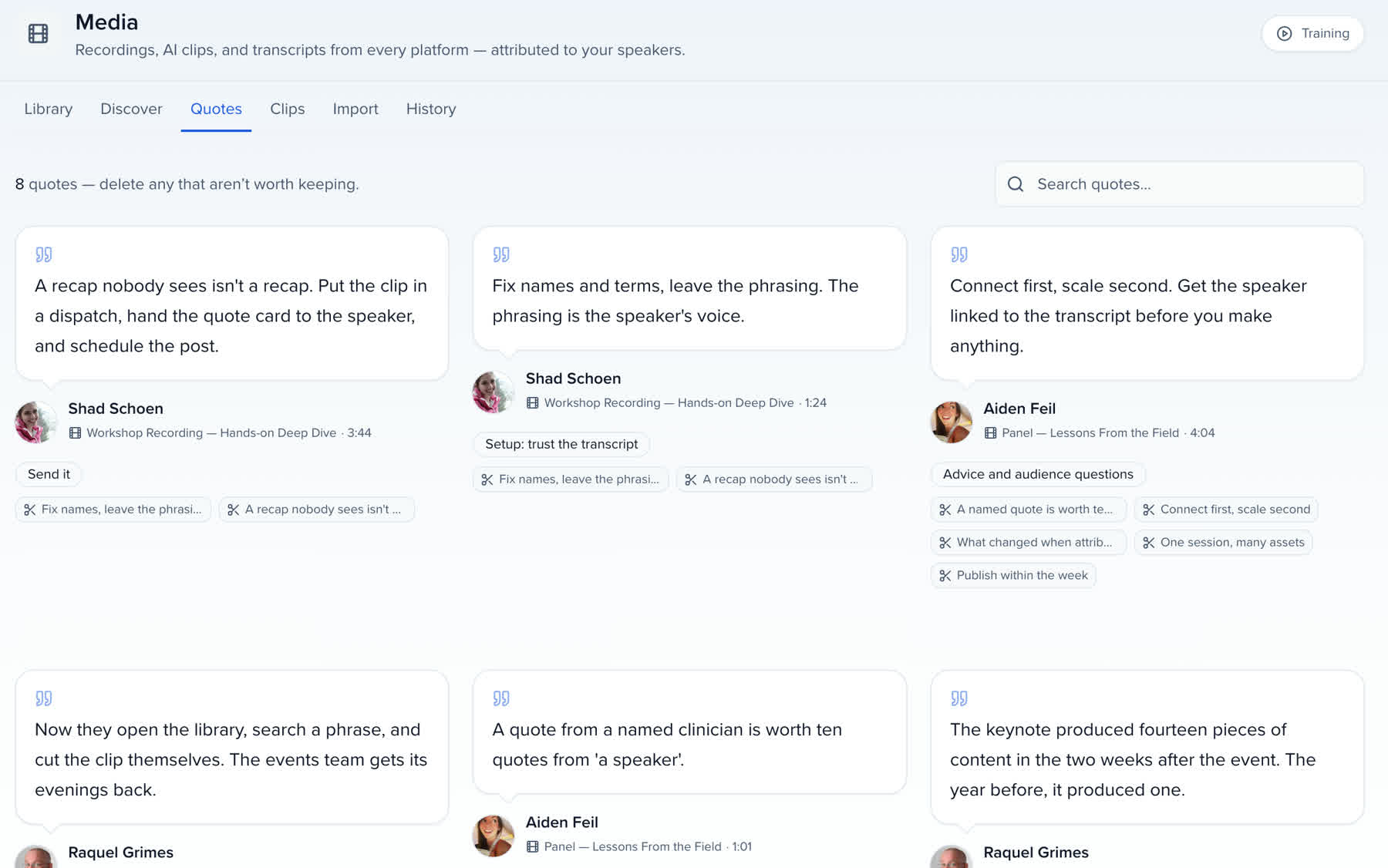
Type a word; the quotes that say it stay, each with its speaker.

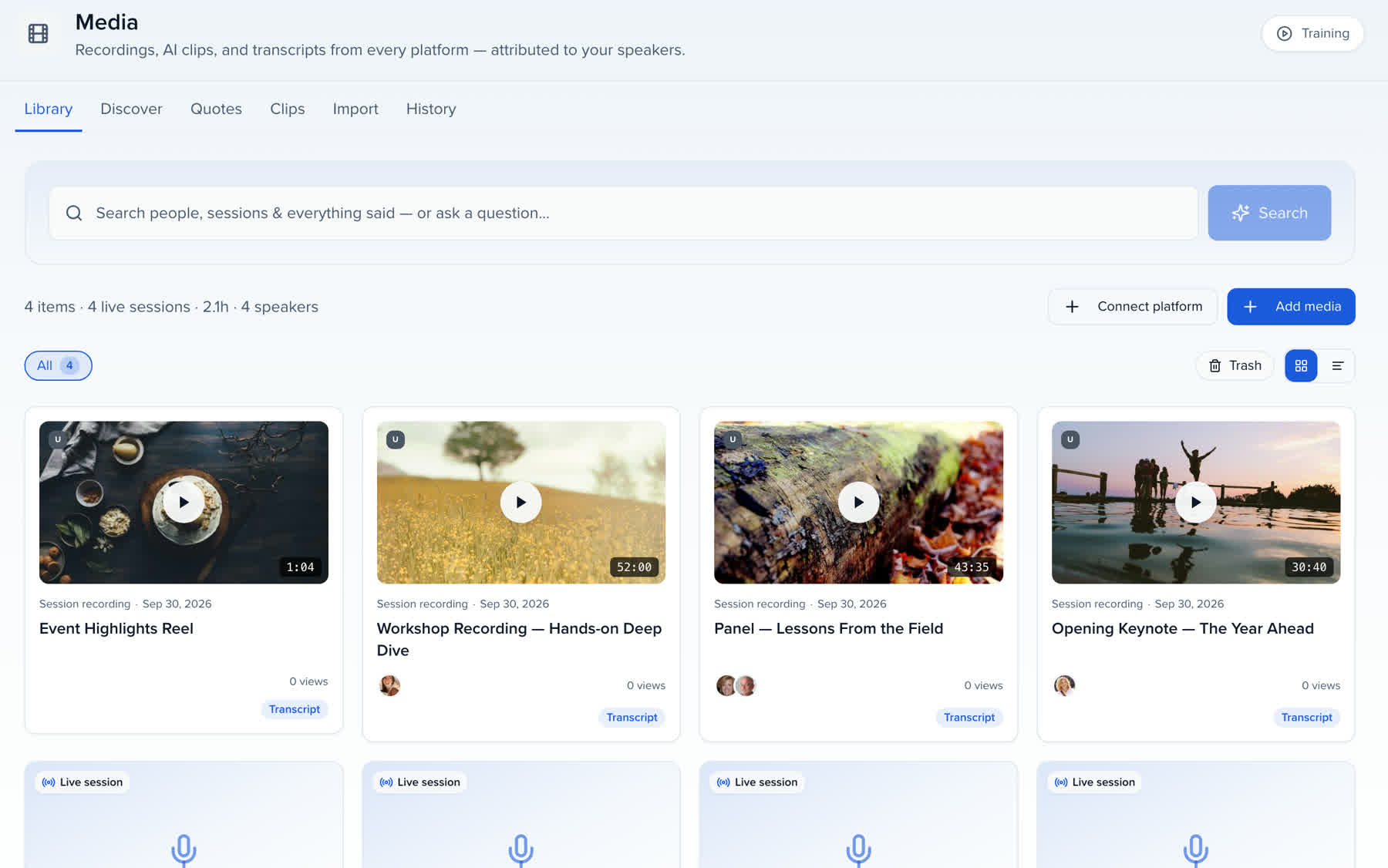
Uploads, webinar imports and live-captured sessions in one library. Each recording gets a transcript, AI chapters, suggested clips and quotes, attributed to the speaker who said it and searchable by every word.
Your best sessions are sitting in a folder nobody searches.
A library that knows who said what.
QUICK ANSWER
A media library is the single home for every recording your events produce, with a transcript and a named speaker on each one so it can be searched by what was said rather than by file name. Sessionboard's library transcribes on import, matches voices to your contacts and drafts chapters, clips, quotes and audiograms from the result.
BRING IT IN
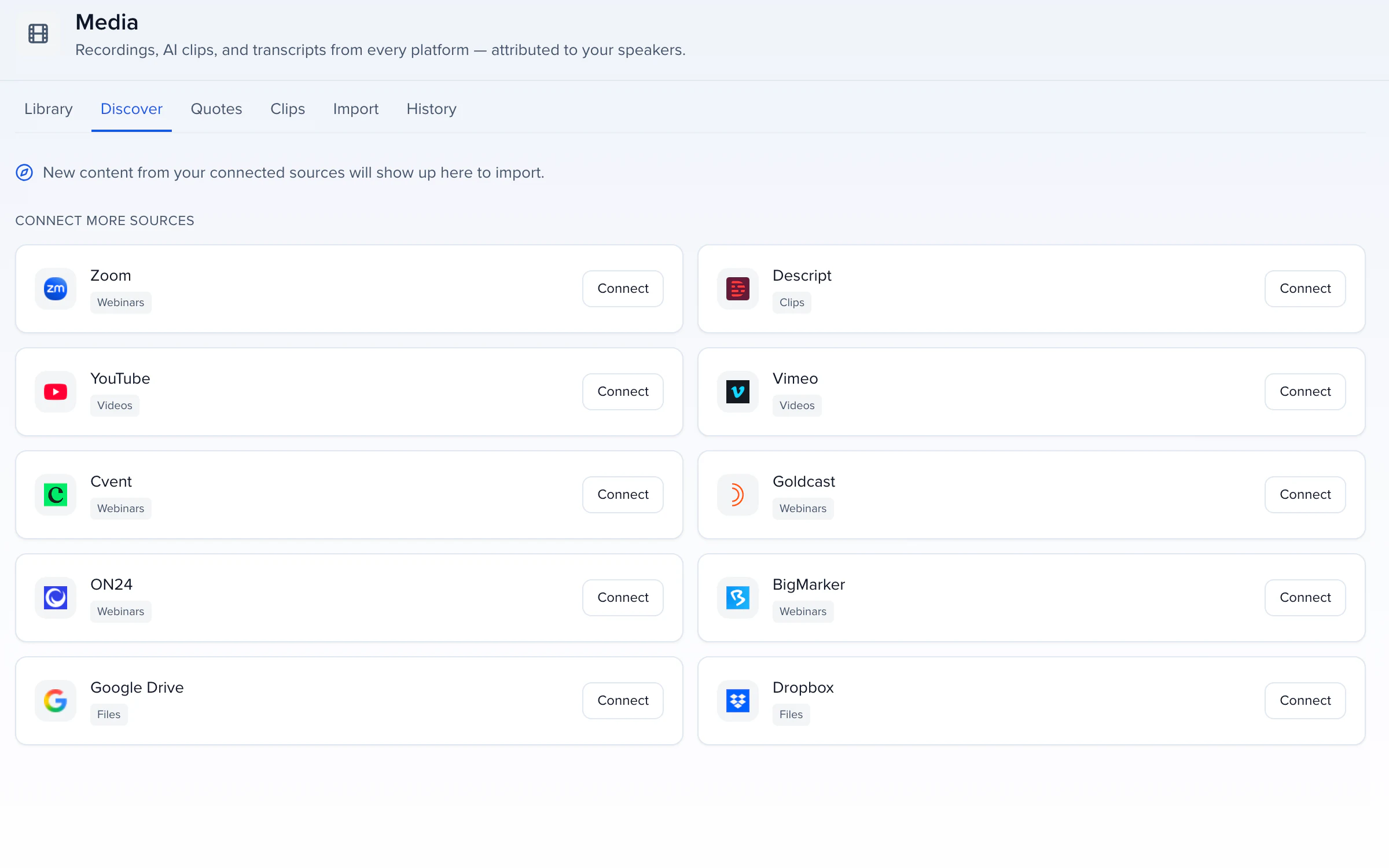
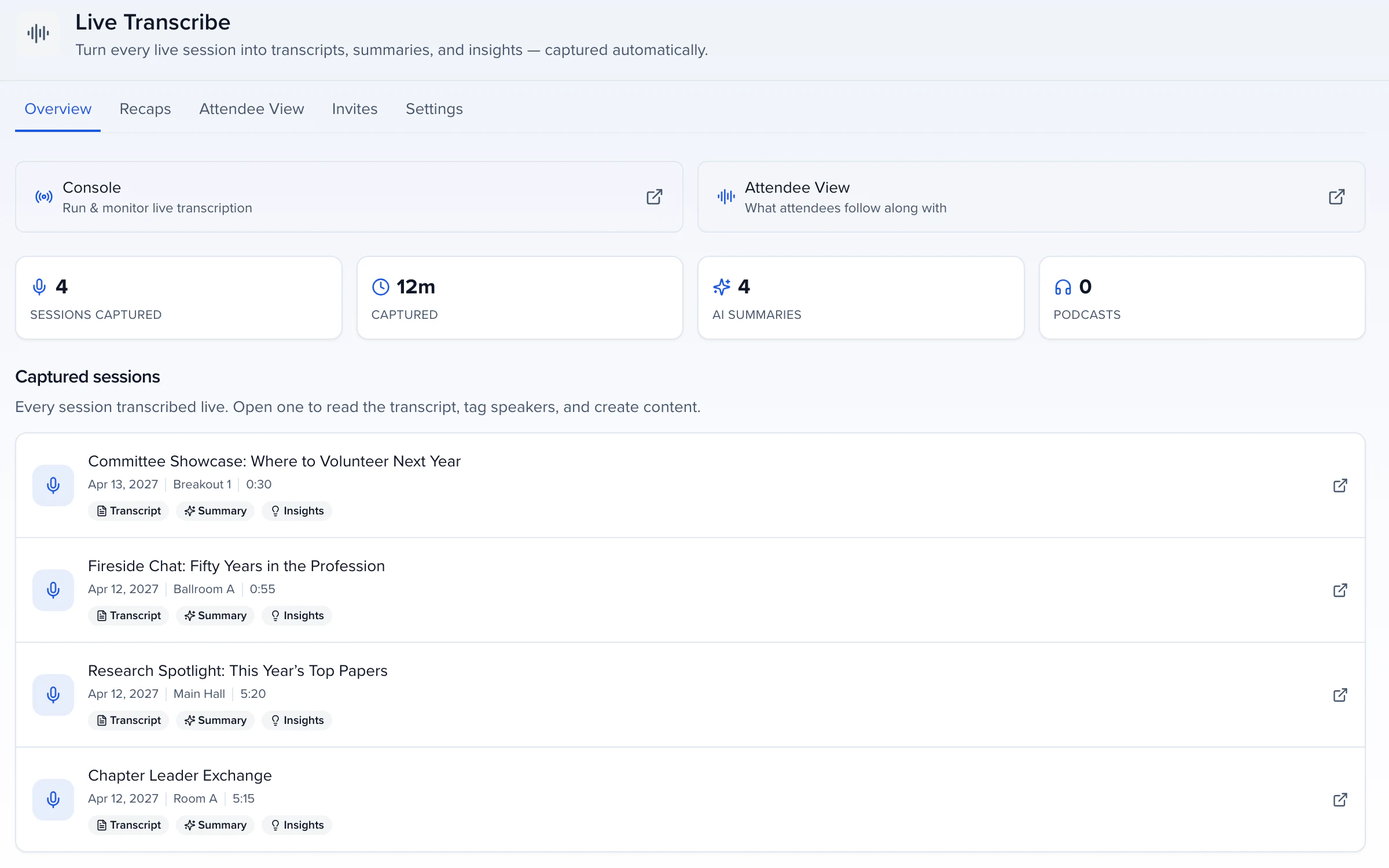
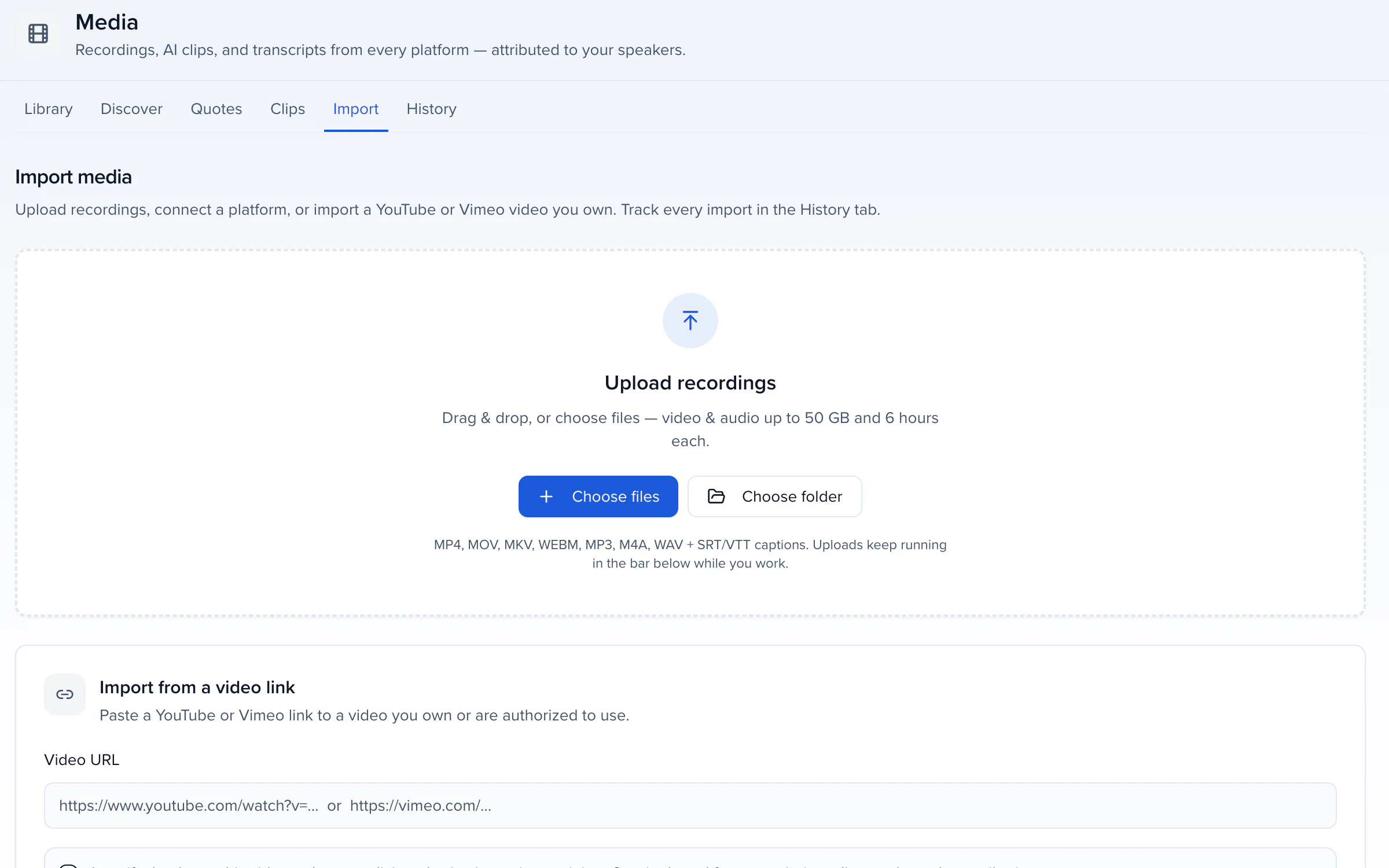
Drag files in, paste a YouTube or Vimeo link you own, or connect Zoom, Goldcast, ON24, BigMarker, Cvent, Google Drive, Dropbox, YouTube, Vimeo or Descript once and let Discover list new recordings for you to pick from. Sessions captured live with Live Transcribe land here on their own. If you already have SRT or VTT captions, upload them with the recording's name and they become its transcript with no transcription run. Uploads keep running while you work elsewhere and resume after a closed tab.
WHO SAID IT
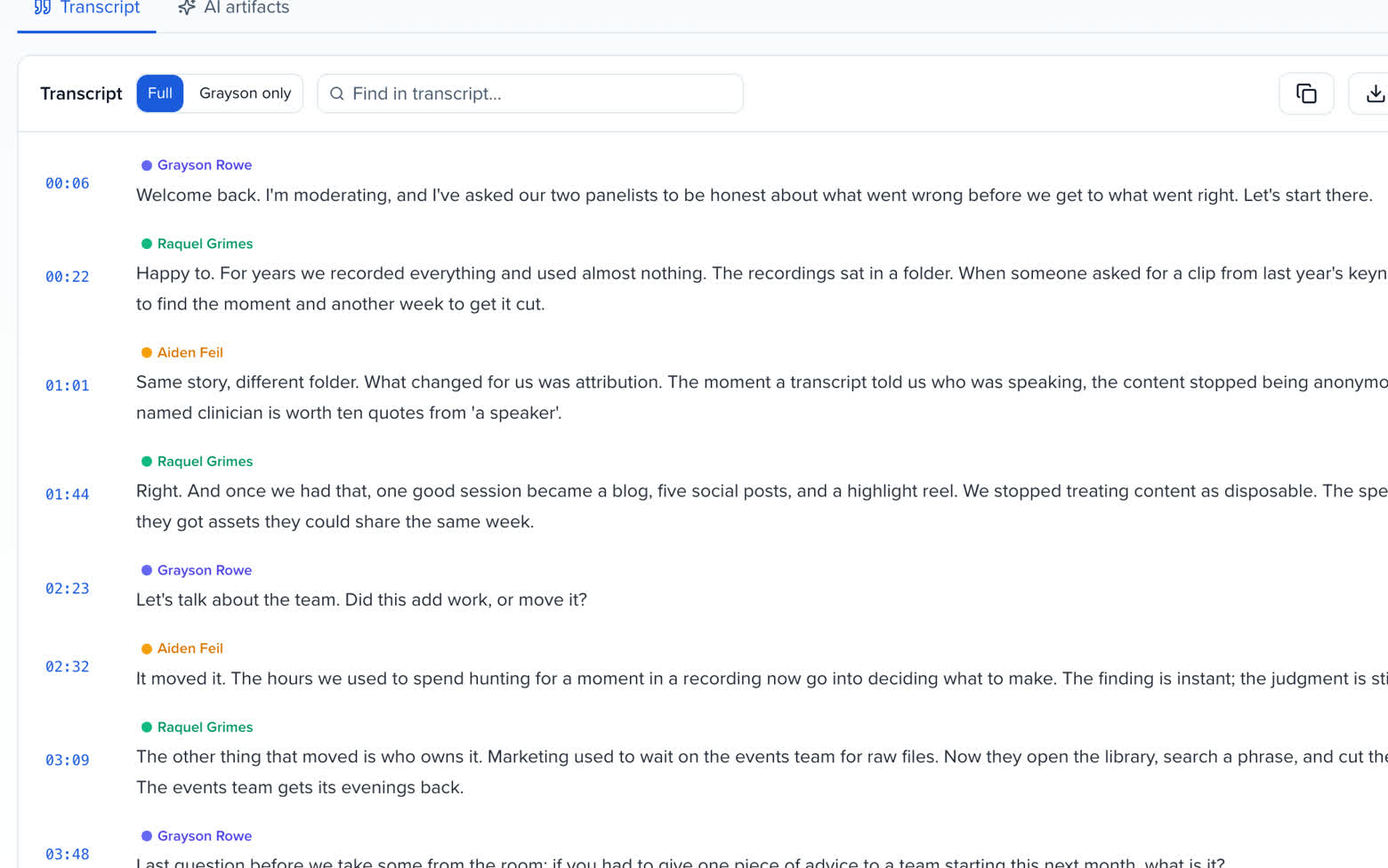
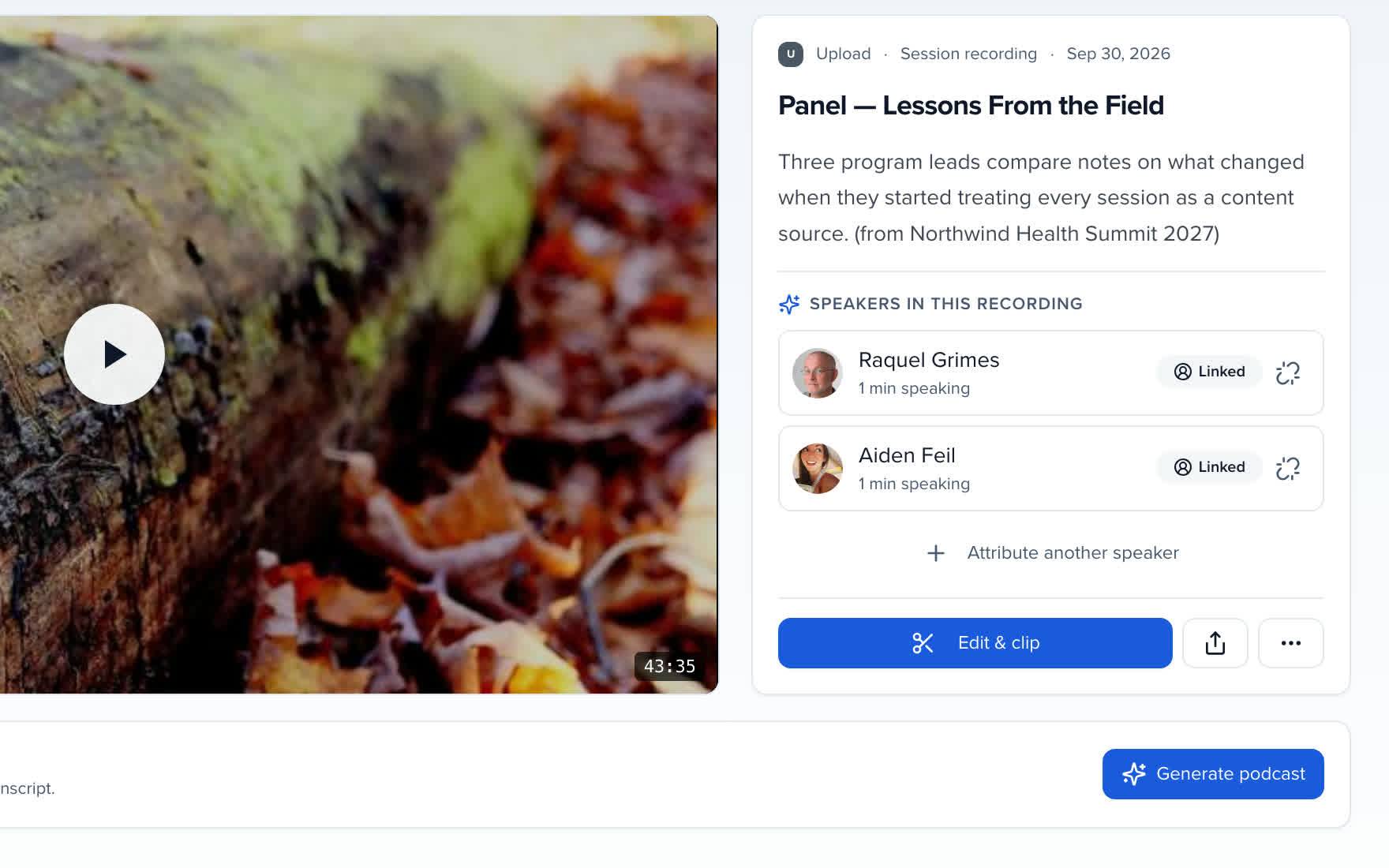
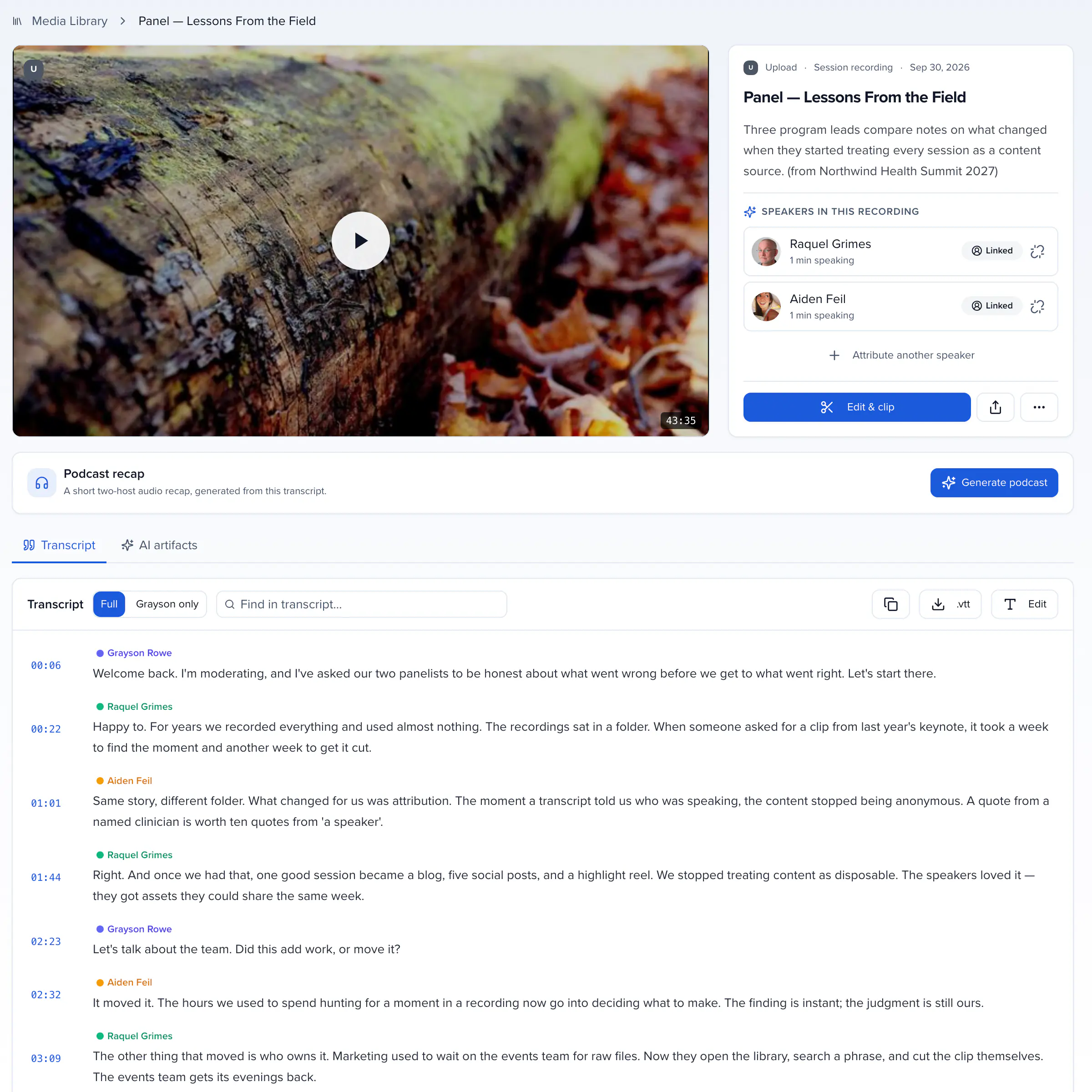
After import Sessionboard extracts the audio, transcribes it with speaker diarization and adds the result to your searchable corpus. The voices are matched to your contacts; a voice that still needs a name is tagged once, from the session's participants or any contact, and every downstream quote, clip and recap carries it. That is what lets the library answer a question like the best thing anyone said about a topic with the clip, the speaker and the session, and what builds the speaker's record across years.
WHAT IT BECOMES
Type a word; the quotes that say it stay, each with its speaker.
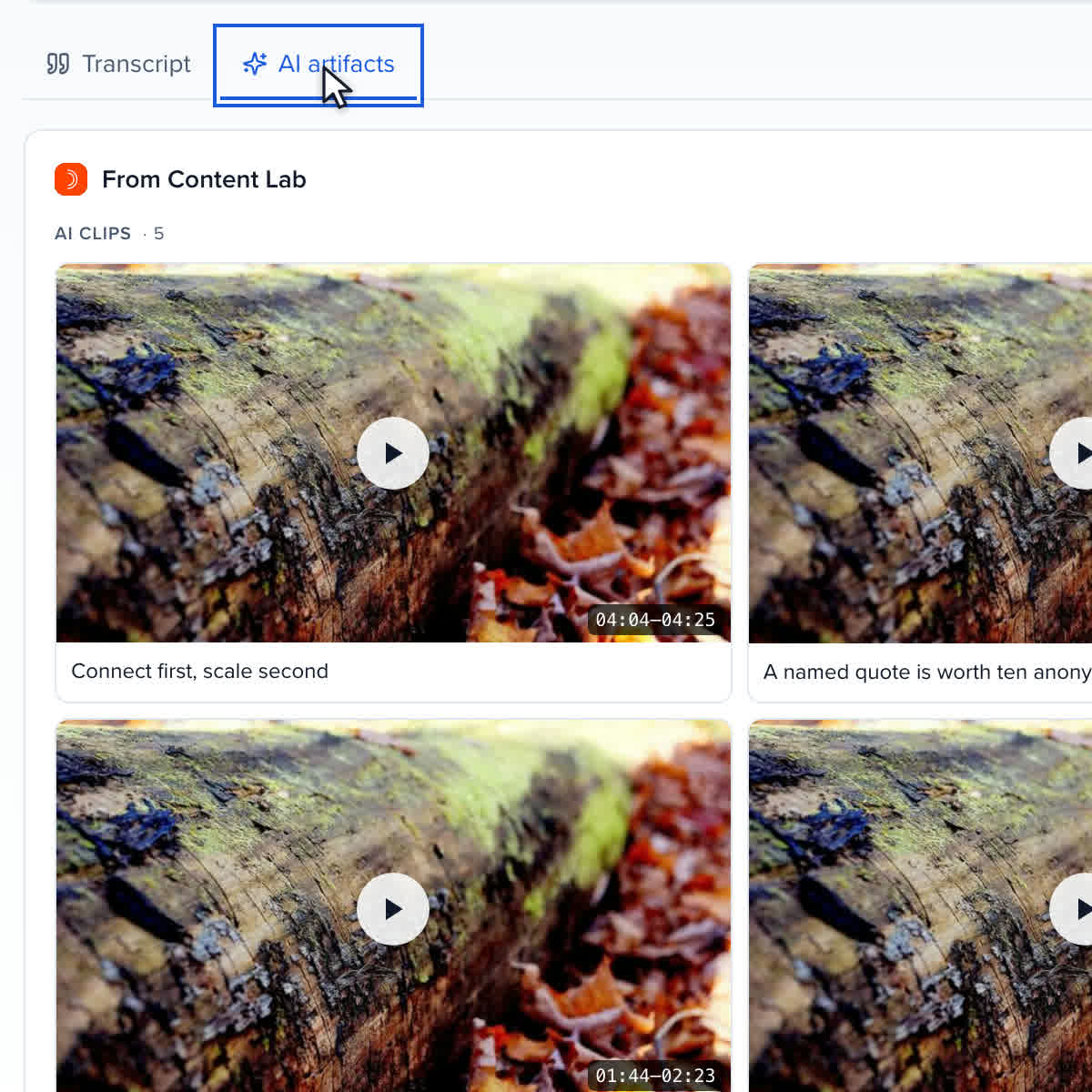
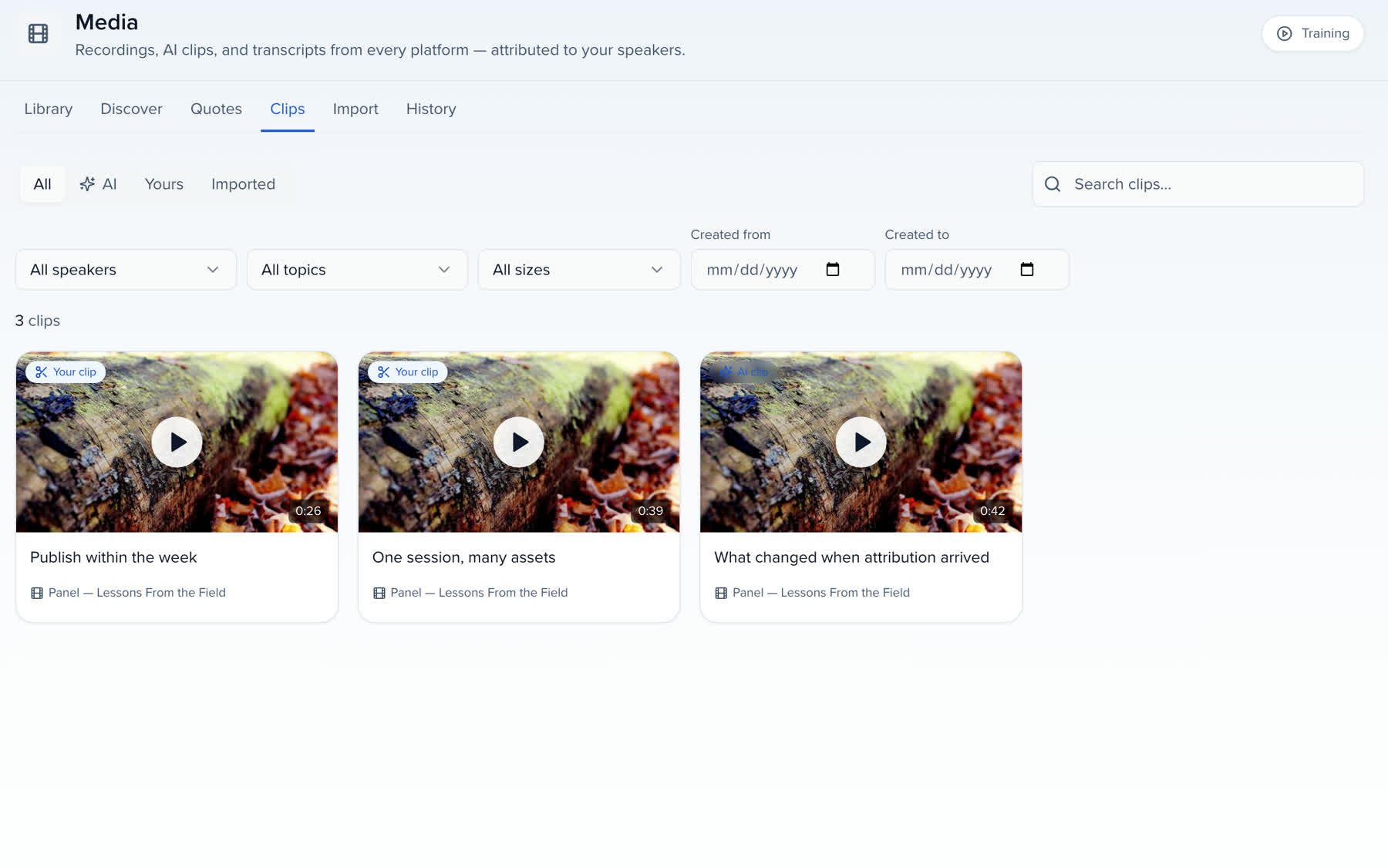
Suggested clips land under the recording, each with its timestamps.
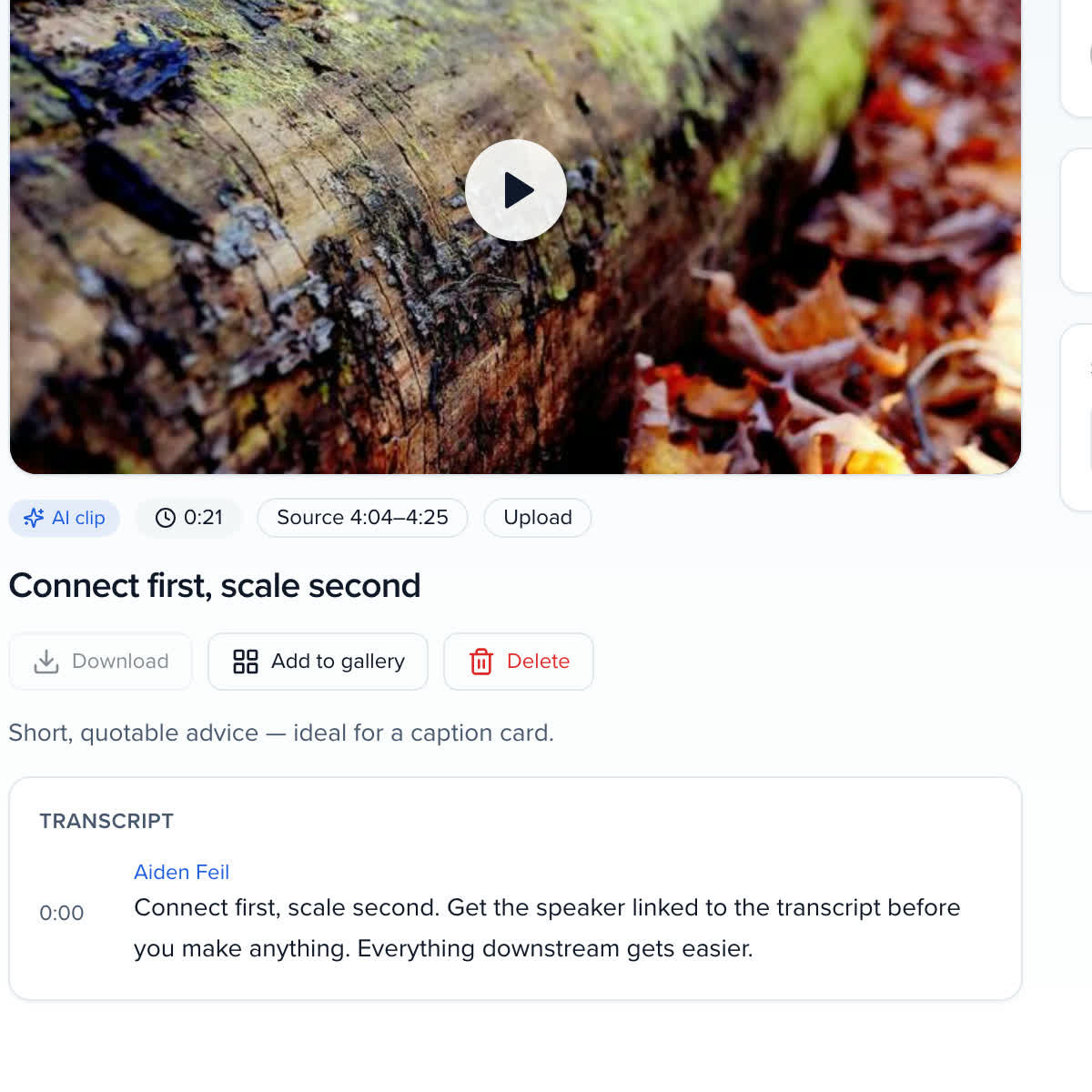
The line, the speaker and the recording it was cut from.
WHERE IT GOES NEXT
The point of the library is what leaves it. Every item can be sent on from its own page.
ATTENDEES
ADVOCATES
RESULTS
Add to gallery puts a recording in one of your organization's galleries or the gallery of its own event.
Tag a sponsor or exhibitor and the recording surfaces in that company's portal.
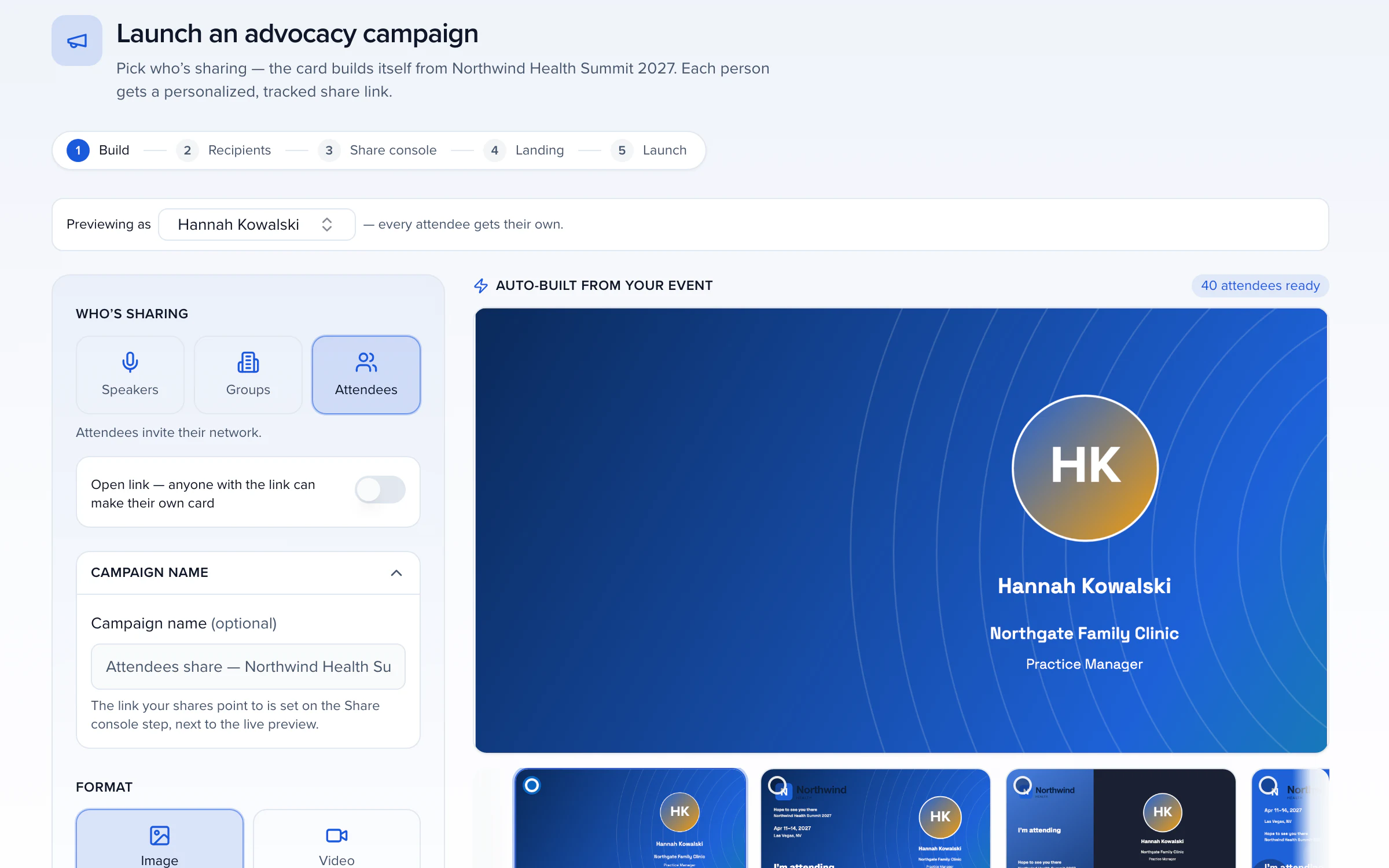
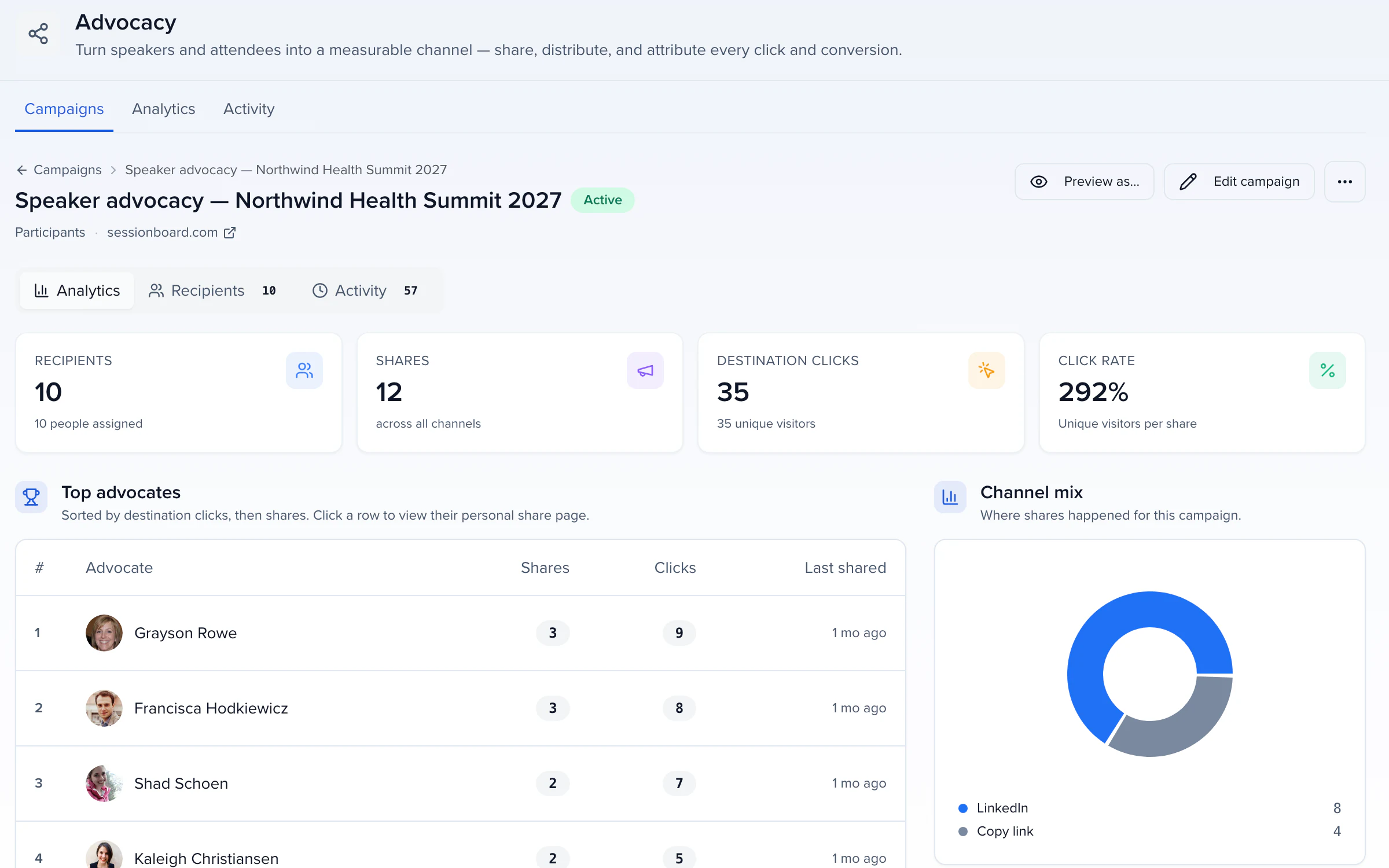
Clips and quote cards are the assets Advocacy and Dispatch kits carry.
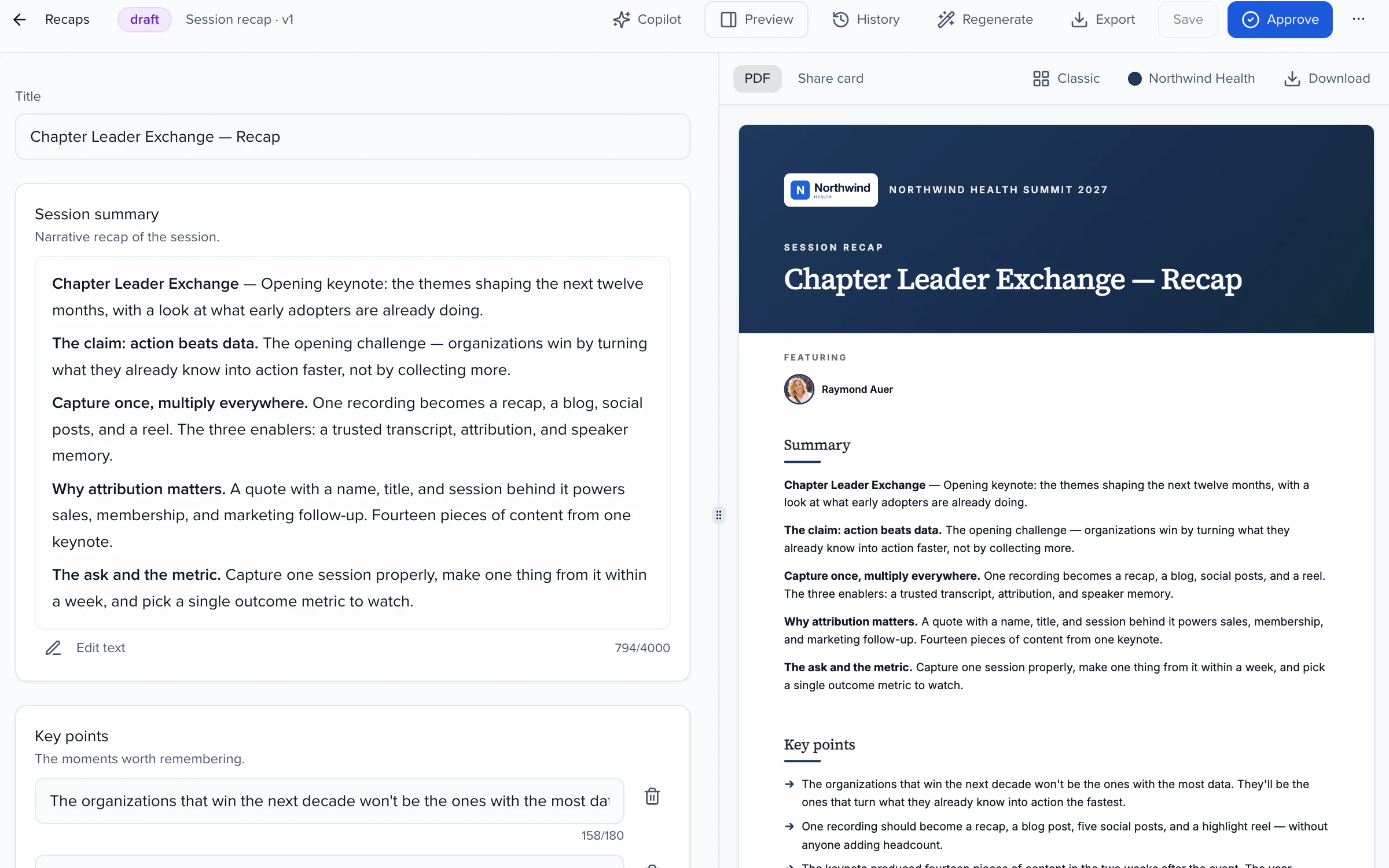
Published recaps and replays with synced captions, from one public link.
Every transcript, clip and quote filed to the speaker's profile.
Copy a share link, download the video, or send to a connected clip editor.
EVENT CONTENT LIBRARY, NOT A FOLDER
A transcript that stays a file is a cost. One that stays connected to the speaker, the session and your campaigns keeps paying.
One search box across speakers, sessions and every word anyone said, grid or list.
Speaker 1 and Speaker 2 become real contacts, so a quote is a quote from someone.
Topics, sessions and quotes build up on the profile with every event.
Trash keeps deleted items and their transcripts; Restore brings them back.
Sessionboard has been one of our most successful investments this year, making our team more efficient and allowing us to focus on the most critical components of our events.
A media library is the one place every recording from your events lives: uploads, imports from your webinar platform and the sessions you captured live. Sessionboard transcribes each item with speaker diarization, matches the voices to your contacts and keeps the transcript, chapters, clips and quotes on the speaker's record, so the library is searchable by what anyone said.
Video and audio up to 50 GB per file in MP4, MOV, MKV, WEBM, M4V, AVI, MP3, M4A, WAV, AAC, FLAC and OGG, recordings up to about six hours, a YouTube or Vimeo URL you own, and SRT or VTT caption files that become the transcript of a recording with the same name. Discover pulls new recordings from connected platforms.
Zoom, Goldcast, ON24, BigMarker, Cvent, Google Drive, Dropbox, YouTube, Vimeo and Descript. Link the platform once under Apps; new recordings show up in Discover, where you pick what to bring in, and History shows the status of every import.
Transcription runs with speaker diarization, and the voices are matched to your contacts automatically. Where a voice still needs a name, Tag speakers steps through it with the session's participants first, then a search across all your contacts, then generic tags such as Audience Member. Tag a voice once and every quote, clip and recap from it carries the name.
Yes. At the organization level the library is your whole corpus across events; inside an event it is filtered to that event. The search box covers speakers, sessions and every word anyone said, so a name, a topic or a question finds the clip, the speaker and the session.
Clips, audiograms, quote cards and summaries are drafted from the transcript and your brand kit for review. Nothing publishes without a person: you approve, trim or discard each draft in the Create editor.
It moves to Trash with its transcript intact, drops out of the library, the attendee view and anything generated from it, and Restore puts it straight back. Clips you delete land in the same Trash.
YOUR NEXT CALL FOR PAPERS IS THE PLACE TO START