Search engines
The Hub, Explore, collections and every open item are crawlable and in the Site's sitemap, with structured data on item pages.

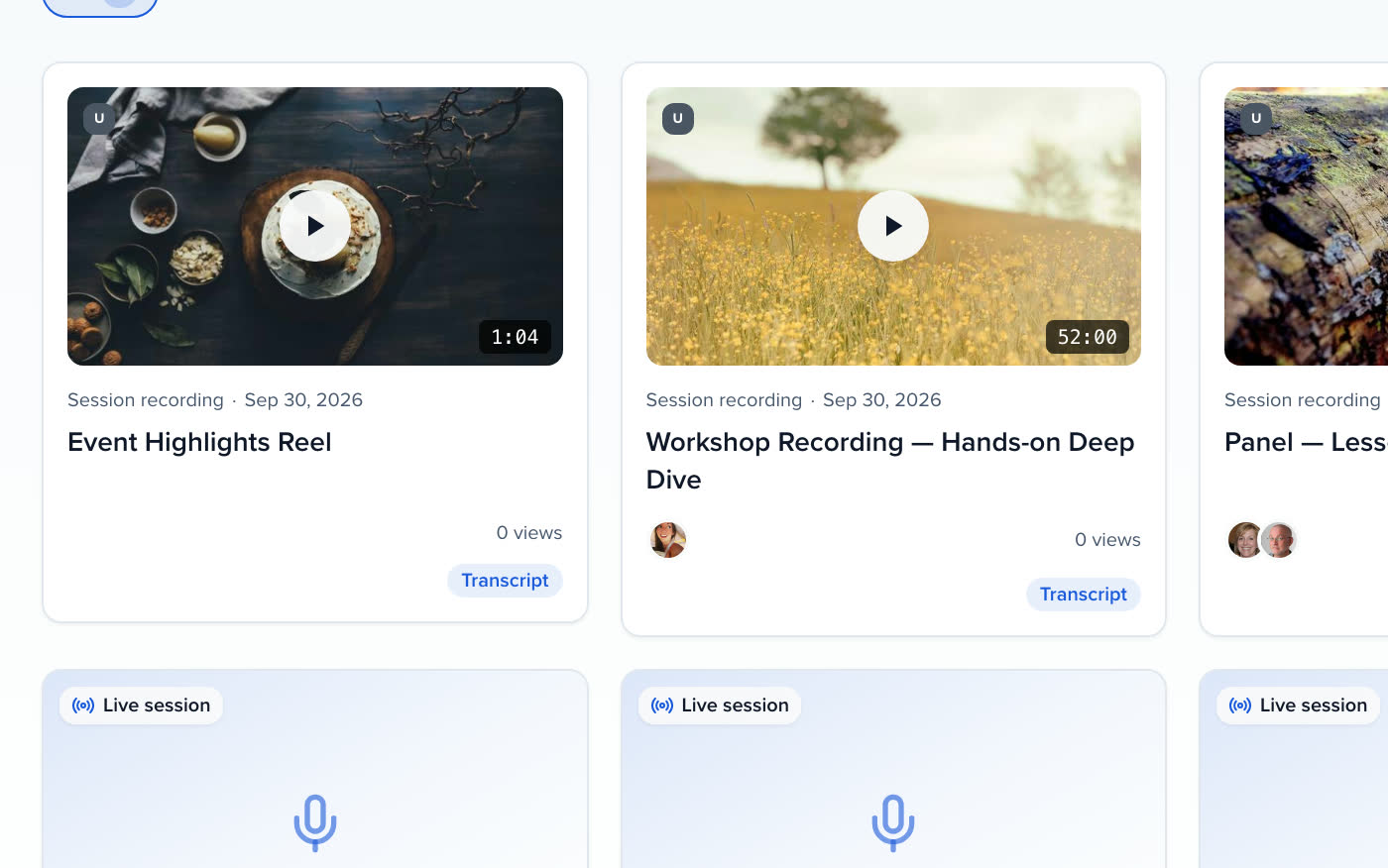
Recordings, transcripts and clips in a gated or open gallery with search, topics and speaker pages. Embargoes and access rules per session; every play comes back as a signal on the person who watched.
Your best sessions shouldn't vanish when the event ends.
Keep the event paying long after it ends.
QUICK ANSWER
An event content gallery is a hosted, searchable home for the recordings, clips, decks, lessons and sessions a program produces, open to everyone or gated behind an email, a share link, a member login or SSO. Sessionboard's Content Gallery, in Early Access, starts from a template, fills itself by rules from the media library, and reports plays, watch time, saves, downloads and the leads a gate captures.
TEMPLATES
On-Demand Hub when the event is over and the recordings deserve a real home. Session Catalog when attendees should search the program and build an agenda. Learning Catalog for courses, webinars and recordings with credit, format and price filters. Resource Library to capture a lead before a white paper downloads. Webinar Library for a year-round program published as each recording lands. Speaker Spotlight to organize everything by who said it, and Year-Round Archive as the members-only home for every event, every year. The template only decides where you start.
GATED CONTENT LIBRARY
Set access once on the gallery and tighten it where it matters: public, an email gate where visitors see titles and thumbnails and enter an email to unlock, a share link, portal login for members, or SSO. Every email-gate unlock becomes a lead you can export. An embargo date on the gallery or an item shows the session by title and time only until it lifts, and the withheld details never reach search engines, share previews or emailed lists. The call-to-action band at the foot of every page can capture emails instead of linking out.
FILLS ITSELF
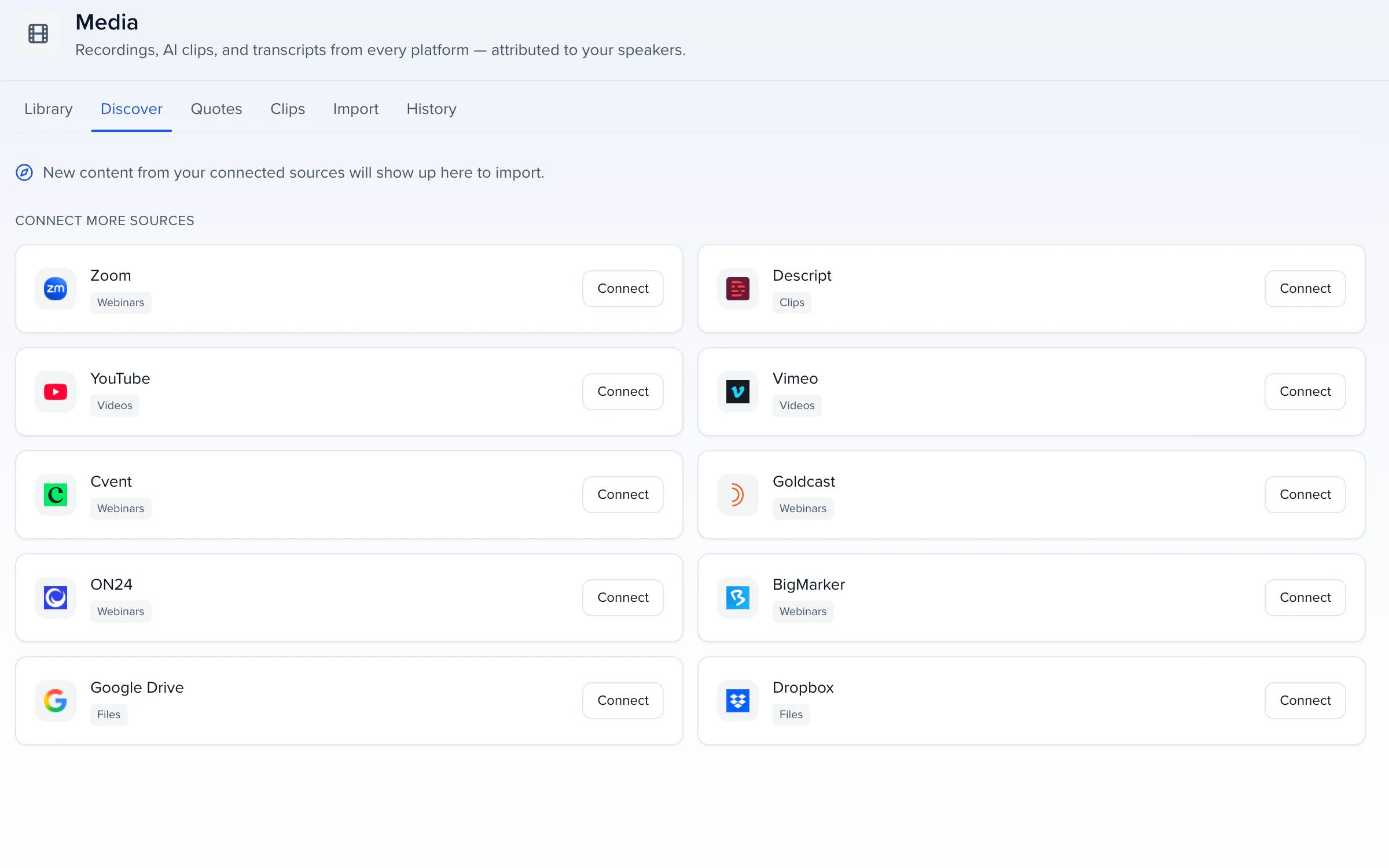
A collection lists hand-picked items or follows a rule: with any of these tags, published in the last N days, featured items only, with an order and an item limit. Recordings arrive from the media library as they land, lessons from Learning with their credit statement on the card, white papers from files marked visible on sessions, webinar recordings from a connected platform. Add to gallery on any recording drops it in. Group labels join rows under one heading, by track, for example, and a hidden collection stays configured but off the Hub.
WHAT COMES BACK
Visitors save to My list and take it with them: Add to calendar for every saved item with a start time, Email me my list to the signed-in member or the address they gave at the gate. Those moments turn a library into attendance and a captured email. Plays, watch time, saves and downloads are reported per item and per gallery, and because a play is traced to the person who watched, it lands on their record as a signal Pathways can use for the next step.
FOUND AND SHARED
A published gallery is indexable unless it is private, and every pasted link unfurls with a card built from the gallery.
The Hub, Explore, collections and every open item are crawlable and in the Site's sitemap, with structured data on item pages.
Hide from search engines adds noindex to every page for email-gated, members-only and SSO galleries.
LinkedIn, Slack, Teams and iMessage show the gallery name, hero and image; an embargoed item shares the gallery's card instead.
Carry the gallery on a site you already run, or as a block on your Sessionboard Site.
WHERE THE CONTENT COMES FROM
Everything a gallery shows was captured, imported or drafted somewhere else on the record.
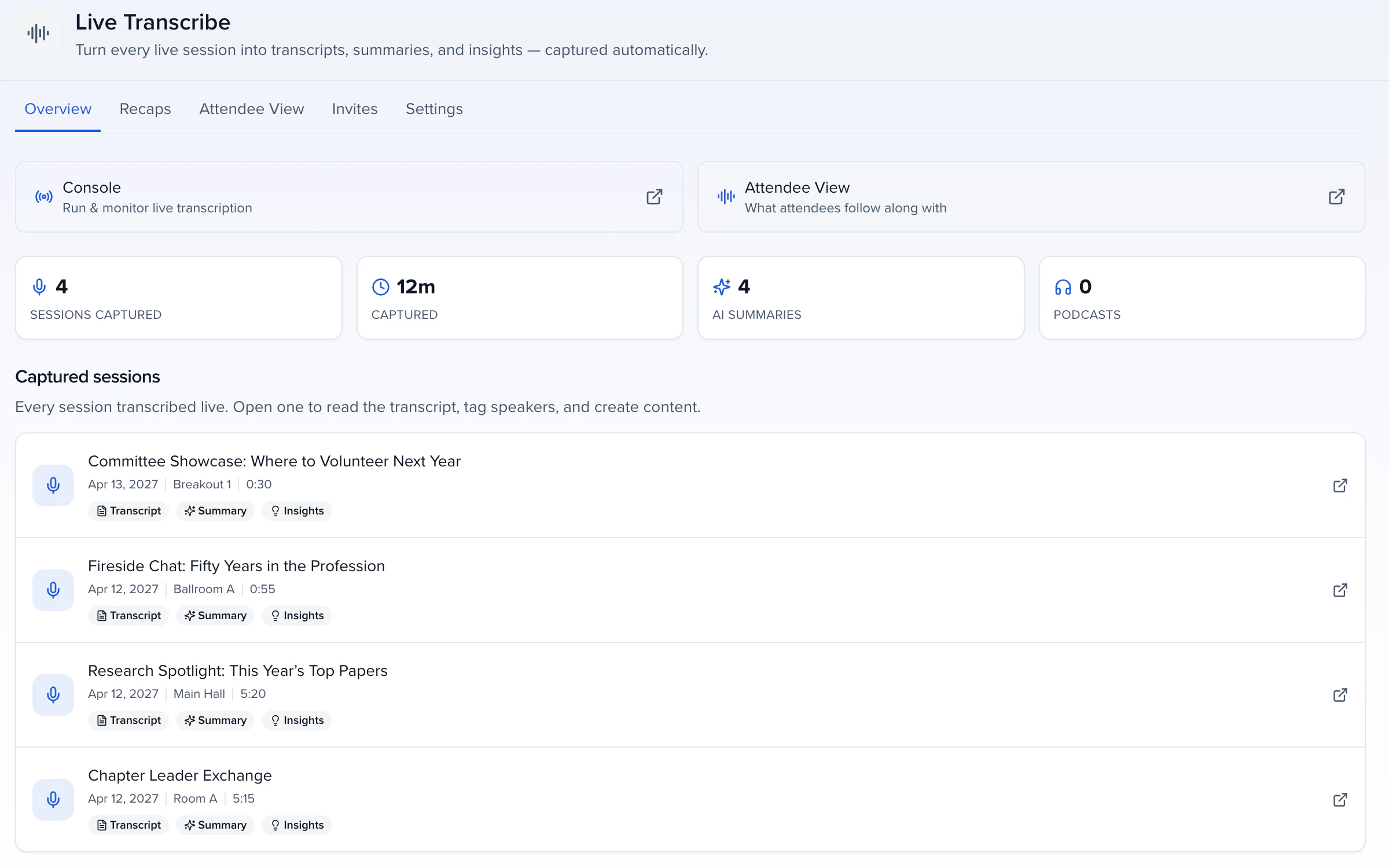
LIVE TRANSCRIBE · IN THE ROOM
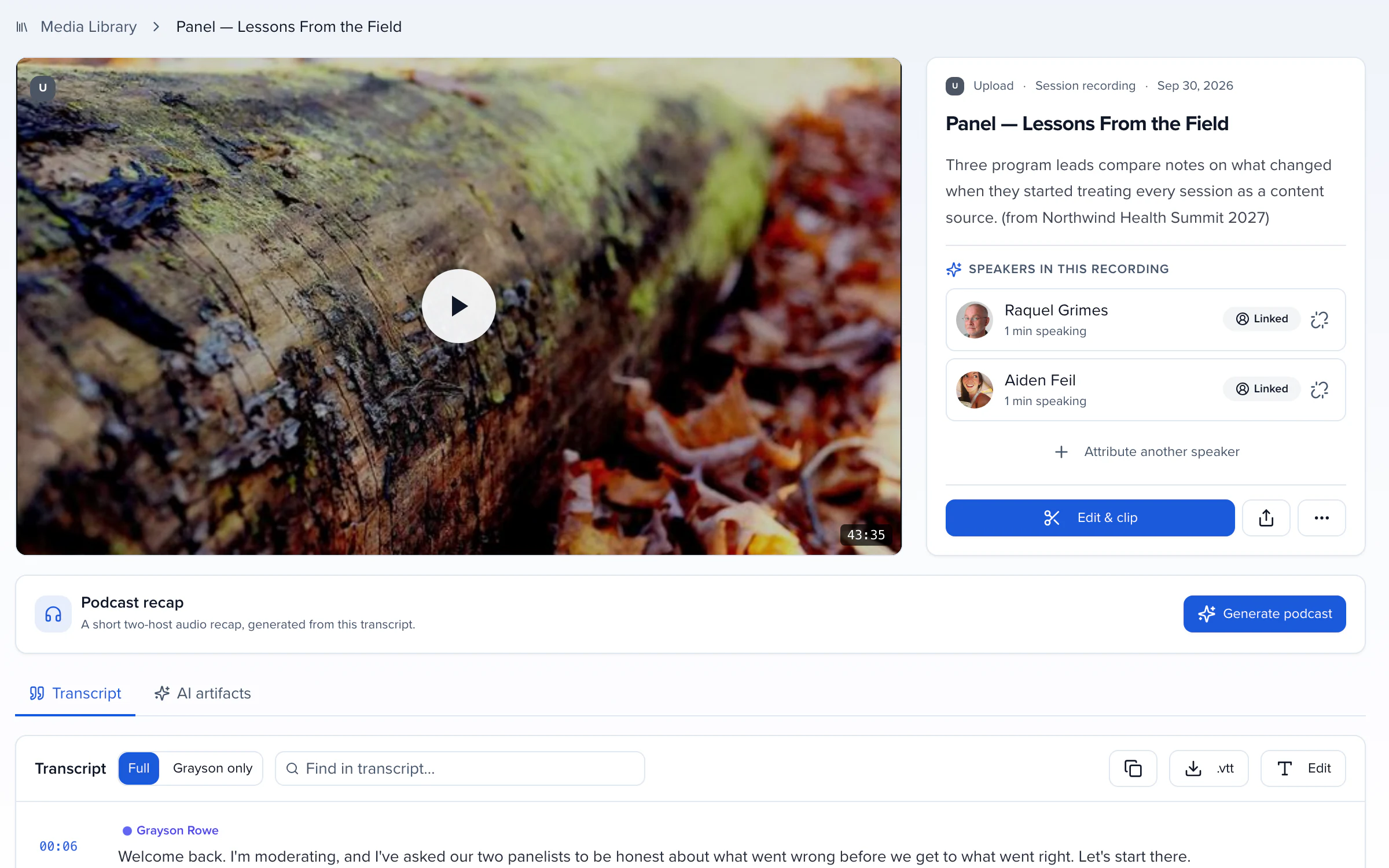
MEDIA LIBRARY · SPEAKER-TAGGED
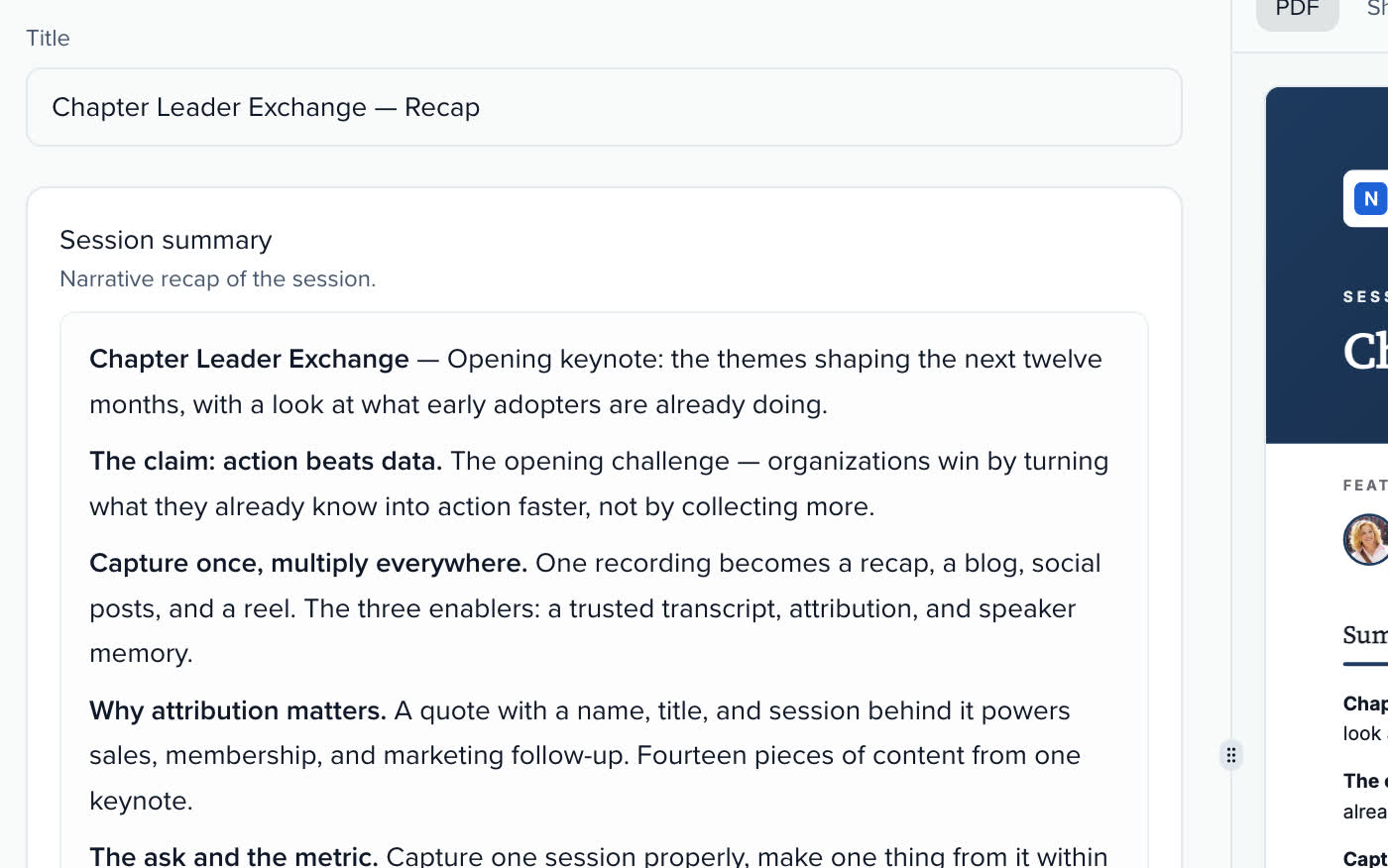
RECAPS · READY TO PUBLISH
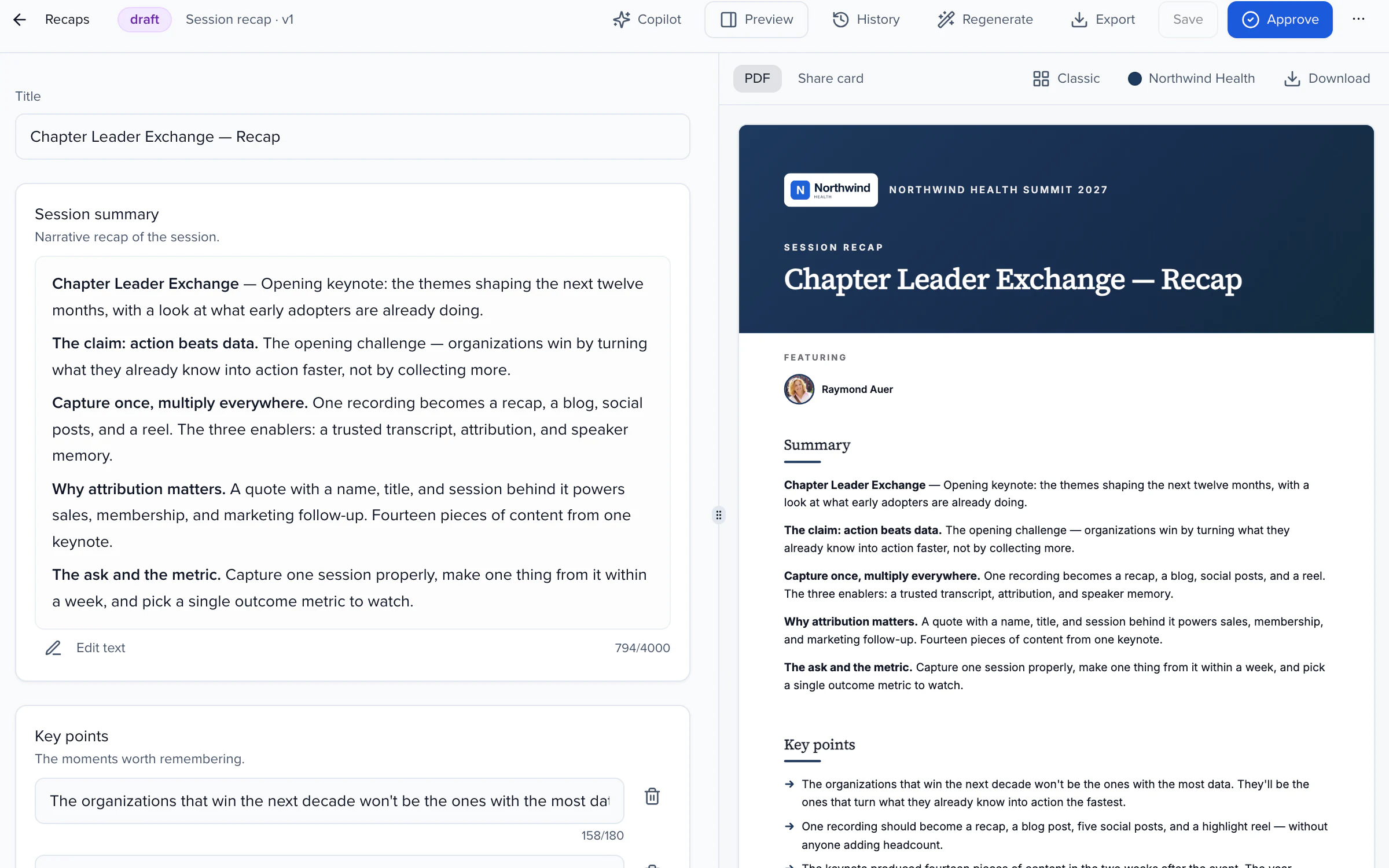
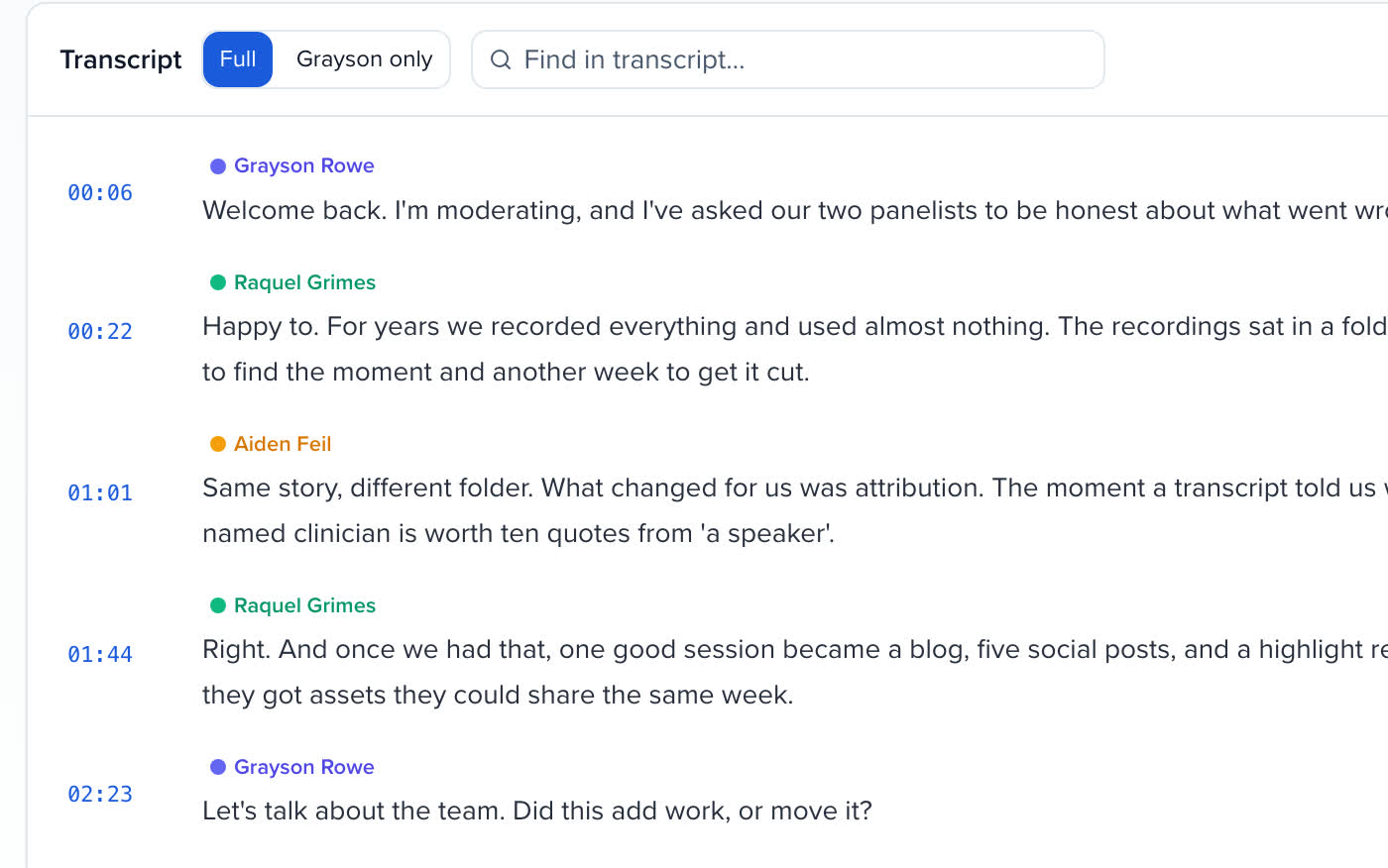
Sessions captured in the room arrive with a transcript and recap already attached.
Uploads and webinar imports, speaker-tagged, with chapters, clips and quotes.
Published lessons with their credit statement, free or paid (Early Access).
The Session Catalog is the agenda itself, with filters, My agenda and Add to calendar.
Sessionboard has been one of our most successful investments this year, making our team more efficient and allowing us to focus on the most critical components of our events.
An on-demand content library is the evergreen home for what a program produced: session recordings and clips, white papers and slide decks, lessons that award credit, webinar recordings, and the session catalog itself. A Sessionboard Content Gallery gives visitors a curated Hub of collections, an Explore page with search and filters and a My list to save things to; you get plays, watch time, saves, downloads and, when the gallery is gated, leads.
Yes. Access is set per gallery, and collections and items can be stricter: public, an email gate where visitors see titles and thumbnails then enter an email to unlock, a share link, portal login for members or SSO. Every email-gate unlock becomes a lead you can export from Analytics.
On-Demand Hub, Session Catalog, Learning Catalog, Resource Library, Webinar Library, Speaker Spotlight, Year-Round Archive and Start from scratch. A template pre-wires the collections, filters and auto-fill rules for its job, and everything can be changed afterwards.
Yes. Collections either list hand-picked items or follow a rule, any of these tags, published in the last N days, featured items only, so the gallery fills from the media library as recordings land, from published lessons, from files marked visible on sessions or from a connected webinar platform, and stays current without anyone adding items by hand.
An embargo until date can be set on the gallery or overridden per item. Embargoed sessions appear by title and time only; their withheld details are never in what search engines read, in a share preview or in an emailed list.
A published gallery is indexable unless its access mode is Private: search engines can crawl the Hub, Explore, every collection and every item a visitor could open without signing in, listed in the Site's sitemap, with structured data on item pages. Locked items and My list are left out, and Hide from search engines adds noindex to every page when you would rather people arrive through your own links.
Yes. A gallery can be put on a website you already run, or carried as a block on your Sessionboard Site, and pasted links unfurl with a preview card built from the gallery in LinkedIn, Slack, Teams and iMessage.
Content Gallery is in Early Access: an admin turns it on from the Early Access page, for the whole organization or for one event. The Media library and Live Transcribe, where a gallery's recordings, transcripts and recaps come from, are on every event.
YOUR NEXT CALL FOR PAPERS IS THE PLACE TO START