01 THE ADDRESS
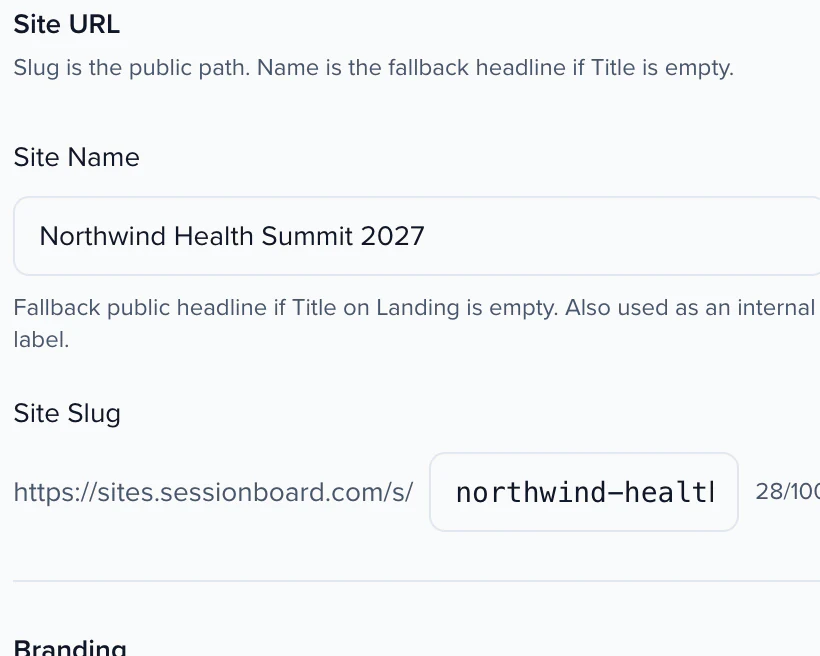
A URL you choose, unique across the platform

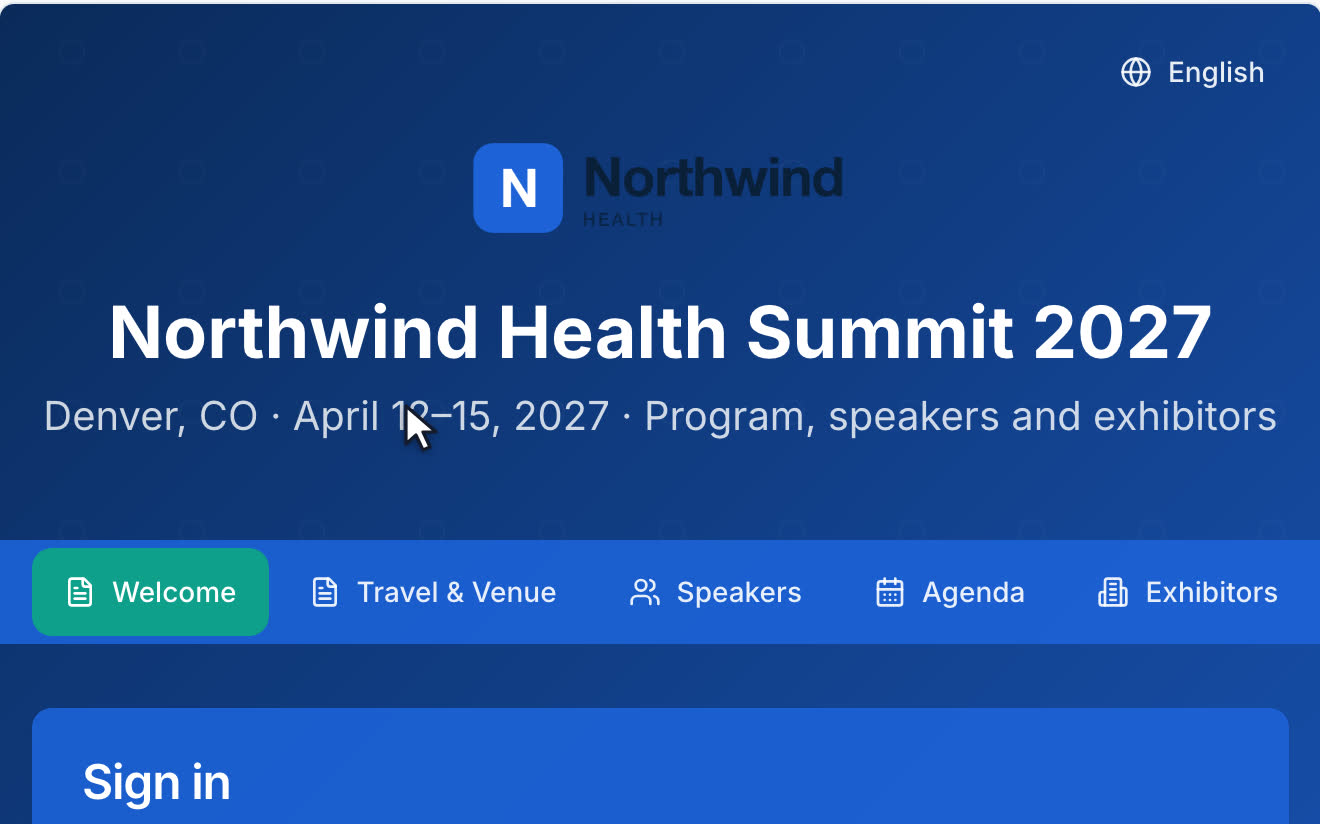
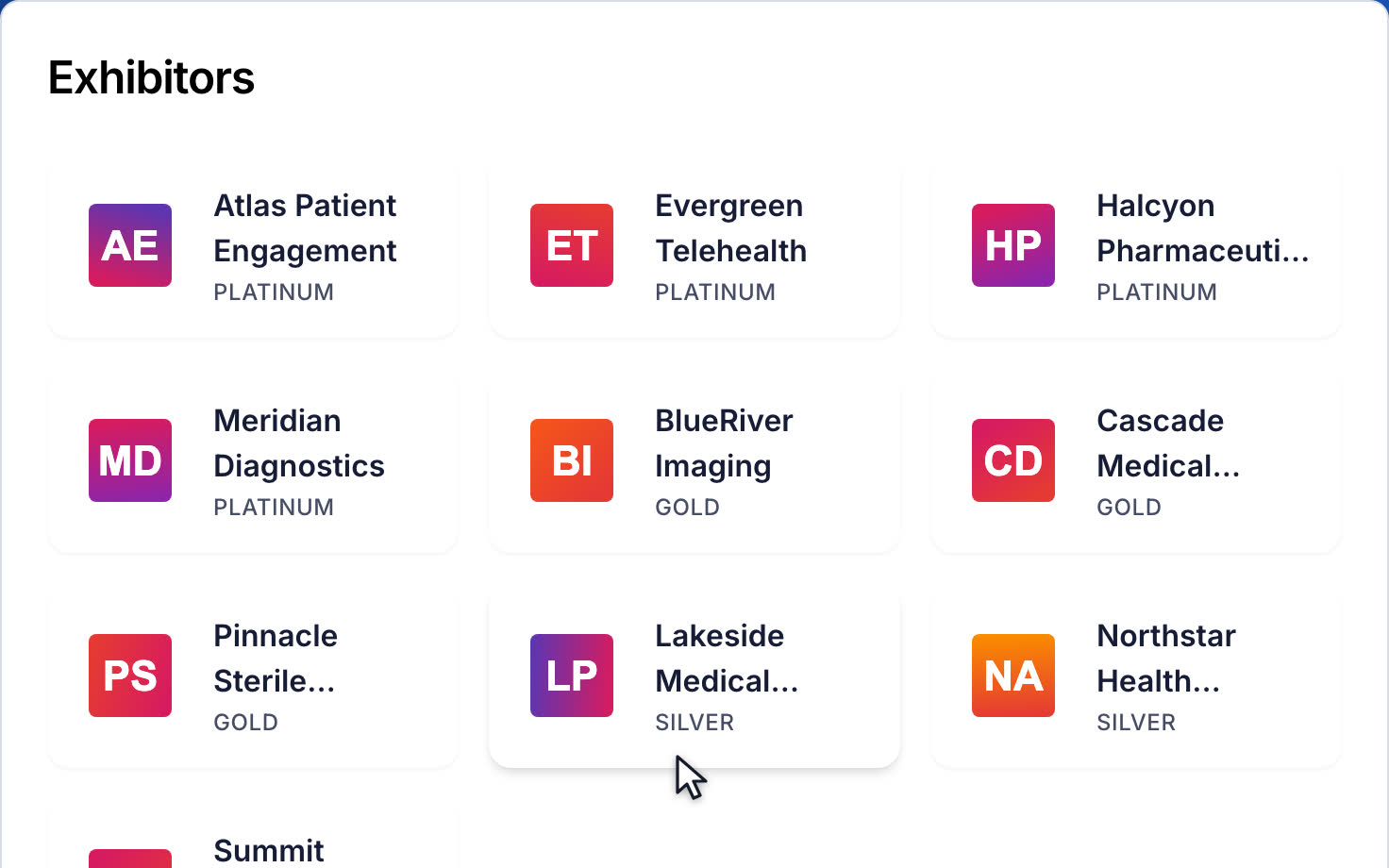
Agenda, speakers, sponsors, posters and search on a branded site, with SEO and share cards handled. Sessions change in the agenda and the site follows. The same URL is the portal your speakers and reviewers sign in to.
Your agenda shouldn't be a PDF someone re-exports.
Publish your program, not a copy of it.
QUICK ANSWER
A conference website builder turns your program into a public website: the event agenda, the speaker list, sponsors and exhibitors, with search and a way for participants to sign in. Sessionboard's Site is built from the program record itself rather than a copy of it, so the agenda website updates when a session moves and an accepted speaker appears without anyone re-publishing.
THE BUILDER
The Site builder is the visual editor for your Program Site: every setting and page in the sitemap, your real site in the middle, and the controls for whatever you select on the right. Everything saves to a draft and shows in the preview; nothing reaches the live site until you click Publish, and if a block is incomplete Publish lists it first. Every save and publish is tracked, so a second tab or a second person can never silently overwrite the other's work.
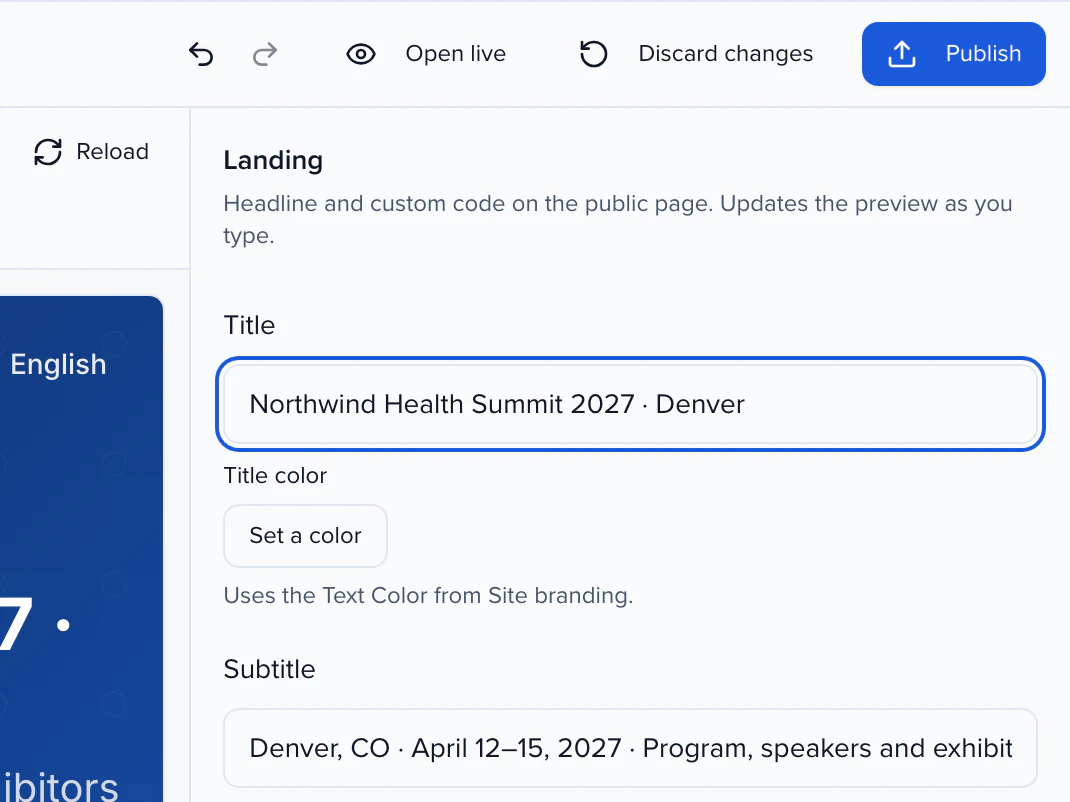
EVENT AGENDA WEBSITE
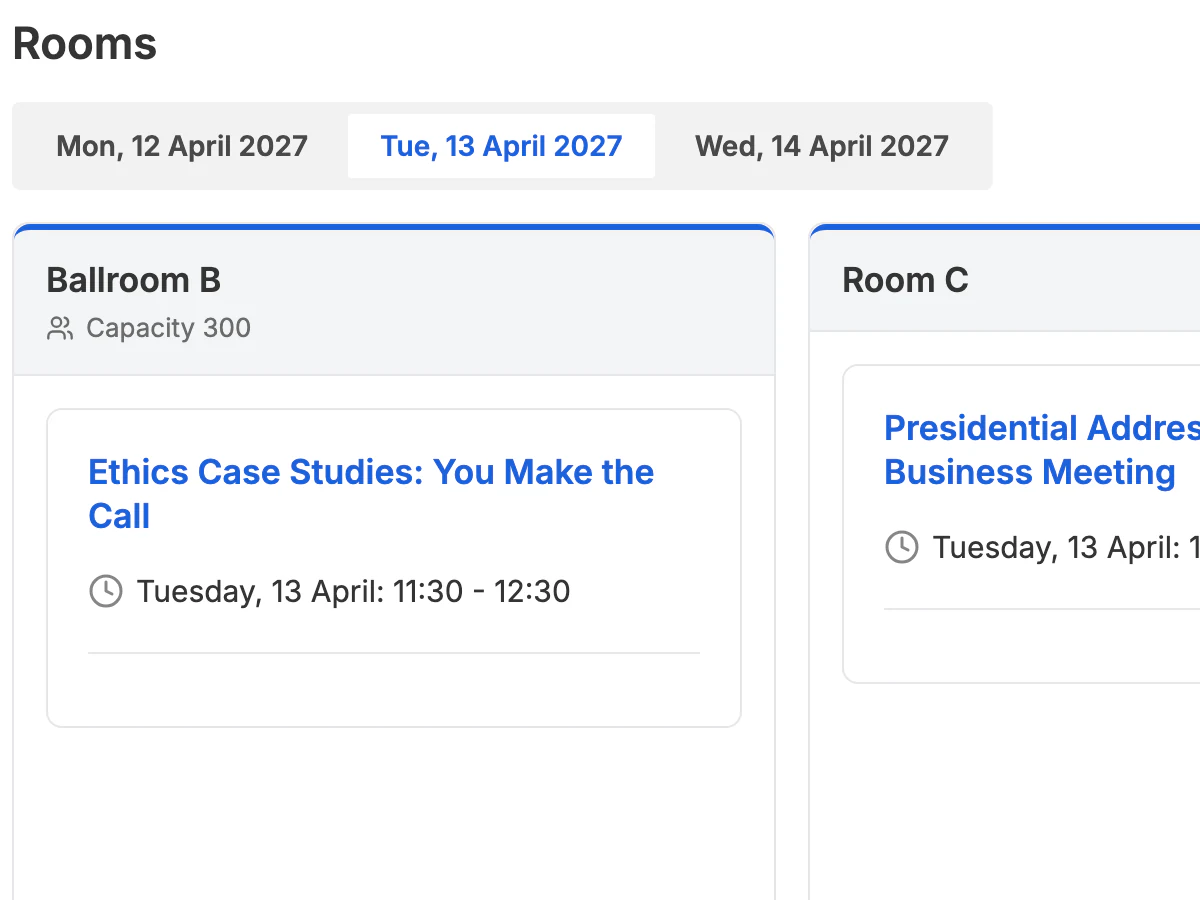
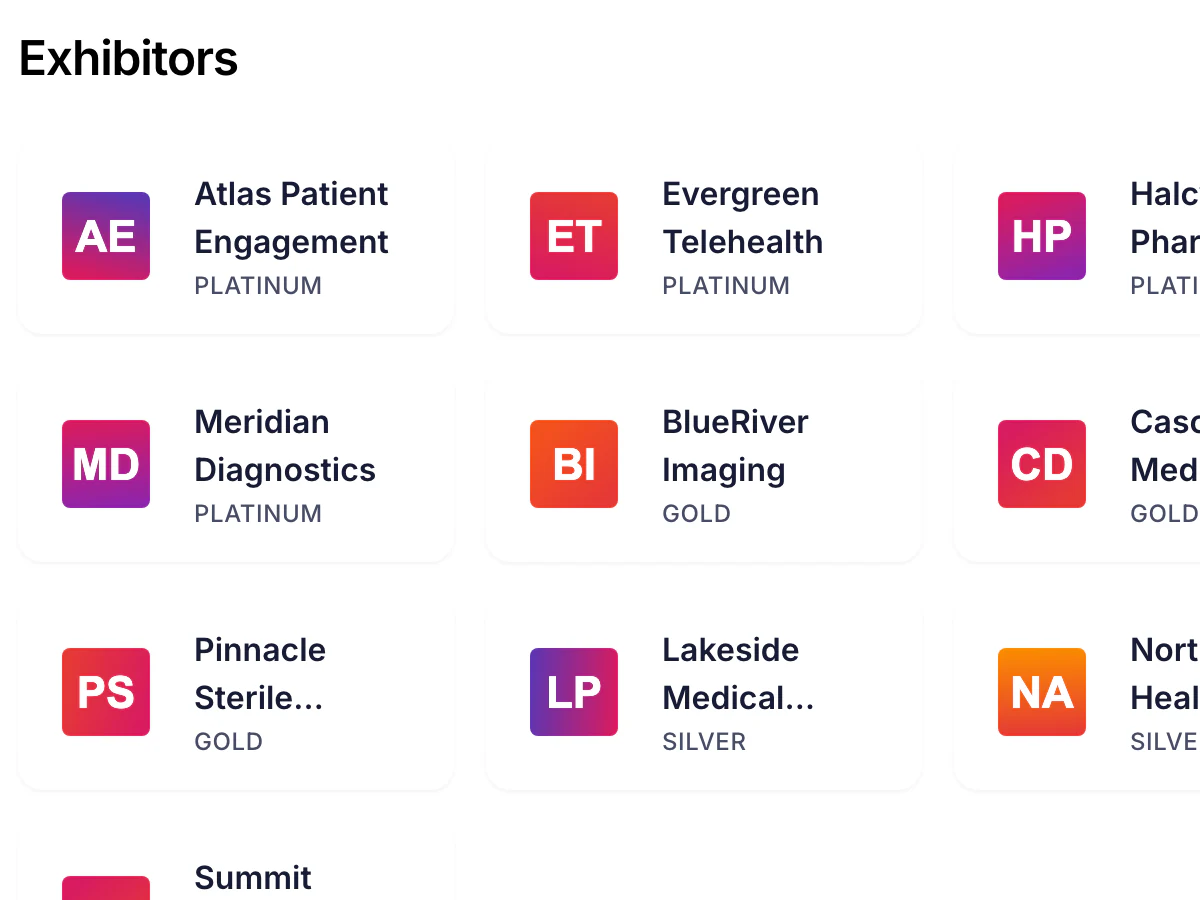
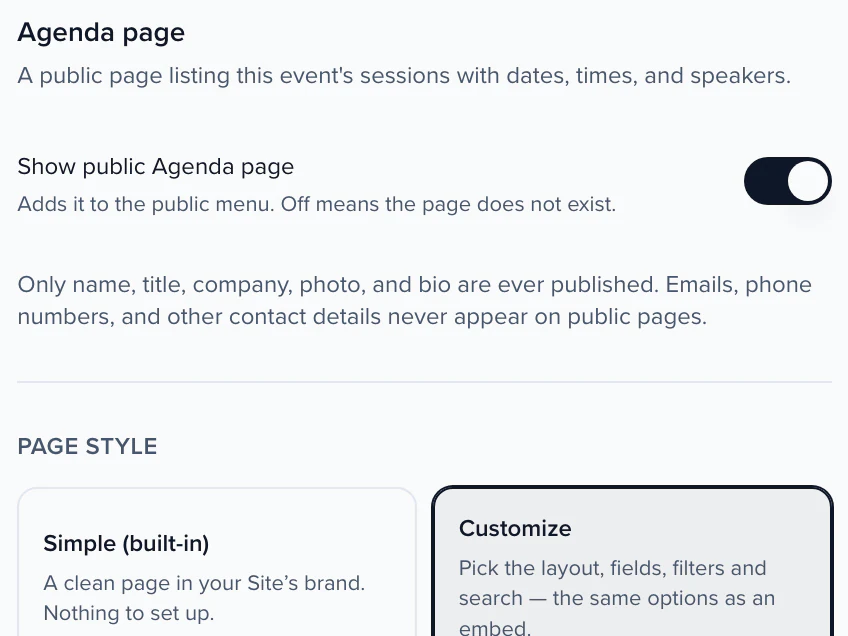
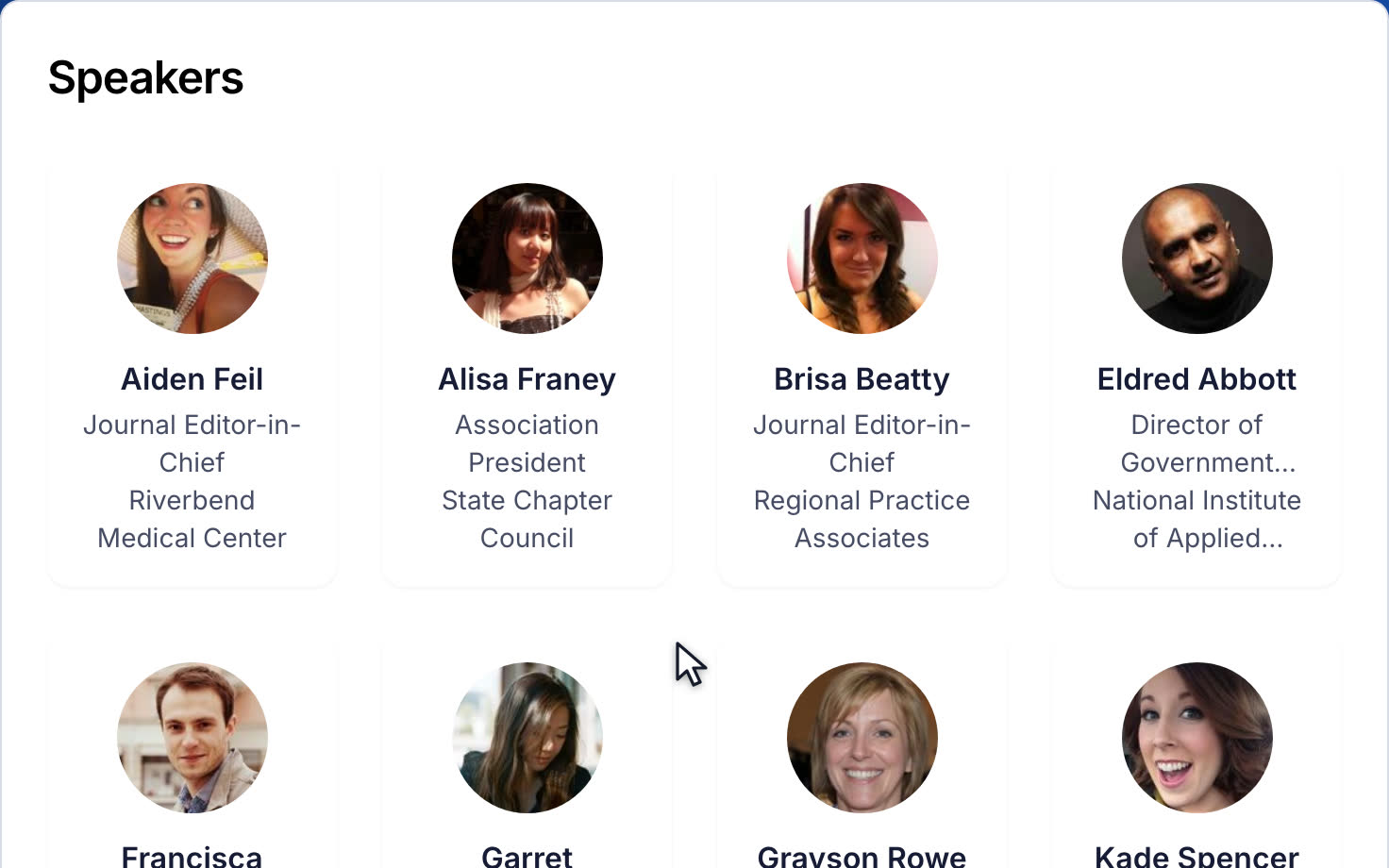
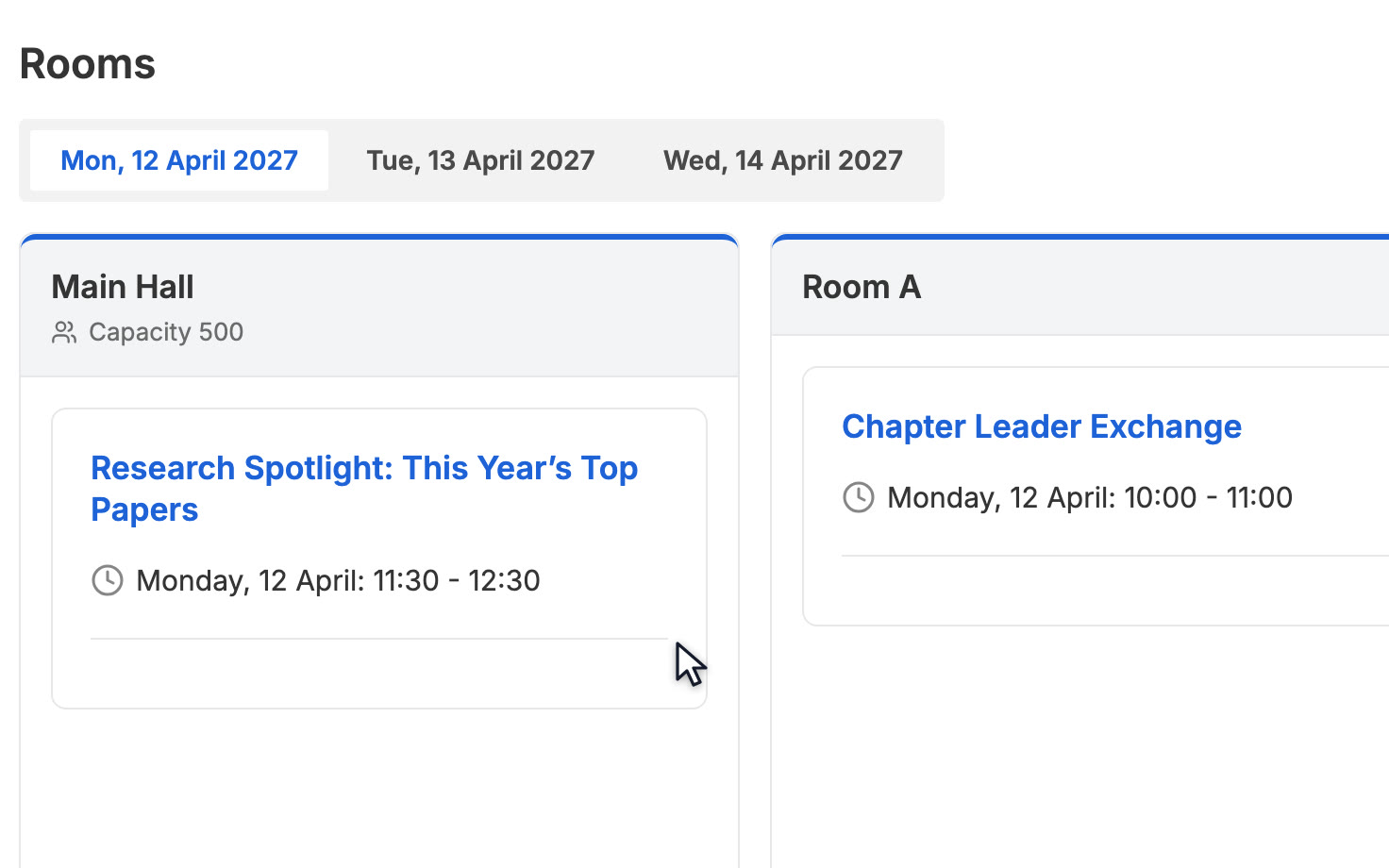
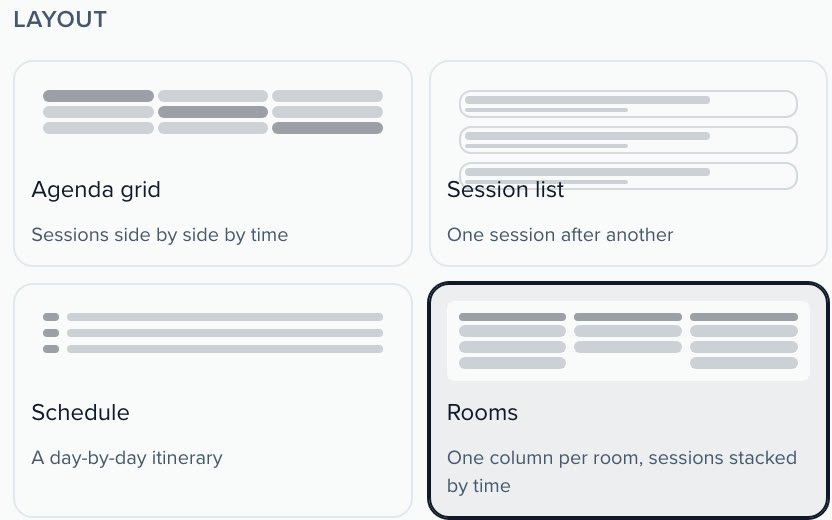
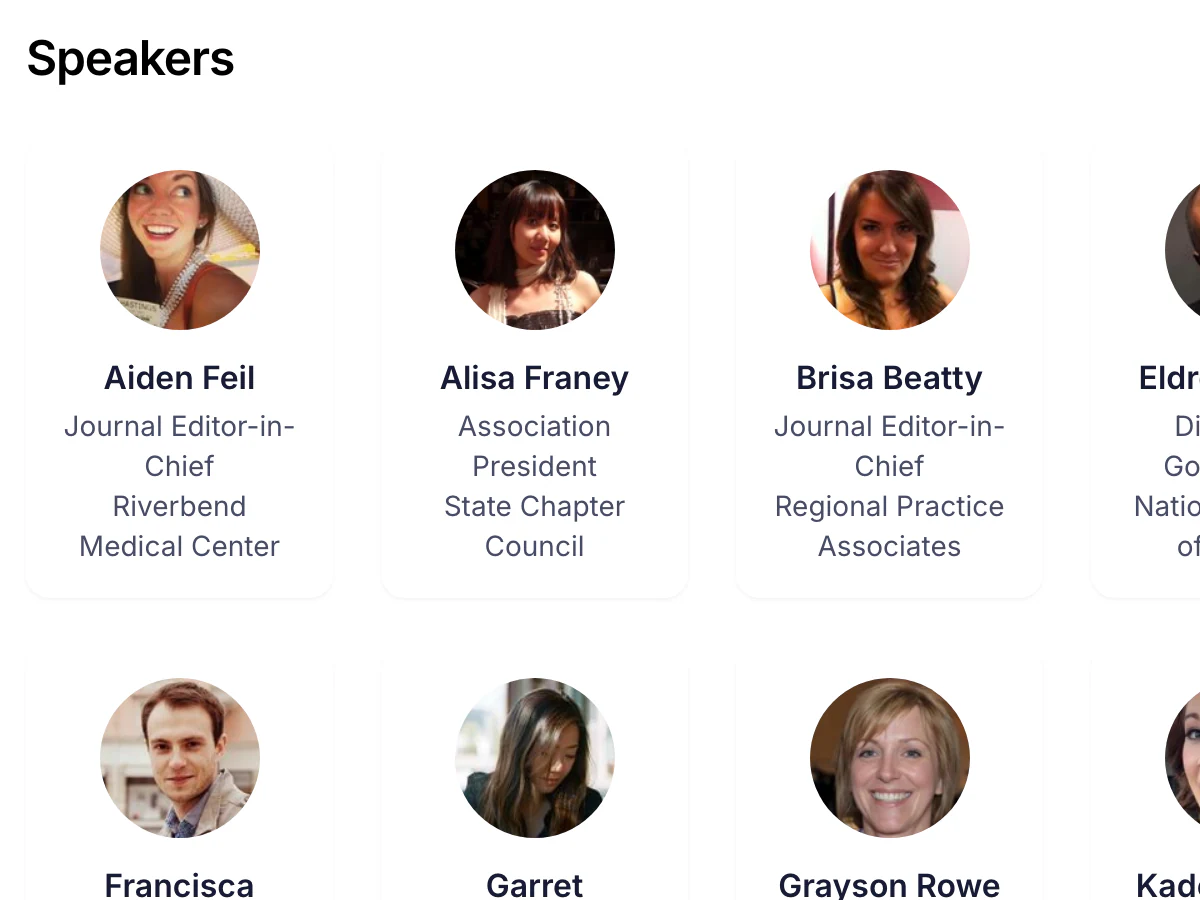
Turn on the public Speakers, Agenda and Exhibitors pages and they read straight from your program: an accepted speaker shows up without re-publishing, a room change follows on the next load. The Session Catalog gives attendees a Program page in a Catalog, Timetable or Agenda layout with filters for day, track, session type, level, topic, speaker, location, language, credits and recording, a People directory, a session panel with presentations and bios, Add to calendar and a My agenda list. Posters get their own gallery.
THE PORTAL BEHIND IT
The public landing and the signed-in portal are two moods of one site, branded separately. Standard login is the magic link or password flow with no account to create; SSO lets members sign in through your identity provider. Once in, a speaker sees their submissions, tasks and profile; a reviewer sees the review workspace; the home lists the open programs you ticked, call for papers, awards, interest forms and public voting ballots, as cards. Forms from other events can be surfaced, so one Site can be a cross-event hub.
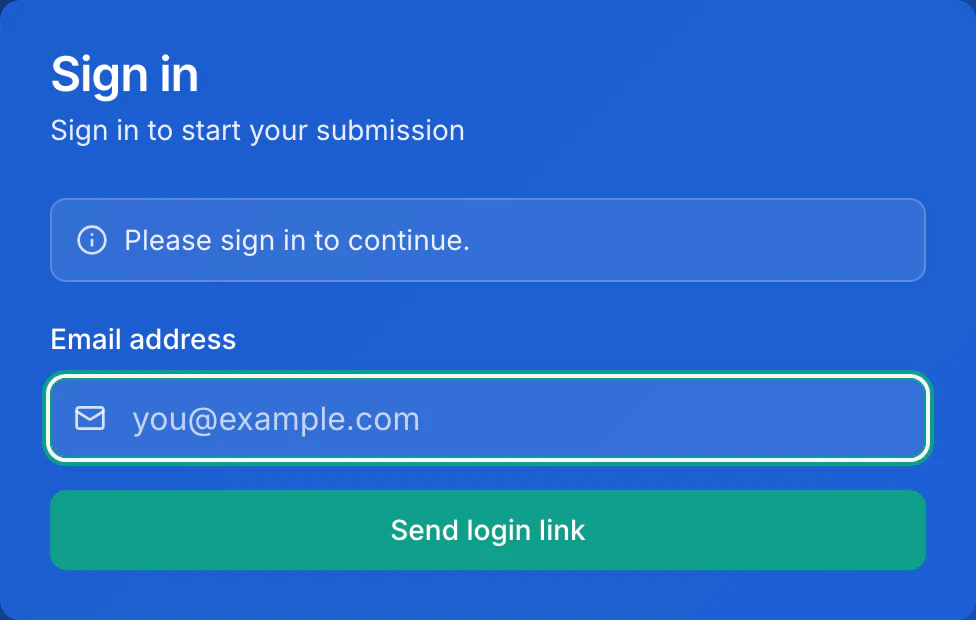
MAGIC LINK SIGN-IN · NO ACCOUNT TO CREATE
BRAND, DOMAIN, SEO
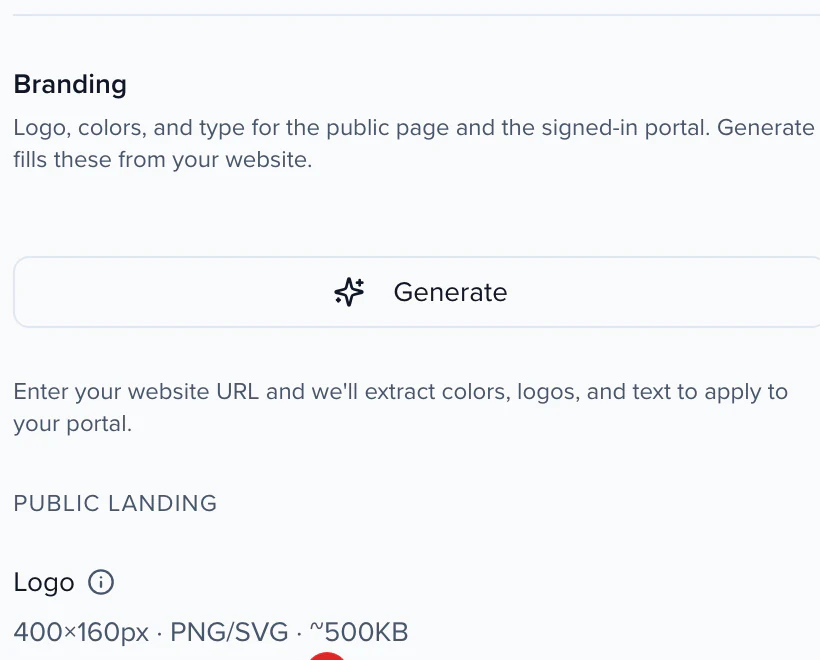
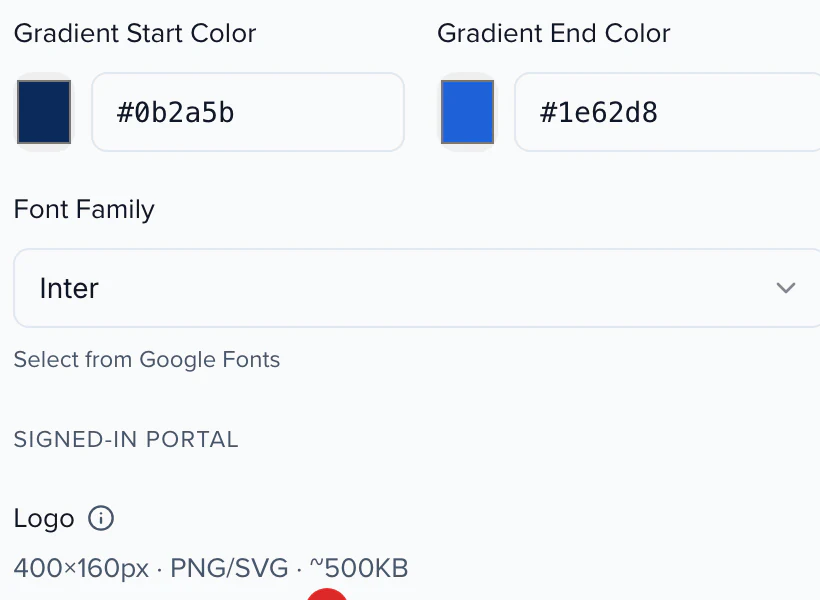
A slug you choose, your logo, colors and type, and pages search engines can read.
01 THE ADDRESS
02 THE BRAND KIT
03 THE LOOK
A branded site can run on your own domain, which your customer success manager turns on.
Handled for the public pages, so a pasted link previews with your event's name and image.
Partners appear where your prospectus promised them.
Add yours to the Site, next to sign-in.
EVENT SCHEDULE WEBSITE OR EMBEDS?
Everything under Publish puts the program somewhere. Start from the goal, not the tool.
Build a Site, from the Participant hub or Call for papers page starter.
Build an Embed: a styled agenda widget, speaker gallery, session list or itinerary, one line of code per block.
The Session Catalog, with My agenda and Add to calendar.
A Content Gallery, open or gated, that can also sit on your own website.
A Poster Gallery, with kiosk mode for the hall.
The Attend app, from the same record, offline too.
ONE CHANGE, EVERY SURFACE
Site, embeds, the gallery and the app all read the program, so there is no second copy to keep in sync.
Accepted sessions and speakers sync to Cvent, Swoogo, Bizzabo and others.
A JSON or iCal feed gives a mobile app or partner system the same data as the pages.
One embed or site serves every language your event has enabled.
Saves, calendar adds and plays come back to the person's record.
We weren't just managing sessions — we were managing a living ecosystem of speakers, abstracts, reviewers, committees, and content.
A conference website builder publishes your program as a website: the agenda, speakers, sponsors and exhibitors, with search and sign-in. In Sessionboard the Site reads straight from the program you already keep, so an accepted speaker shows up without anyone re-publishing, and the same URL is the portal speakers, submitters and reviewers sign in to.
No. If you already run a site on WordPress, Webflow, HubSpot or anything else, put the program in it with embeds: agenda, speaker gallery, session lists and itineraries, one line of code per block, updating the moment the program changes. Build a Site when the program needs a home of its own.
A sitemap on the left, a live preview of your real site in the middle and an inspector on the right. Pick a Portal or Marketing site layout, apply a template and a color scheme checked for contrast, add blocks and custom pages, and turn on public Speakers, Agenda and Exhibitors pages. Everything saves to a draft and goes live only when you press Publish.
Standard login is always on: the magic link or password flow speakers and reviewers already know, with no account to create first. Turn on SSO when members should sign in through your association's identity provider. Signed-in participants land in the portal behind the same URL: their submissions, tasks, profile and the review workspace.
The Site URL is a slug you choose, unique across the platform, and a branded site can run on your own domain, which your customer success manager turns on. Generate scans your website and fills in a starting brand kit. SEO and share cards are handled for the public pages.
Yes. The Session Catalog gives attendees a Program page in a Catalog, Timetable or Agenda layout with filters for day, track, session type, level, topic, speaker, location, language, credits and recording, a People directory, a session panel with presentations and speaker bios, Add to calendar and a My agenda list.
Call for papers forms, submission forms, awards forms, interest and pipeline forms, reviewer access and public voting ballots as cards on the signed-in home, plus custom pages such as travel and venue. Forms from other events can be surfaced too, so one Site can work as a cross-event hub.
YOUR NEXT CALL FOR PAPERS IS THE PLACE TO START