
October 8, 2026

4
min read


Over the past few weeks, we've been running a series on how AI is changing the way event teams run their programs. Last week's piece was a guide to the Sessionboard MCP Server. The short version: connect Claude, ChatGPT, Copilot, or Gemini to Sessionboard, and you can ask your program questions in plain English. Which topics are trending up. Which speakers you should invite back. Which sessions are worth turning into content.
Getting the answer is the easy part. Then someone has to do something with it.
Think about what happens after you find out which five speakers rated highest last year.
Someone opens Canva and builds the graphics. Someone pastes the list into Slack for the committee. Someone updates the nominations spreadsheet. And if it's awards season, someone in finance is comparing submission fees in one system against payments in another. It's a lot of copying and pasting, and it's usually where mistakes creep in: the wrong job title on a speaker card, a session that moved rooms, a refund nobody noticed.
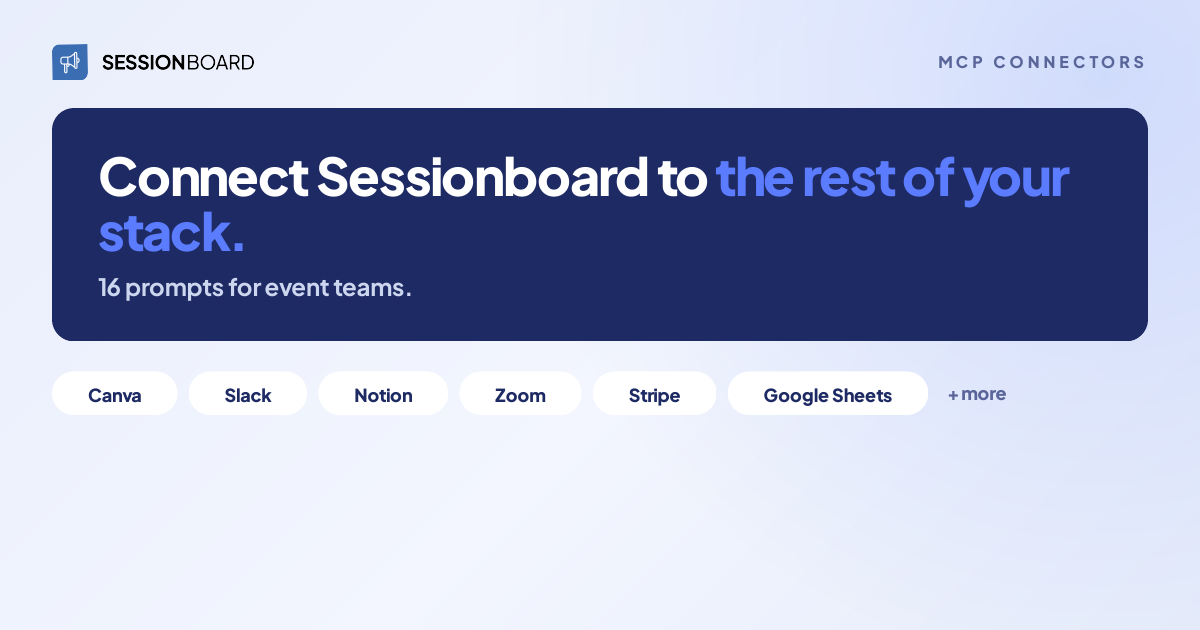
Connectors take care of that part. Your assistant can connect to Sessionboard and the other tools your team uses at the same time, so it can find answers in one place and do the work in another. Below, we explain how that works, which tools pair well with Sessionboard, and share 16 prompts you can adapt for your own program.
MCP (Model Context Protocol) is an open standard that lets an AI assistant connect to the apps where your data lives. Each app has its own MCP server. Sessionboard has one, and so do Canva, Slack, Notion, Zoom, and plenty of others. Your assistant can be connected to several of them at once.
Here's a simple example. Say you type: "Make share cards for our five highest-rated confirmed speakers."
The assistant works out that it needs two tools for that. First, it goes to Sessionboard and pulls your confirmed speakers, their ratings, and their session titles. Then it goes to Canva and creates the cards in your account, where you can edit them like any other design. Before anything is posted or saved back, it shows you what it did.
You sign in to each connector separately, and each one only shows the assistant what your own account can see. Connecting Canva doesn't give the assistant any extra access to Sessionboard, or vice versa.
Setup is quick. If your Sessionboard account is in the US, you can add it to Claude in one click from the connector directory. EU and Middle East accounts: add it as a custom connector using their regional server URL. ChatGPT, Microsoft Copilot, and Google Gemini work too, and our setup guide covers each one.
Sessionboard holds your program: sessions, speakers, submissions, evaluations, tasks, agendas, and reports. These are the tools where that information usually ends up next.
Design — Canva, Figma. Speaker cards, quote graphics, social posts and slides, built from real session and speaker details.
Presentations — Gamma. A first-draft deck from a theme, a lineup of sessions, or a results summary.
Payments — Stripe. Award and submission fees in Sessionboard, checked against what was actually collected.
Spreadsheets and databases — Google Sheets, Excel, Airtable. Finance, nomination and reporting files that stay in sync with the program.
Team messaging — Slack, Microsoft Teams. Internal updates, shortlists and deadlines, posted where your staff already talk.
Docs — Notion, Google Drive. Planning docs the assistant can read, and a place to save what it builds.
Calendar — Google Calendar, Outlook. Review time and planning meetings scheduled around your deadlines.
Meetings and video — Zoom. Summaries, transcripts, and recordings from committee calls and virtual sessions.
If your registration platform offers MCP access (a growing number do, some directly and some through a partner), it’s worth connecting as well. Registration and program data together can answer questions that neither one can answer alone.
One caveat: which connectors you can use depends on your assistant, your plan, and what your admin allows. Check your assistant’s connector directory before you plan around one.
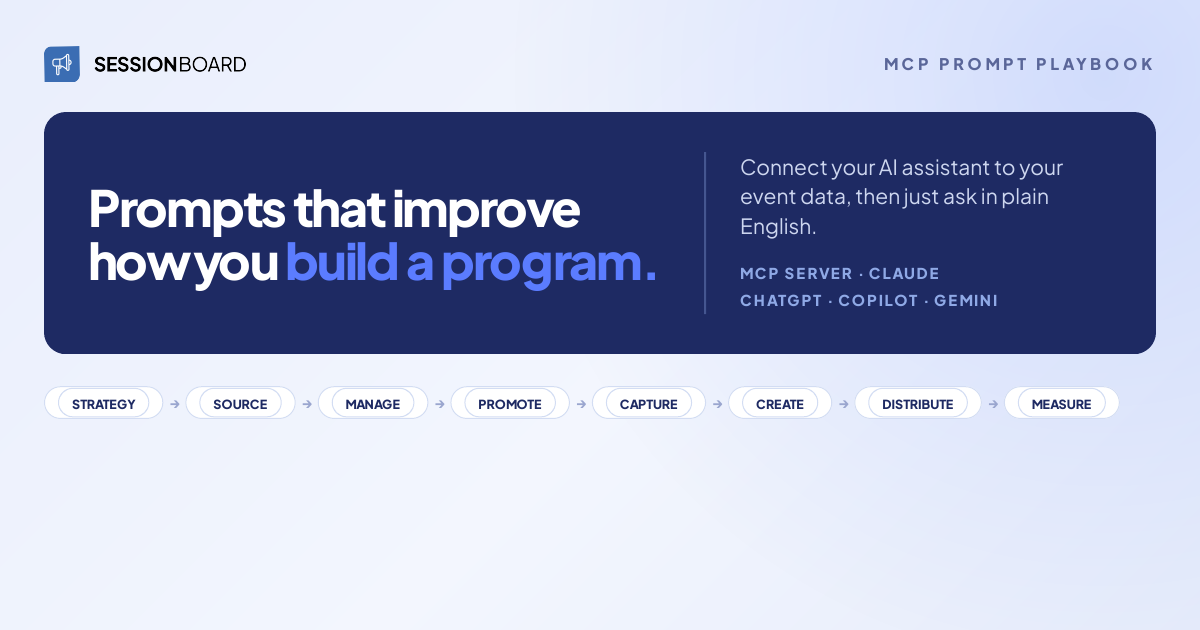
These follow the eight stages of the event content lifecycle: Strategy, Source, Manage, Promote, Capture, Create & Remix, Distribute & Amplify, and Measure. Swap in your own event names, tracks and channels.
"Read our 2027 program brief in Notion and check it against session ratings from our last three events. Flag every planned theme that underperformed and every high-rated topic the brief leaves out."
Tools: Sessionboard + Notion (or Google Drive)
Most program briefs are written from memory and instinct. That's not a criticism. It's just how planning works when the data lives somewhere else. Checking the brief against three rating events before the committee kickoff gives everyone something concrete to discuss. You might find that a theme everyone assumed was popular hasn't rated well in a while.
"Pull the summaries from our last four program committee calls in Zoom. List every decision and open question about next year's tracks, and check each one against Sessionboard ratings."
Tools: Sessionboard + Zoom
Committees make many decisions on calls, and most of them never get written down anywhere useful. This pulls them out of the meeting summaries and puts the ratings next to each one. When someone asks in March why a track was cut, you'll have the answer.
"Our committee keeps speaker nominations in a Google Sheet. Check every name against Sessionboard: who has spoken for us before, on what topic, and how they rated. Add those as columns in the sheet, and draft Speaker CRM records for the new names for my approval."
Tools: Sessionboard + Google Sheets
If your committee collects nominations in a shared spreadsheet, you've probably run into this. Half the names have spoken for you before, and nobody remembers how it went. This fills in that history and gets the new names into your Speaker CRM, so next year you're not starting from a spreadsheet again.
"List last year's declined submissions that scored well with reviewers, grouped by track. Draft a post for #program-committee asking who deserves a second look, and show it to me before posting."
Tools: Sessionboard + Slack
Every CFP cuts strong submissions for reasons unrelated to quality. The track was full, or the topic was a year early. A quick post in the committee channel is often all it takes to give those people another chance.
"Which reviewers have the most unreviewed submissions? Find a 90-minute slot for each of them in the next two weeks and draft calendar holds for review time. Don't send anything until I approve."
Tools: Sessionboard + Google Calendar
Sessionboard already reminds reviewers when they fall behind. What it can't do is put time on their calendar. This finds a free 90 minutes for each of them and drafts the hold, and a blocked-out slot is a lot harder to ignore than another reminder.
"Show every session at risk in the next 14 days: missing materials, unsigned disclosures, no room. Split it by owner and draft one Slack message per owner listing what they need to chase."
Tools: Sessionboard + Slack
Two weeks out is when things start to slip. Rather than one long report everyone skims, each owner gets a short message with only their items.
"List our confirmed keynote and featured speakers with their session titles and times. Create a speaker announcement card for each one from our Canva brand template, and give me the links."
Tools: Sessionboard + Canva
Speaker cards are usually made one at a time, with someone copying names and titles out of a spreadsheet. That's how typos end up on LinkedIn. Here the details come straight from Sessionboard, and the cards land in Canva where your designer can adjust them.
"Which tracks are below last year's submission pace? Post a summary to our Marketing channel in Microsoft Teams with the three tracks that need a push and the top-rated speakers in each. Show me the message first."
Tools: Sessionboard + Microsoft Teams
Promotion budgets tend to spread evenly across a program, even though some tracks fill on their own and others don't. Flagging the slow ones early, along with the speakers who could help fill them, gives your marketing team time to adjust.
"Compare the virtual sessions on our Sessionboard agenda with last week's Zoom recordings. Which sessions have no recording or transcript yet?"
Tools: Sessionboard + Zoom
If a session wasn't recorded, it can't become a clip, a blog post or a CE module later. Finding out a few days after the event, while the speaker still remembers the talk, means a short re-record can usually fix it.
"Build a capture checklist in Google Drive: every session flagged for recording, with room, time, speaker and A/V status, sorted by day. Flag anything missing."
Tools: Sessionboard + Google Drive
Your A/V crew doesn't need a Sessionboard login on show day. They need a list they can pull up on their phone. This builds one from the agenda.
"From our top-rated sessions with transcripts, pick the five strongest speaker quotes. Turn each into a quote card from our Canva brand kit, with the speaker's name and session title."
Tools: Sessionboard + Canva
Quote cards get shared a lot, and they're easy to get wrong: a line attributed to the wrong person, a misspelled name. Pulling the quote, the name and the session from the same record avoids that.
"Group last year's top-rated sessions into three themes. For the strongest theme, build a Gamma deck for a follow-up webinar and suggest which speakers should present it."
Tools: Sessionboard + Gamma
If you've been meaning to turn last year's event into a webinar series, this gets you a draft deck and a list of speakers to ask. Because it's built from sessions that already rated well, it's also a much easier idea to get approved.
"List the sessions we've mapped to CE for next quarter, with title, speakers, topic and status. Update our accreditation tracker in Excel with any session that's missing or out of date, and show me the changes."
Tools: Sessionboard + Excel
Education and accreditation teams often keep their own tracker, separate from the program. It goes out of date as soon as a session changes. This brings it back in line and shows you exactly what was updated.
"Build a 12-month content calendar from our top-rated sessions, with speakers attached. Create it as a Notion database with one row per piece, plus owner, channel and publish month."
Tools: Sessionboard + Notion
Content calendars that live in a chat window tend to get lost. Putting this one in Notion, where your marketing team already plans its work, means it actually gets used, and every row stays tied to the session and speaker it came from.
"For our 2026 awards program, compare the submission fees recorded in Sessionboard with payments in Stripe. Build a Google Sheet that lists matched, unpaid and refunded entries, and flag any amount that doesn't match."
Tools: Sessionboard + Stripe + Google Sheets
When an awards program closes, finance usually asks for a reconciliation. That tends to mean two exports, a spreadsheet and a long afternoon. This does the matching and flags anything that doesn't line up. If your awards use a different payment processor, use that one instead, as long as it has a connector.
"Pull submission volume, acceptance rate, speaker return rate and our top-rated sessions across the last four events. Write a one-page board summary and save it to our events folder in Google Drive."
Tools: Sessionboard + Google Drive
All the numbers are already in Sessionboard. The time goes into pulling it out and writing it up. You get a first draft for leadership, saved where your team keeps board materials, and a solid starting point for next year's planning.
If you already use Sessionboard, connect your AI assistant, add one or two of the tools your team uses most, and try a prompt from this list on your own program. For prompts that only need Sessionboard, the MCP Prompt Playbook includes 24, organized by stage.
Not on Sessionboard yet? Request a demo. We'll look at your program and the tools you already use, and show you which of these prompts would save your team the most time.
%20(1200%20x%20700%20px)%20(1).png)

Stay up to date with our latest news
See how real teams simplify speaker management, scale content operations, and run smoother events with Sessionboard.
