Run your Call for Papers Without the Back-and-Forth
Everything You Need to Keep Speakers on Track
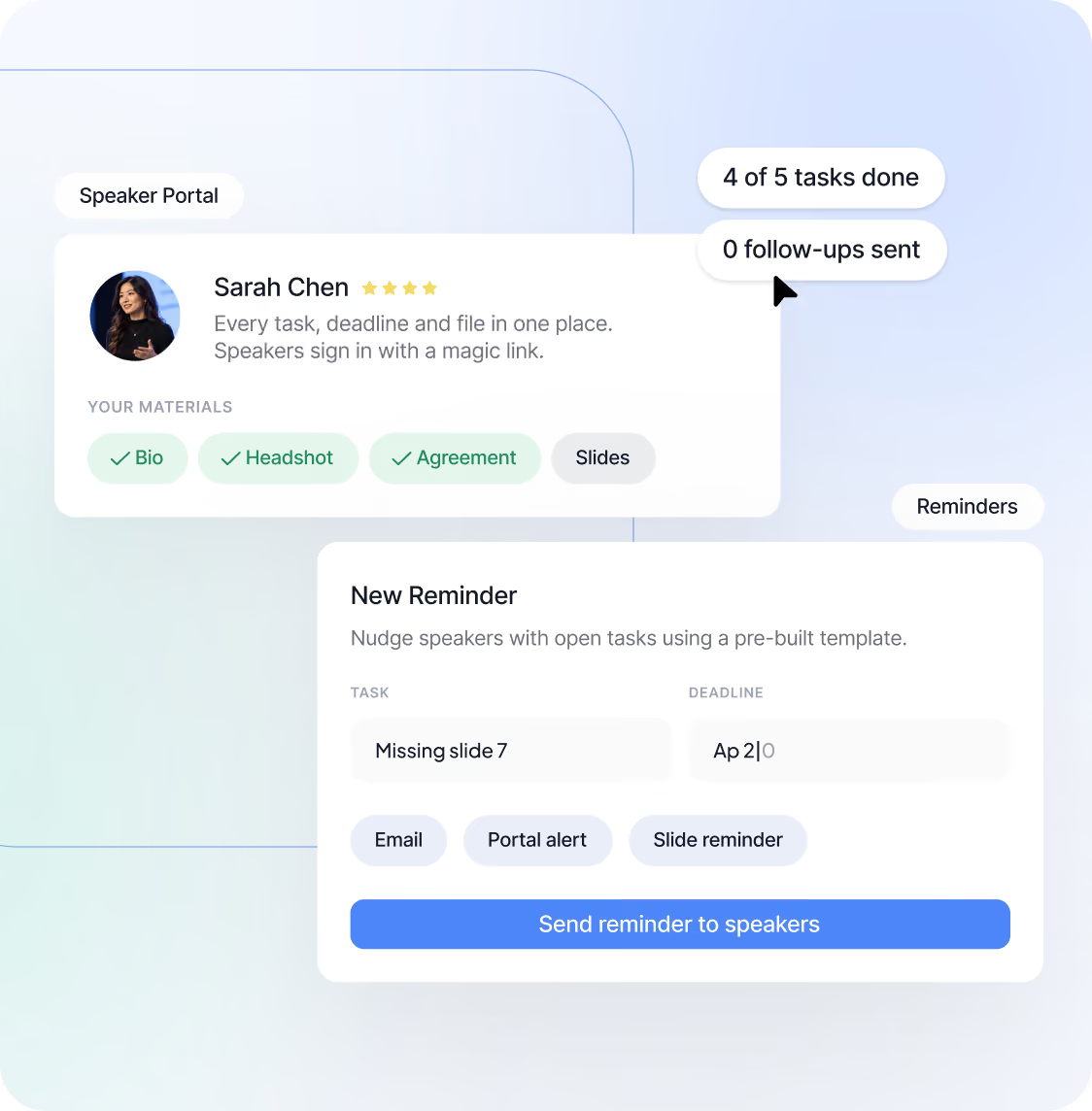
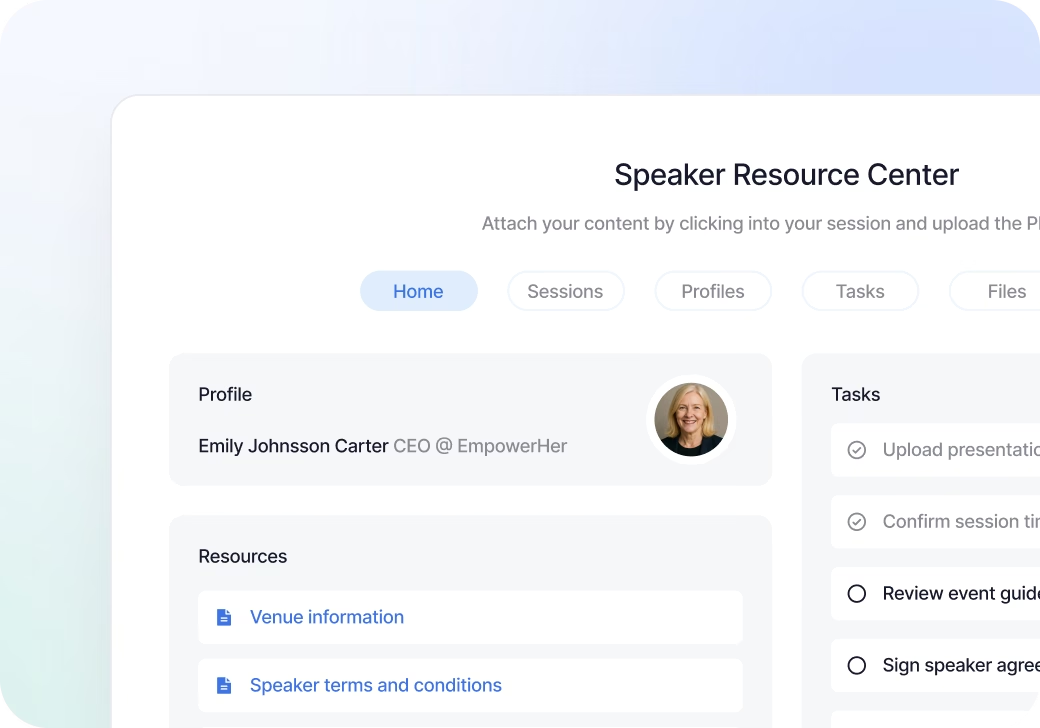
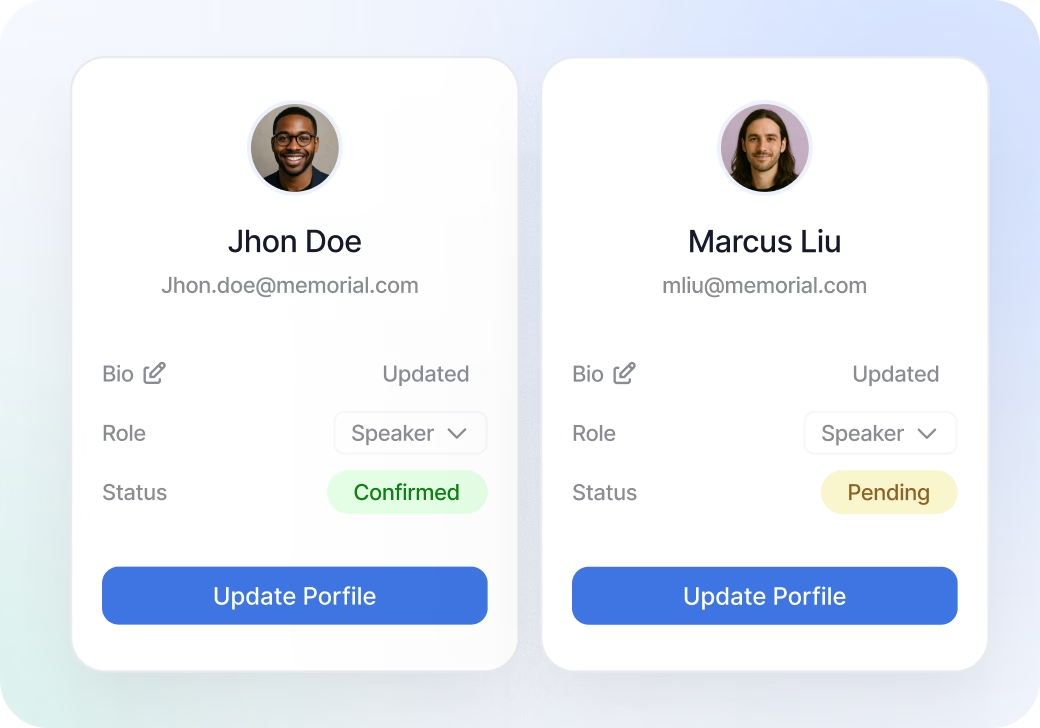
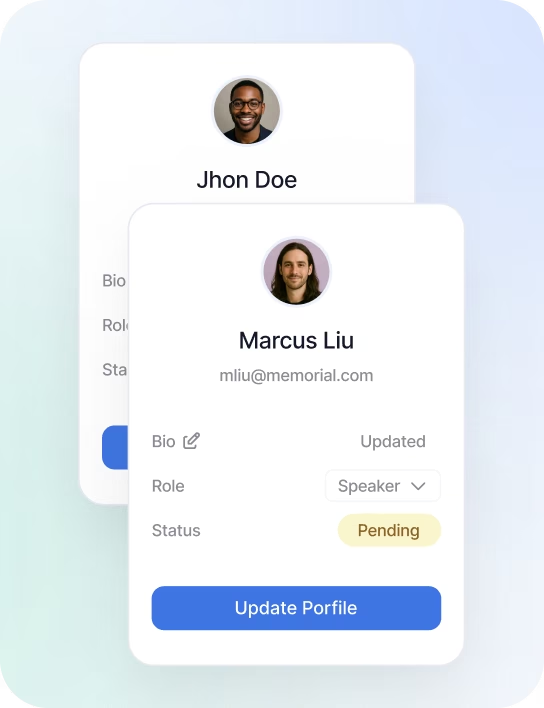
Personalized Speaker Portals
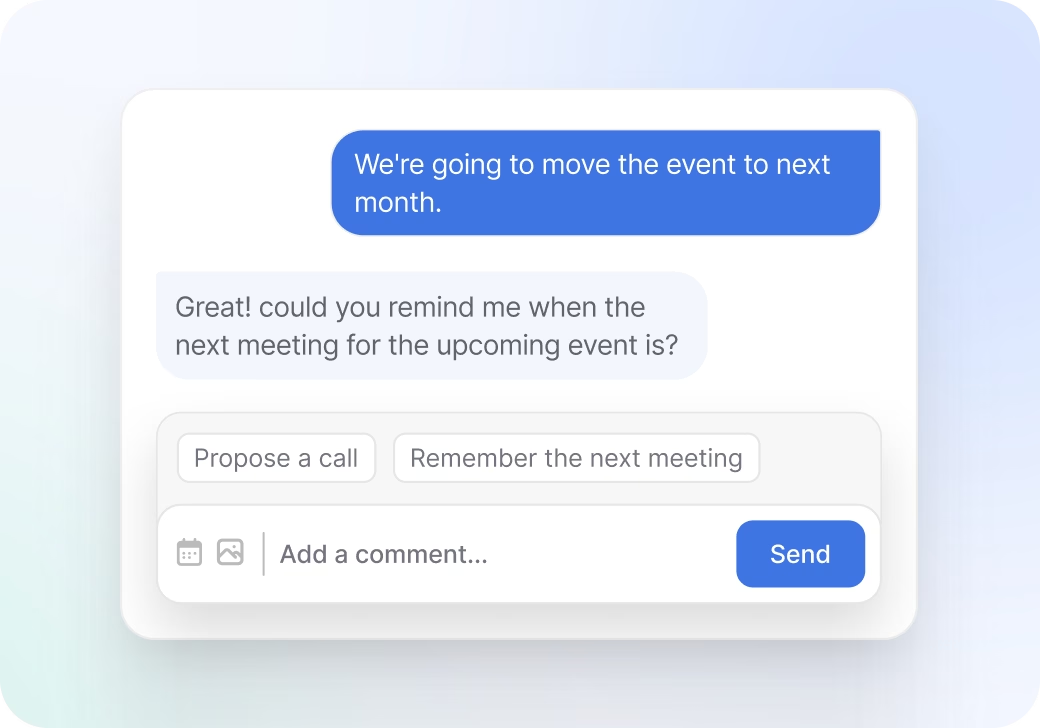
Built-in Communication
Track Progress at a Glance

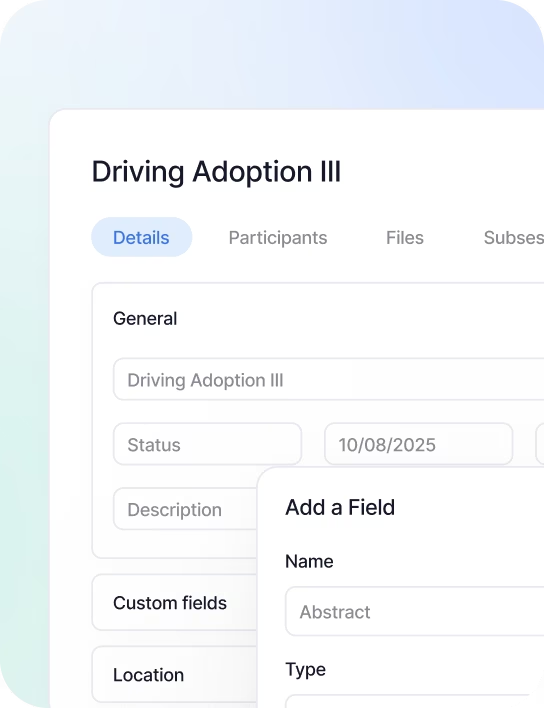
Reuse What You Already Have
Simplify How Your Team Manages Content
Centralize requests, tracking, and optimization, no more spreadsheets or endless email threads.

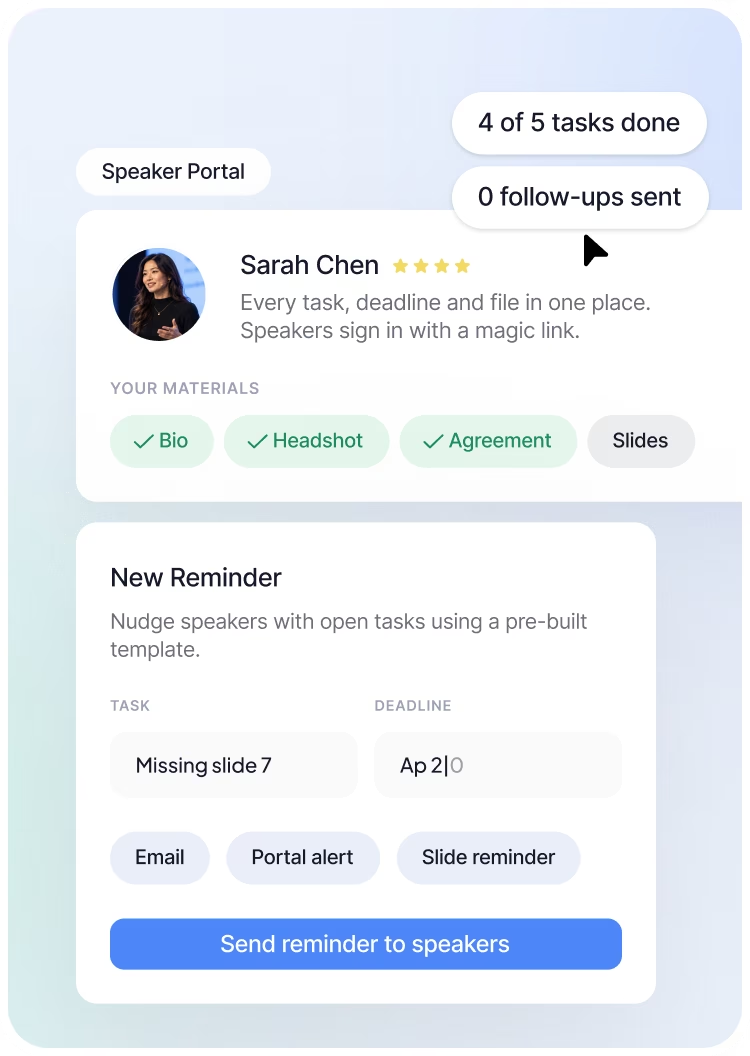
Request headshots, bios, presentations, and more. Set deadlines, automate reminders, and track everything in one place.

One view for tracking speaker progress across tasks, sessions, and events.

Upload media from any source and attach it to the right speaker or session profile.

Every file a speaker sends is attached to their Speaker CRM profile, ready for this event and the next.

Create tailored promotional content for every speaker, while marketing keeps control of the brand and message.
Your speakers are your best promotion channel
The people on your agenda already reach the audience you want. Give each speaker personalized graphics, social copy, and clips ready to share, with trackable links that show who actually drives registrations.


Your Privacy, Our Priority
With SOC 2 Type II certification, GDPR compliance, and two-factor authentication for admin users, Sessionboard is built on trust, transparency, and the highest data security standards.
Frequently Asked Questions
Built to scale with you, whether you're hosting one event or a hundred. No upgrades needed to unlock the essentials.
Our support team is ready to help you with anything you can’t solve on your own.
Speaker management is a purpose, built platform that coordinates everything involved in preparing speakers for an event, from initial confirmation through content collection, deadline tracking, portal access, and day-of logistics. The core problem it solves is fragmentation: most event teams manage speakers across email threads, spreadsheets, shared drives, and manual follow-ups, which creates missed deadlines, lost files, and inconsistent speaker experiences. Sessionboard centralizes all speaker-related tasks, communication, and deliverables in one system, giving your team full visibility and ensuring speakers know exactly what is expected of them.
Sessionboard gives each speaker a personalized portal, a dedicated workspace where they can view their task list, upload presentation files, update their bio, complete required forms, and check deadlines. From the organizer's side, a central dashboard shows the completion status of every speaker's deliverables in real time, so your team can see at a glance who is on track and who needs a nudge. Bulk reminders can be sent to all speakers with outstanding tasks, and individual communication threads are tied to each speaker record, eliminating the need to search through email history to find past conversations.
Yes. Sessionboard’s speaker portals are designed to give speakers the right level of autonomy while keeping organizers in control. Speakers sign in with a magic link and update their bio, headshot, social links, and session-related content within the boundaries you set. Headshots go through a one-step upload where speakers can resize and rotate before saving. Role-based permissions ensure speakers can only edit their own records and can only change fields you have explicitly opened for editing. This self-service model significantly reduces back-and-forth between organizers and speakers, while maintaining quality control over what ultimately appears in the event program.
Sessionboard replaces manual follow-up with structured automation. When a deadline approaches, the platform automatically sends reminder emails to speakers who have not completed required tasks, without your team having to track who still owes what. Communication templates are built in, so outreach is consistent and professional without requiring individual composition. Because speakers have a portal where all their tasks are listed in one place, they are significantly less likely to miss requirements or email asking what is still needed. The Team Lead agent adds a daily briefing that flags unconfirmed speakers and missing bios or headshots. Organizations implementing Sessionboard’s speaker management workflow consistently report eliminating the majority of one-off follow-up emails within their first event cycle.
Sessionboard is a fully integrated platform, so speaker management does not operate in isolation. Speakers confirmed through your Call for Papers (CFP) process are automatically added to speaker management with their submission data pre-populated. Their session appears in the agenda builder. Their bio and headshot flow into the content management system. Their materials are uploaded through the portal and become available to your content and production teams immediately. This end-to-end connection means information entered at the submission stage stays accurate and accessible throughout the entire event lifecycle, with no re-keying and no version mismatches.
Yes. Sessionboard is built to scale. Customers use it to manage anywhere from 20 to several hundred speakers across single and multi-event programs. The platform’s bulk actions, automated reminders, progress dashboards, and filterable speaker lists are all designed for high-volume management, and bulk actions now cover every record in a view, not one page at a time. For organizations that run multiple events per year, Sessionboard’s persistent Speaker CRM means speaker data built during one event carries forward to the next, making subsequent events progressively faster to staff and coordinate. Teams managing four events per year with Sessionboard report completing speaker coordination up to four times faster than with manual processes.
Yes. Sessionboard’s speaker management workflow applies equally to in-person, virtual, and hybrid formats. Speaker portals are accessed online regardless of event format, and the platform’s task management, file collection, and communication tools work the same way whether speakers are presenting on stage or via video stream. For hybrid events where some speakers are remote and others on-site, Sessionboard’s centralized coordination ensures both groups receive consistent communication and have a clear view of their responsibilities, without requiring your team to manage two separate workflows.
Yes. In Sessionboard, each event can be configured with its own independently branded speaker portal, with your event’s name, visual identity, and custom domain. Speakers who access the portal for a single event see an experience tailored to that program, not a generic platform interface. Before publishing, admins can preview any portal exactly as a specific speaker will see it. For Professional Conference Organizers (PCOs) and multi-event organizations, this means every client and every program can present a polished, on-brand experience to speakers without requiring separate platform accounts or manual customization for each new event.
Sessionboard is designed to get faster with every cycle. When you run the same event, whether an annual conference, a recurring festival, or a seasonal summit, speaker profiles, submission form configurations, reviewer assignments, and communication templates all carry forward from the previous edition. Rather than rebuilding your workflow each time, your team inherits the existing structure and makes targeted updates for the new cycle. Organizations using Sessionboard for recurring events report that each edition requires less setup than the last, with speaker coordination and content collection compressing measurably as the platform learns your program’s shape.
Start with one event. Scale your entire program from there.