★★★★★
“Sessionboard has been one of our most successful investments this year, making our team more efficient and allowing us to focus on the most critical components of our events.”

Stage recordings become transcripts, clips, attendee hubs, and peer shares — without a separate content import.





Sessionboard event content marketing runs on the program graph: live transcription and Media Library capture what was said on stage; Create and Attendee Hub publish attendee-ready recaps; Advocacy and Dispatch distribute tracked shares from speakers and internal teams. Registration platforms handle tickets — Sessionboard owns the content pipeline from session acceptance through post-event reuse.
Match your role to the job Sessionboard solves — program ops, content reuse, or marketing attribution.
Post-event clips trapped in AV folders — you need transcripts and Attendee Hub on the session record, not a re-keying project.
Learning objectives in the abstract never reach the attendee site — you need one graph from acceptance to publish.
Faculty asked to promote sessions with generic links — Advocacy assigns tracked URLs at confirmation.
Webinar recordings siloed from the scientific program — you need the same content stack for live and on-demand sessions.
“Sessionboard has been one of our most successful investments this year, making our team more efficient and allowing us to focus on the most critical components of our events.”

“Sessionboard saves significant planning time and makes it easier than ever for speakers and sponsors to participate in our clients' events.”

“We used Sessionboard daily. It served as our source of truth for tracking speakers, sending emails, and accessing reports. The ability to set a weekly digest email was a huge time saver.”
“Honestly, I loved it! Getting everything out of the spreadsheet. It collects all the information and gives you a visual of who you might want to invite.”
Marketing teams inherit AV folders and slide decks — disconnected from session titles, speakers, and learning objectives already in the program system.
See how Sessionboard fits beside your existing stack.
One session record from acceptance through capture, publish, and amplification — beside your registration or webinar platform.
Teams that need show-day and post-event content — not slide decks in shared drives.
Multi-track congresses where abstracts, posters, and platform sessions all need post-meeting learning objects and faculty promotion.
Product launches and customer events where session capture feeds year-round nurture — beside Salesforce and your marketing automation stack.
Small content ops teams that cannot staff a separate post-production agency for every annual meeting.
Webinar series and hybrid tracks where the same Attendee Hub and clip workflow applies — see works-with guides for your runtime.
Transcripts and clips attach to sessions managed in Sessionboard — not orphaned files.
Attendee-facing session pages and recaps without rebuilding the event site each year.
Tracked shares fired at acceptance and agenda publish — registration attribution included.
Content marketing on the program graph — not a separate DAM import.
Yes — Sessionboard Content Marketing packages transcripts, clips, and Attendee Hub learning objects for Path, TopClass, CloudCME, Oasis, EthosCE, Elevate, and other platforms. Credit reporting stays on your LMS where contracted.
No. Sessionboard supplies session-grounded content and tracked Advocacy links; you keep HubSpot, Marketo, or Pardot for nurture. Attendee Hub can complement or feed your public site.
Registration stays on Cvent, RainFocus, Eventbrite, or your AMS. Sessionboard owns program and content — sync paths are documented on works-with pages for your stack.
The same Media Library, Create, and Attendee Hub stack applies when sessions live in Zoom, ON24, Goldcast, or other runtimes — Sessionboard holds the program layer beside the webinar tool.
Create produces clip variants and quote cards from transcripts in Media Library. Heavy brand post-production can still export assets — but most teams stop re-keying session metadata.
Transcription is one step. Sessionboard connects capture to speaker identity, Attendee Hub, Advocacy tracked links, and multi-year faculty history — not a one-off transcript file.
Yes — sponsor Advocacy campaigns tie booth inventory to tracked links and clip templates from sessions they support.
Attendee Hub engagement, clip views, Advocacy click-through, and attributed registrations — benchmarked per session and per advocate.
Talk through your event workflow — abstracts, speakers, content, and marketing on one program graph.
Editorial guides from the Sessionboard blog.
 Guide
Guide
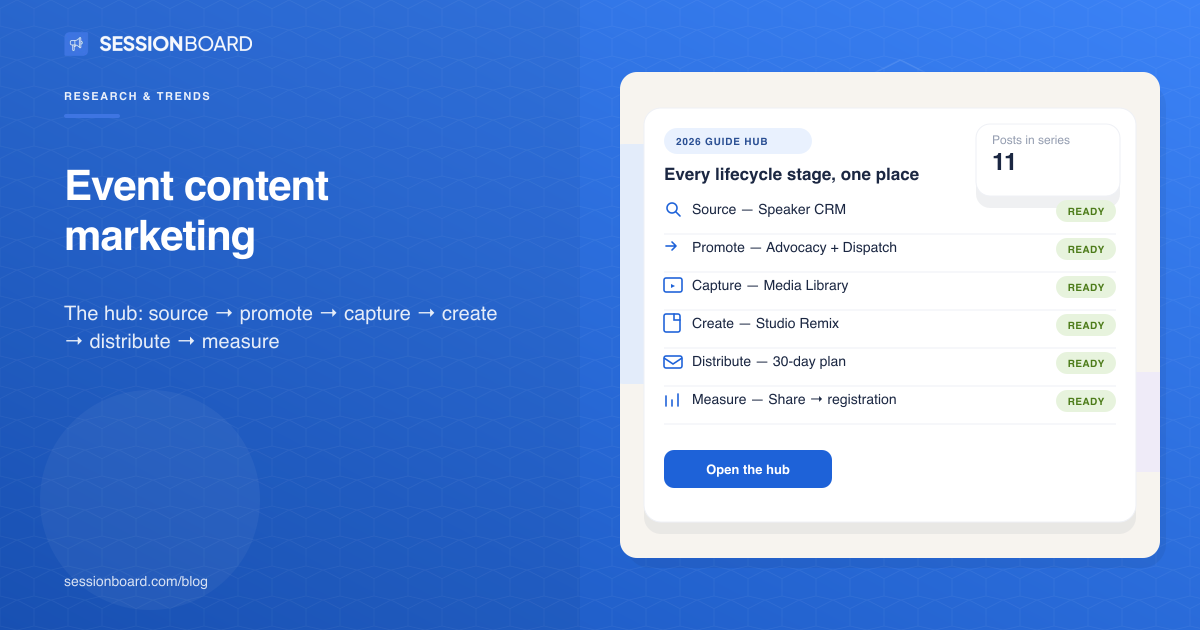
2026 guide: six stages of event content marketing on one program record — with links to each.
Read article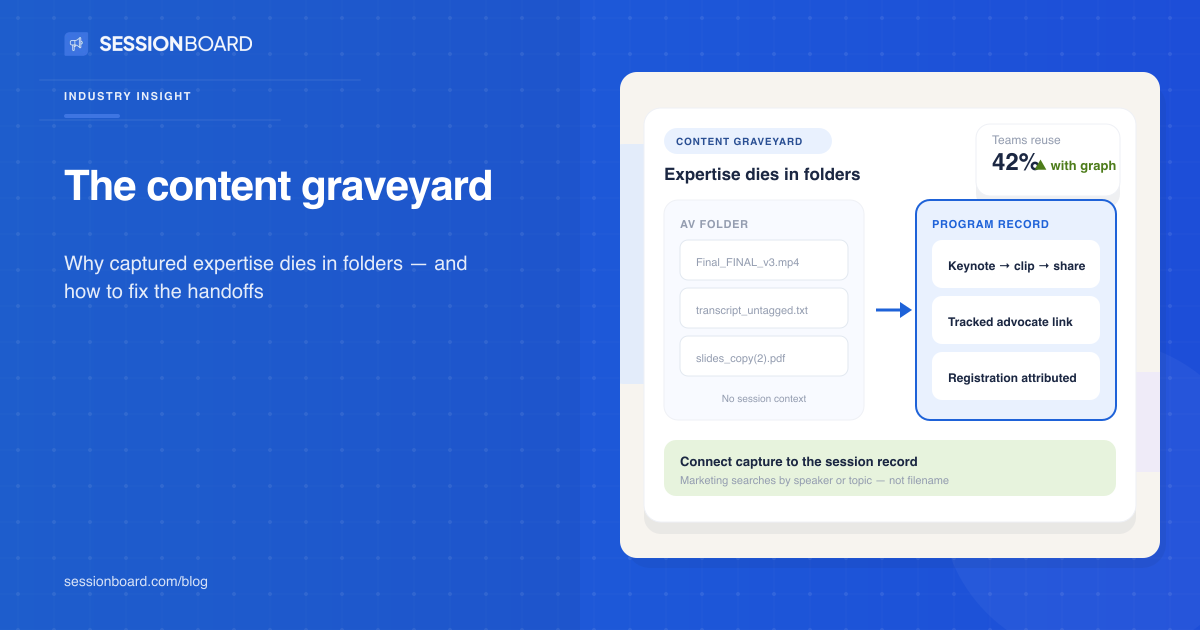 Guide
Guide
Most event content dies in folders. Here is why — and how teams break the graveyard cycle.
Read article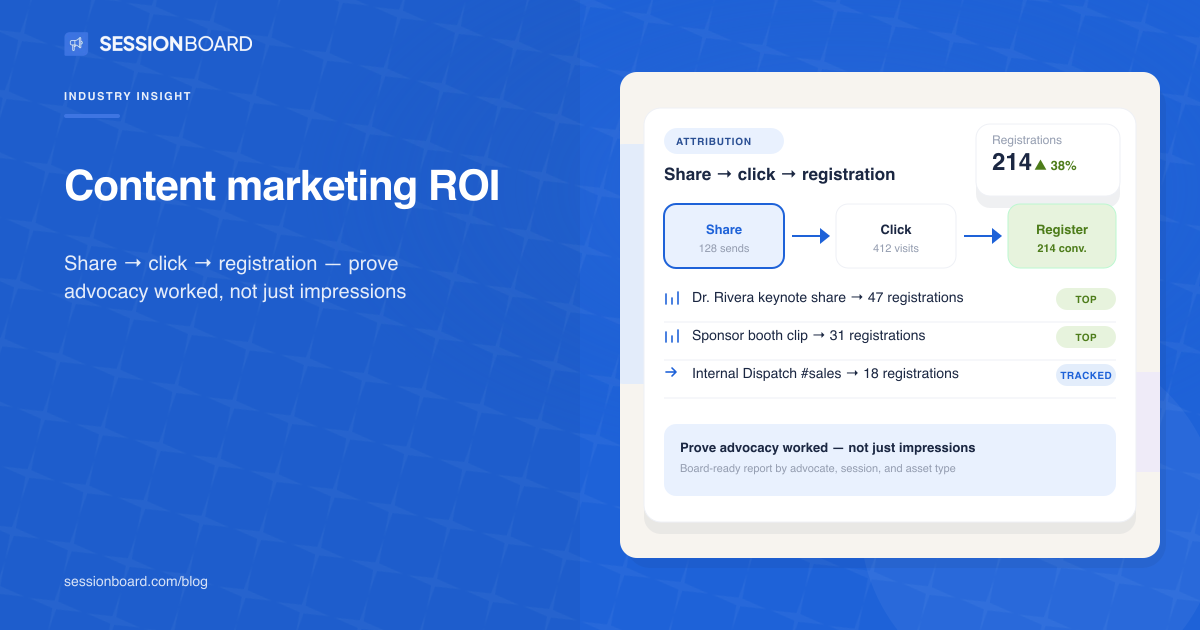 Guide
Guide
Shares without registration attribution fail the board — measure the full funnel.
Read articleWant content marketing tied to your program?
Request a demo